
Skip to content
TechBone
OnePlus

OnePlus: Manage Auto-Download of MMS Files over Mobile Data

When you are away from a Wi-Fi network, incoming picture or video messages on your OnePlus can quietly pull data through your mobile plan. Without a size cap, a single large attachment can eat into your monthly allowance before you even open the message. The Messages app lets you set a download limit for exactly this situation.

5 min6 steps
VersionAndroid 10 · Oxygenos 10

Step by step

1 / 6

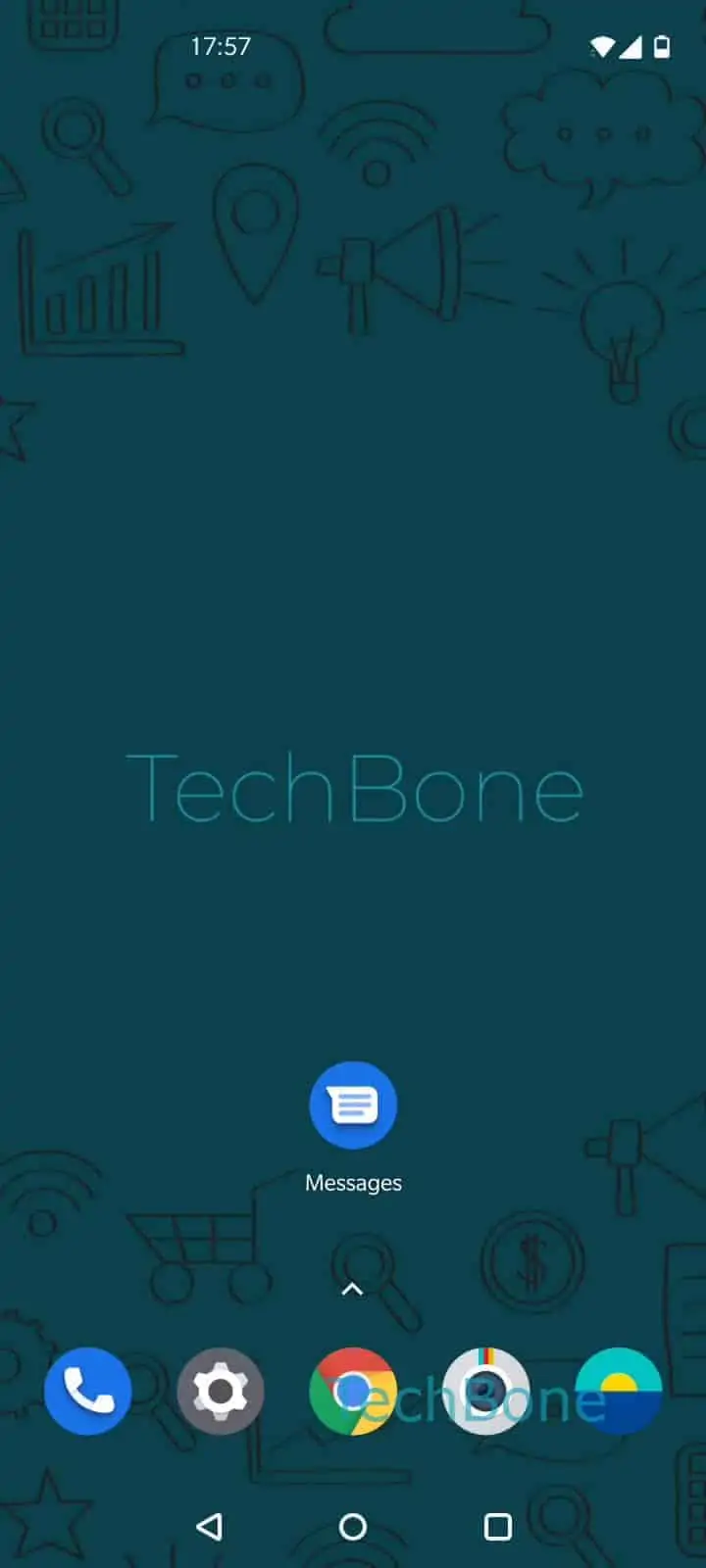
Step 1 of 6: Open the **Messages app**

1

Open the Messages app

Live simulator

Android 10 · Oxygenos 10
Auto-Download of MMS Files via Mobile Data – Oxygenos 10: step 1 – Open the Messages app
Open the Messages app
1 / 6

Scroll or use the buttons for the next step

Feedback

Was the guide correct?

Help others: confirm the path or report a problem.

19

Confirmations

Forum verified this path

OnePlus

Auto-Download of MMS Files via Mobile Data auf OnePlus

MMS attachments such as photos or short videos normally wait for a Wi-Fi connection before downloading. If you are out and about without Wi-Fi, the Messages app can still fetch them over mobile data instead, which is convenient but risky for your data plan if the file is large.

OnePlus lets you cap the maximum file size that gets pulled automatically over mobile data. Anything above that limit stays queued until you tap to download it manually or reconnect to Wi-Fi. This gives you a middle ground between never getting attachments on the go and letting every file through unchecked.

To change the limit, go to Open the Messages appOpen the menuOpen the SettingsTap on Chat featuresTap on Auto-download files you receive over mobile dataChoose Default (21 MB), 2 / 5 / 10 / 25 / 50 MB or Disable.

Pick a lower value like 2 MB or 5 MB if you are on a limited plan, or choose Disable if you only want attachments to download over Wi-Fi. Larger values make sense if your plan is generous and you want media to arrive without extra taps.

Frequently asked questions

MMS attachments will only download automatically when your OnePlus is connected to Wi-Fi. Over mobile data, you will see a placeholder in the chat and need to tap it manually to fetch the file.

Compatible devices

Tap your device — opens its hub with matching guides.