Skip to content
TechBone
OnePlus

OnePlus: Change the Billing Cycle Date for Data Usage

If your data warning or data limit resets on the wrong day, your OnePlus phone might still be tracking usage against the default calendar month instead of your actual billing date. Many carriers reset your data allowance on a specific day, not the 1st, which throws off the usage counter shown in Data usage. Getting this date wrong means the warning and limit trigger at the wrong time, so the numbers on screen never match your provider's bill.

6 min7 steps
VersionAndroid 10 · Oxygenos 10

Step by step

1 / 7

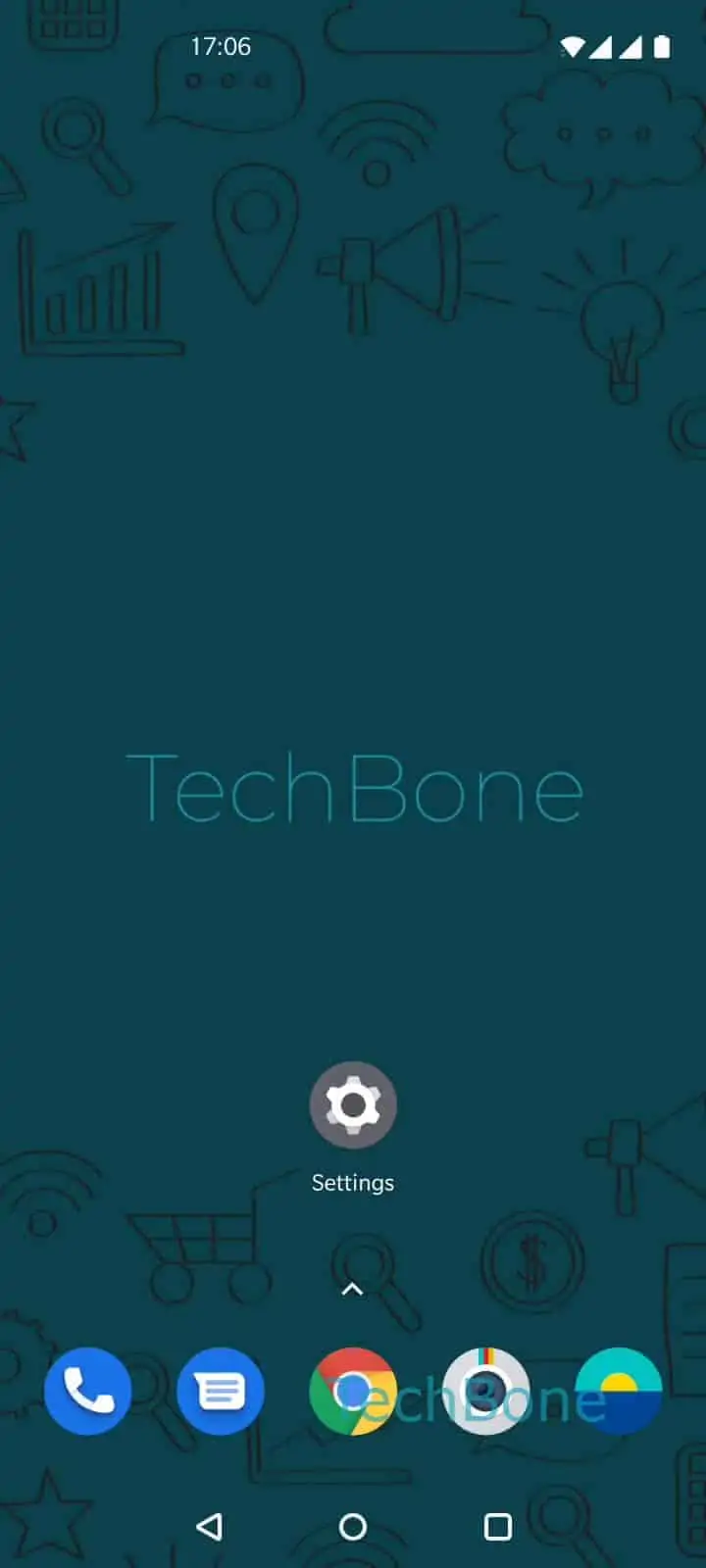
Step 1 of 7: Open the **Settings**

1

Open the Settings

Live simulator

Android 10 · Oxygenos 10
Change the Billing Cycle Date – Oxygenos 10: step 1 – Open the Settings
Open the Settings
1 / 7

Scroll or use the buttons for the next step

Feedback

Was the guide correct?

Help others: confirm the path or report a problem.

77

Confirmations

Forum verified this path

OnePlus

Change the Billing Cycle Date auf OnePlus

OxygenOS tracks mobile data against a billing cycle stored locally on the phone, separate from whatever cycle your carrier actually bills on. By default this often starts on the 1st of the month, but most contracts run on a different date tied to when you signed up.

If the two dates do not match, the data warning and data limit trigger too early or too late, and the counted usage resets on a day that has nothing to do with your invoice. This makes the on-screen numbers unreliable for tracking how close you are to your actual cap.

Where to set it

Open SettingsWi-Fi & networkData usageBilling cycleBilling cycle, then set the correct day and confirm with OK.

Once the date matches your provider, the usage counter resets on the same day your allowance renews. This is only a local tracking setting: it does not change your contract or actual billed data, and it will not fix a limit that is simply set too low for your plan.

Frequently asked questions

Yes. As soon as you confirm the new day with OK, the counter in Data usage resets to zero for the new cycle, so check your remaining allowance with your carrier first if you rely on the exact number.

Compatible devices

Tap your device — opens its hub with matching guides.