Skip to content
TechBone
OnePlus

OnePlus: Block or Unblock a Contact for Calls and Texts

Getting repeated calls or texts from the same number on your OnePlus phone points to a contact that needs blocking through the Contacts app. If you already blocked someone and now want them back, the reverse process works differently and trips up a lot of users. Both actions run through the contact's own menu, not through Phone or Messages settings.

4 min5 steps
VersionAndroid 10 · Oxygenos 10

Step by step

1 / 5

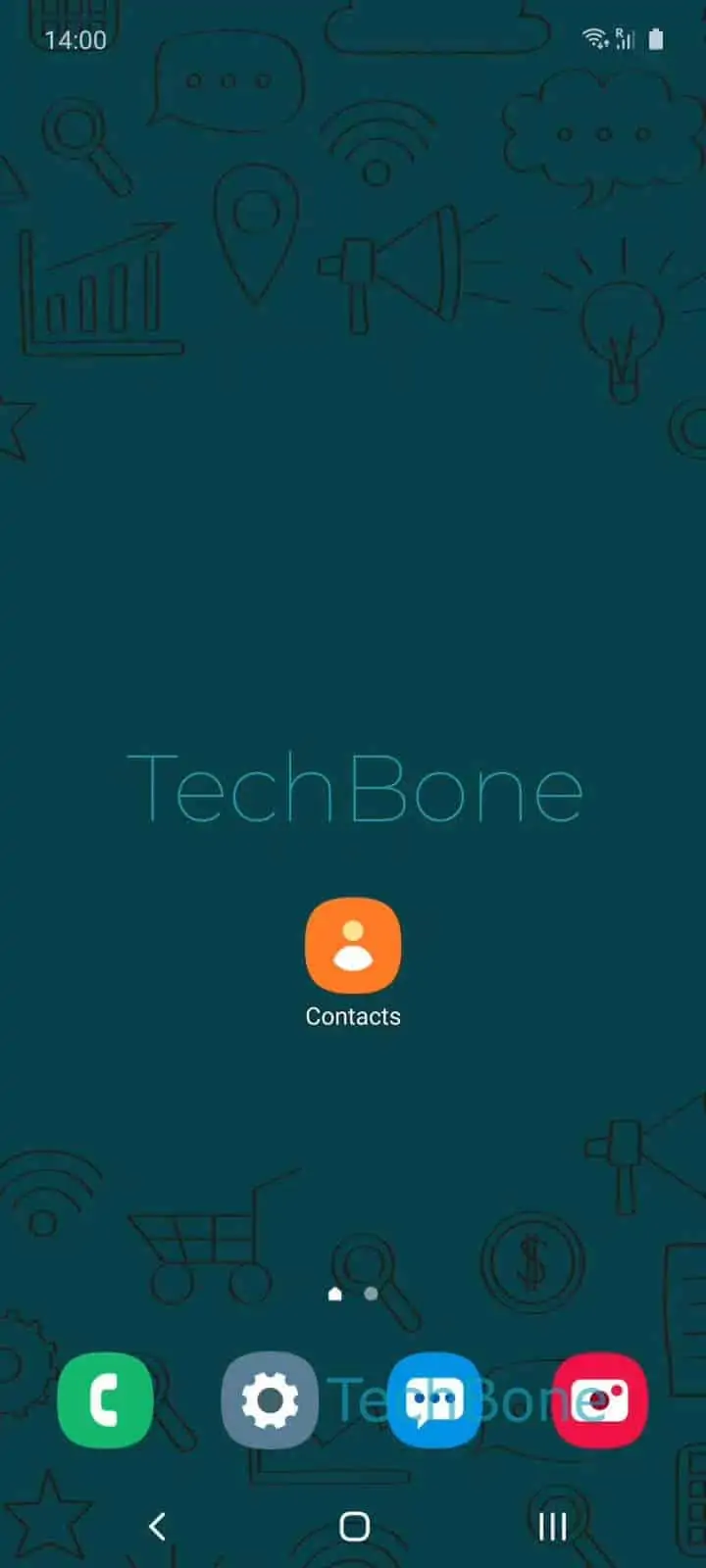
Step 1 of 5: Open the **Contacts app**

1

Open the Contacts app

Live simulator

Android 10 · Oxygenos 10
Block or Unblock a Contact – Oxygenos 10: step 1 – Open the Contacts app
Open the Contacts app
1 / 5

Scroll or use the buttons for the next step

Feedback

Was the guide correct?

Help others: confirm the path or report a problem.

50

Confirmations

Forum verified this path

OnePlus

Block or Unblock a Contact auf OnePlus

Persistent calls or texts from one number on a OnePlus device usually need a block set directly on the contact entry, not through call settings.

Android routes call and SMS filtering through the Contacts app rather than the dialer, which is why the block option sits inside a contact profile menu.

To block a number: Open the Contacts appChoose a contactOpen the menuTap on Block numbersConfirm with Block.

Once confirmed, that number can no longer reach you by call or SMS. Calls get rejected silently and texts never arrive, without any notification sent to the blocked contact.

You can report the number as spam during the same step if the calls or messages look unwanted or automated. This adds the number to your local spam list on top of the block.

Unblocking follows the same menu path in reverse. Open the blocked contact, open the menu again, and the option switches to remove the block, restoring calls and texts immediately.

Blocking works per number, not per SIM or app. If the same person contacts you from a second number, that number needs its own separate block.

Frequently asked questions

No. The block set through the Contacts app only affects calls and SMS text messages. Third-party apps like WhatsApp keep their own separate block list.

Compatible devices

Tap your device — opens its hub with matching guides.