Skip to content
TechBone
OnePlus

OnePlus: Block Pop-ups and Redirects in Chrome

If tapping a link on your OnePlus phone keeps throwing you into random app stores or shady offer pages, Chrome's pop-up and redirect protection is probably turned off or has an exception saved for that site. This usually happens after accidentally tapping 'Allow' on a permission prompt or landing on a page with an ad-heavy redirect chain. Blocking these interruptions again only takes one setting inside Chrome's site permissions.

5 min6 steps
VersionAndroid 10 · Oxygenos 10

Step by step

1 / 6

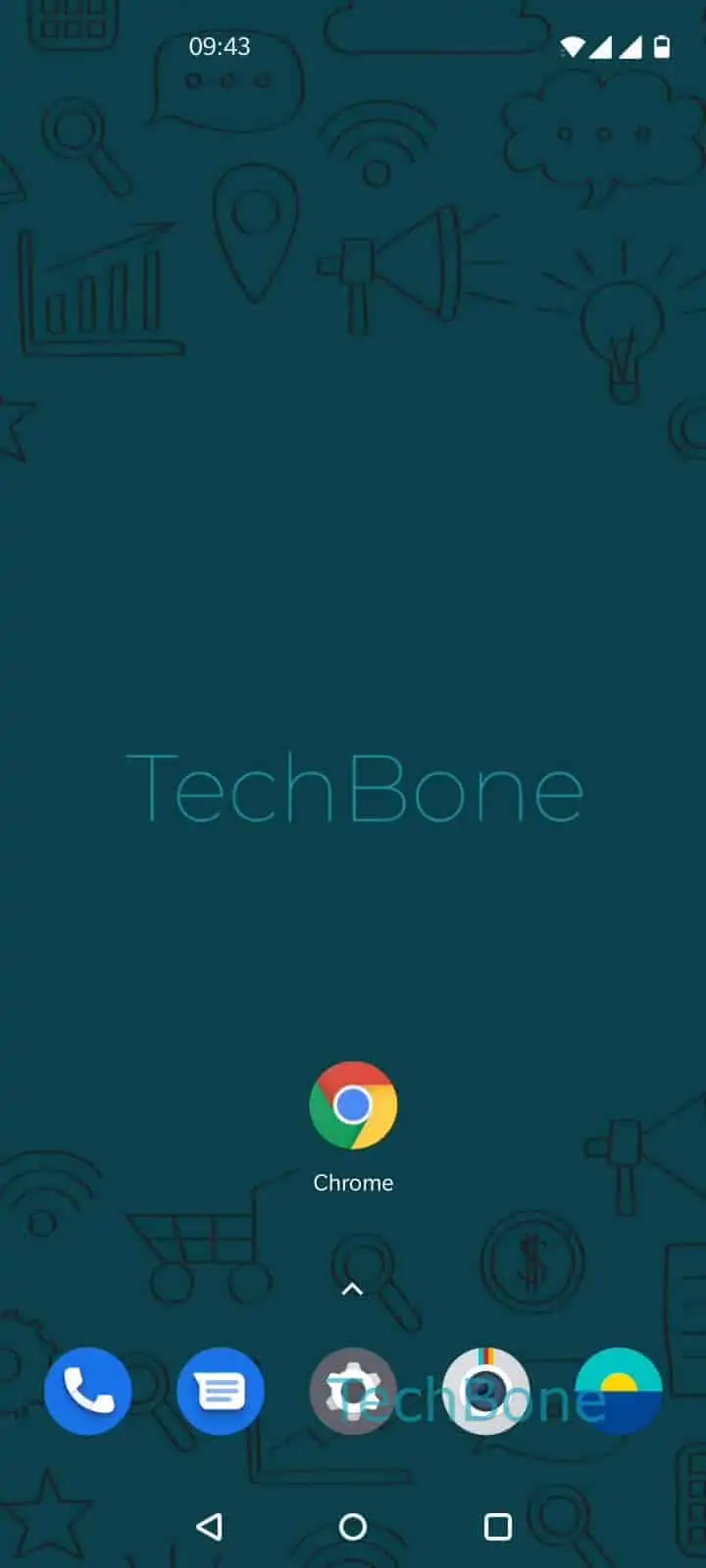
Step 1 of 6: Open the **Chrome app**

1

Open the Chrome app

Live simulator

Android 10 · Oxygenos 10
Block Pop-ups and Redirects in Chrome – Oxygenos 10: step 1 – Open the Chrome app
Open the Chrome app
1 / 6

Scroll or use the buttons for the next step

Feedback

Was the guide correct?

Help others: confirm the path or report a problem.

23

Confirmations

Forum verified this path

OnePlus

Block Pop-ups and Redirects in Chrome auf OnePlus

Pop-ups and automatic redirects on OnePlus phones almost always come from the browser's own site permissions, not from a hidden system bug.

Chrome checks a per-site list every time a page tries to open a new window or jump to another URL. If that list contains an allow entry, or the global toggle is off, ads and tracking scripts can hijack your browsing.

Reset the toggle to fix it: Open the Chrome appOpen the menuOpen the SettingsTap on Site settingsTap on Pop-ups and redirectsEnable or disable Pop-ups and redirects.

Switching this off blocks new pop-up windows and stops pages from redirecting you without a tap. Some legitimate services, like payment gateways or file downloads, rely on a pop-up window to finish a task, so you may need to allow it again for that one site.

If pop-ups keep appearing even with the setting disabled, a rogue app running in the background is the more likely cause, not the browser itself.

Frequently asked questions

Check whether the site was previously saved as an exception. Go to Site settingsPop-ups and redirects and remove the domain from the allowed list.

Compatible devices

Tap your device — opens its hub with matching guides.