
OnePlus
Change Home Screen Wallpaper auf OnePlus
OnePlus asks you to pick a wallpaper during the initial setup of the phone. If that step gets skipped or you simply want a different look later, OxygenOS lets you change the home screen background at any time from the home screen itself, without digging through the system settings app.
Where the wallpaper setting lives
The option is not hidden in a settings menu. It sits directly on the home screen behind a long press:
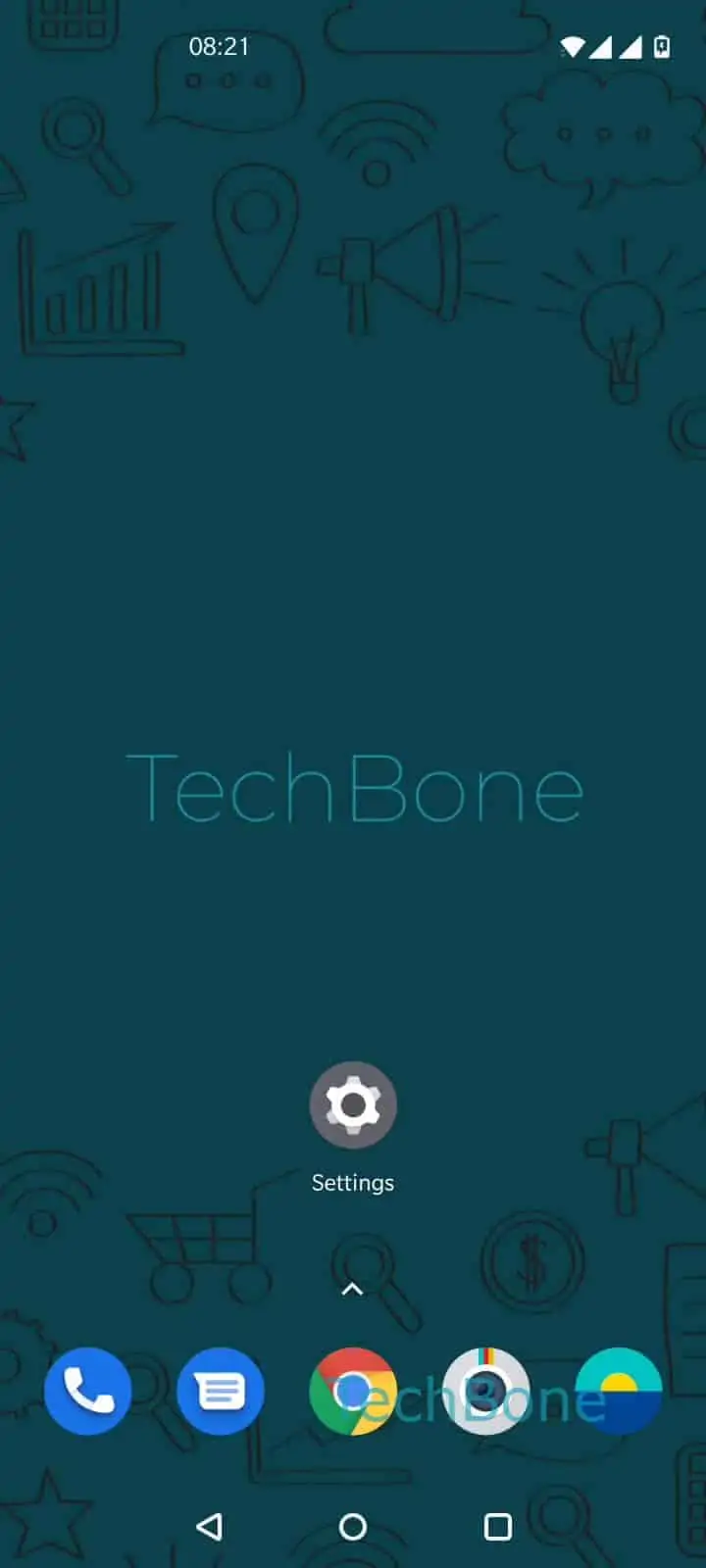
Tap and hold a free area on home screen ➔ Tap on Wallpapers ➔ Tap on My photos or swipe to browse the wallpapers ➔ Choose a wallpaper ➔ Tap on Save
Own photo or pre-installed wallpaper
OxygenOS ships with several pre-installed wallpapers that you can browse by swiping through the wallpaper picker. If none of them fit, choosing My photos opens your gallery so you can select any image stored on the device.
What Save actually changes
Depending on the image and picker, you may be asked whether the new wallpaper should apply to the home screen, the lock screen, or both. Confirming with Save applies your choice immediately, no restart required.
If the wallpaper still looks unchanged afterward, the app you are viewing (like a launcher other than the stock one) might be caching the old background. Restarting that app or the phone usually clears it up.