Skip to content
TechBone
OnePlus

OnePlus: Turn Chat Features On or Off in the Messages App

If your OnePlus keeps showing typing indicators, read receipts or high-resolution photo sharing inside the stock Messages app, chat features are switched on and syncing over mobile data or Wi-Fi. Some users want this messenger-style behavior turned off because it reveals when a message was read or drains data in the background. Others find messages stuck on plain SMS because the toggle never got activated in the first place.

4 min5 steps
VersionAndroid 10 · Oxygenos 10

Step by step

1 / 5

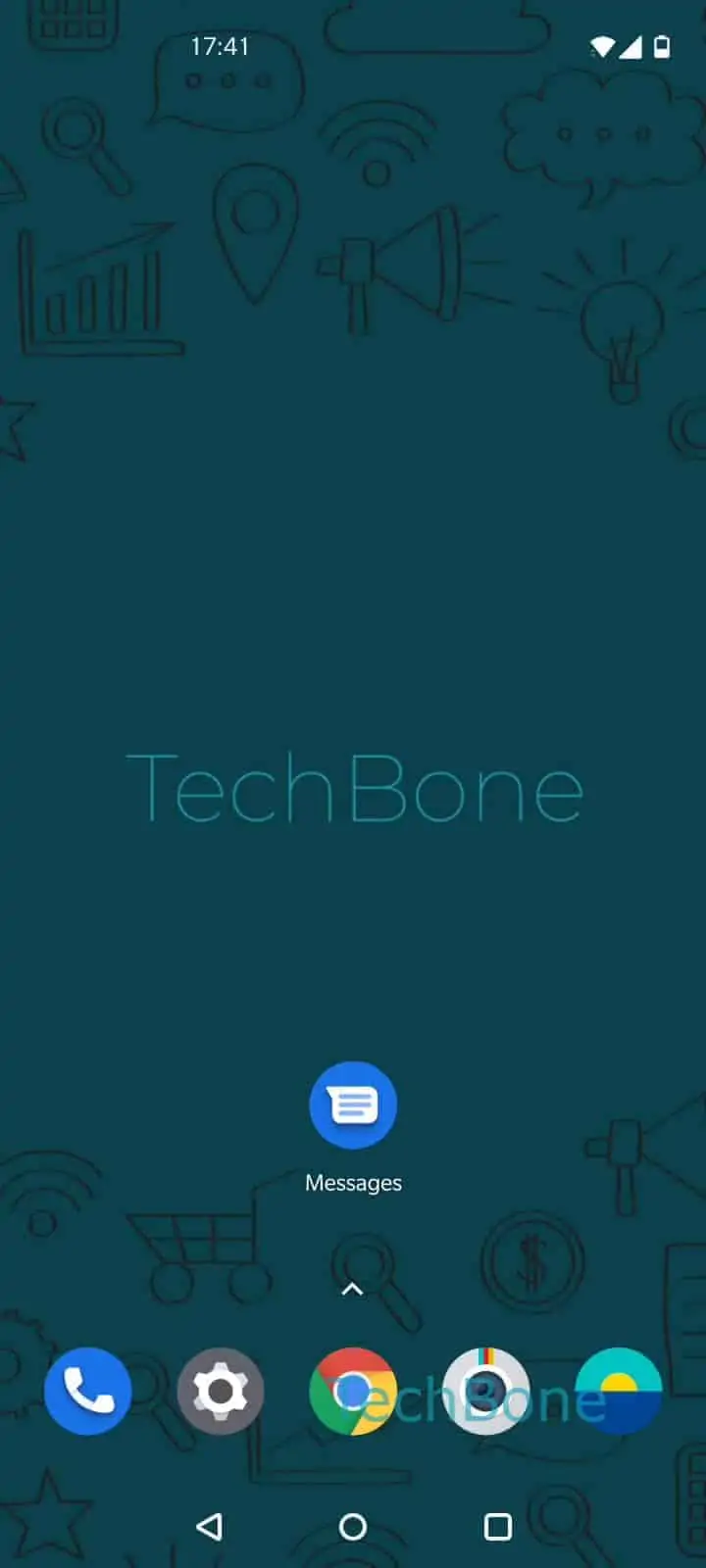
Step 1 of 5: Open the **Messages app**

1

Open the Messages app

Live simulator

Android 10 · Oxygenos 10
Enable or Disable Chat Features in Messages – Oxygenos 10: step 1 – Open the Messages app
Open the Messages app
1 / 5

Scroll or use the buttons for the next step

Feedback

Was the guide correct?

Help others: confirm the path or report a problem.

37

Confirmations

Forum verified this path

OnePlus

Enable or Disable Chat Features in Messages auf OnePlus

Chat features add messenger-style extras to the stock Messages app: typing indicators, read receipts, larger media files and delivery status over mobile data or Wi-Fi instead of plain SMS/MMS. Whether this works depends on your carrier supporting the underlying service, not just on the toggle itself.

When chat features are on, every text you send tries to use this richer connection first. If the recipient does not support it or has no signal, the message falls back to a regular SMS automatically. That fallback is normal and does not mean the feature is broken.

Turning chat features off stops read receipts and typing indicators from being shared, and it can reduce background data use. It is a reasonable step if you value privacy over knowing message status, or if you have noticed unexpected data consumption from Messages.

To change the setting, go to Open the Messages appOpen the menuOpen the SettingsTap on Chat featuresEnable or disable chat features.

Disabling the feature does not delete existing conversations. It only changes how future messages are sent and how much status information is shared with contacts.

Frequently asked questions

Chat features only activate a richer connection when both your carrier and the recipient support it. If either side does not, the message automatically falls back to regular SMS, which is expected behavior, not an error.

Compatible devices

Tap your device — opens its hub with matching guides.