
OnePlus
Create a Folder on the Home Screen auf OnePlus
A crowded home screen makes it hard to locate apps quickly, especially once you have installed more than a screen's worth of icons. OxygenOS does not group apps by category automatically, so folders are the only built-in way to keep related apps together without hiding them in the app drawer.
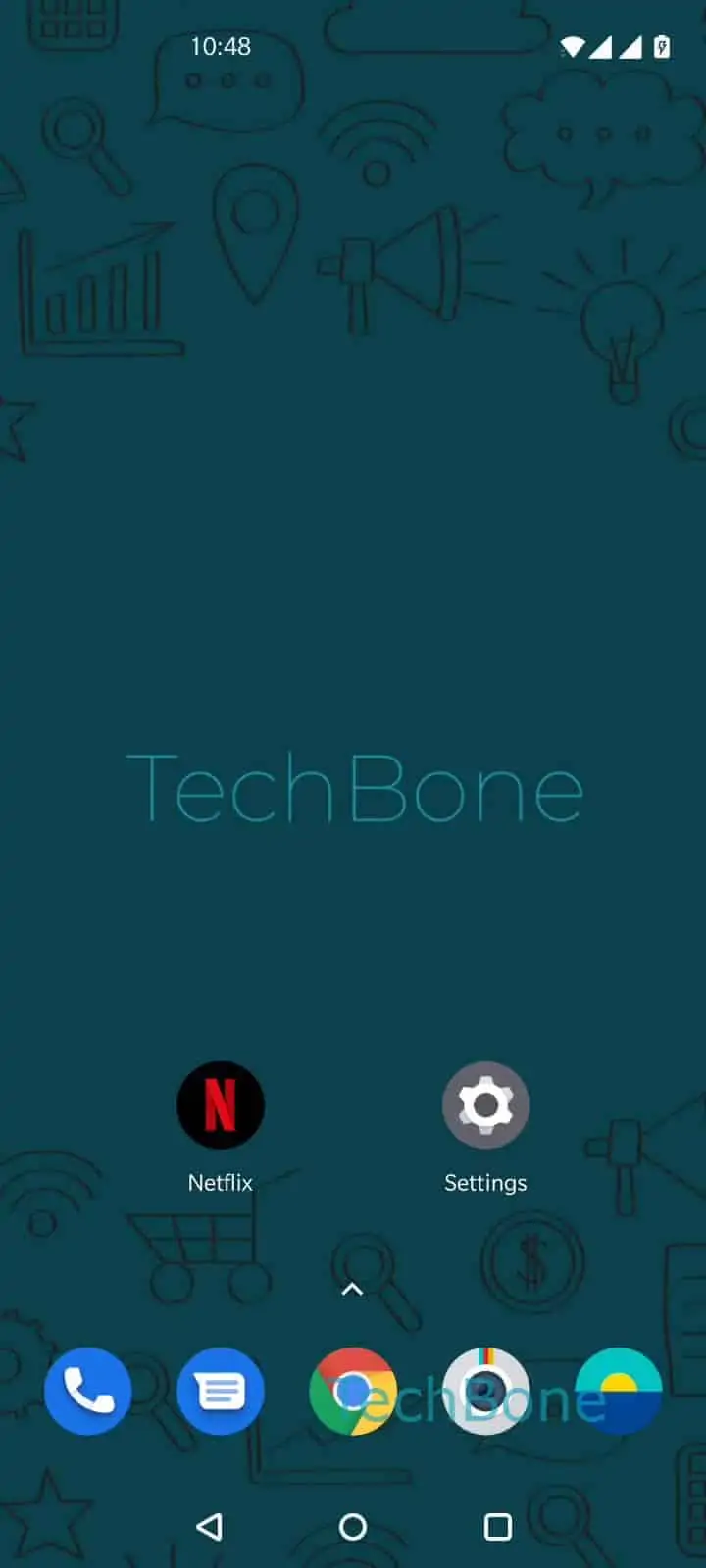
To create a folder, Tap and hold an app ➔ Drag the app onto another ➔ Release the app to create a folder. The two apps merge into a single folder icon that you can tap to expand and rename.
This works with any two app icons on the home screen, regardless of whether they are shortcuts or full apps. You can add more apps to an existing folder the same way, by dragging additional icons onto it.
Folders only reorganize the home screen; they do not move apps out of the app drawer or change their installation location. If you only want fewer icons visible without reorganizing, hiding apps from the home screen or using the app drawer directly is usually the quicker option.