Skip to content
TechBone
OnePlus

OnePlus: Control Data Usage per App

If YouTube or Netflix keeps burning through your mobile data plan even when you did not mean to stream over cellular, a background permission is usually the cause. OxygenOS lets you set a data policy for every single app, but most people never open that screen. Without a manual override, apps default to using whatever connection is available, including your mobile data.

4 min5 steps
VersionAndroid 10 · Oxygenos 10

Step by step

1 / 5

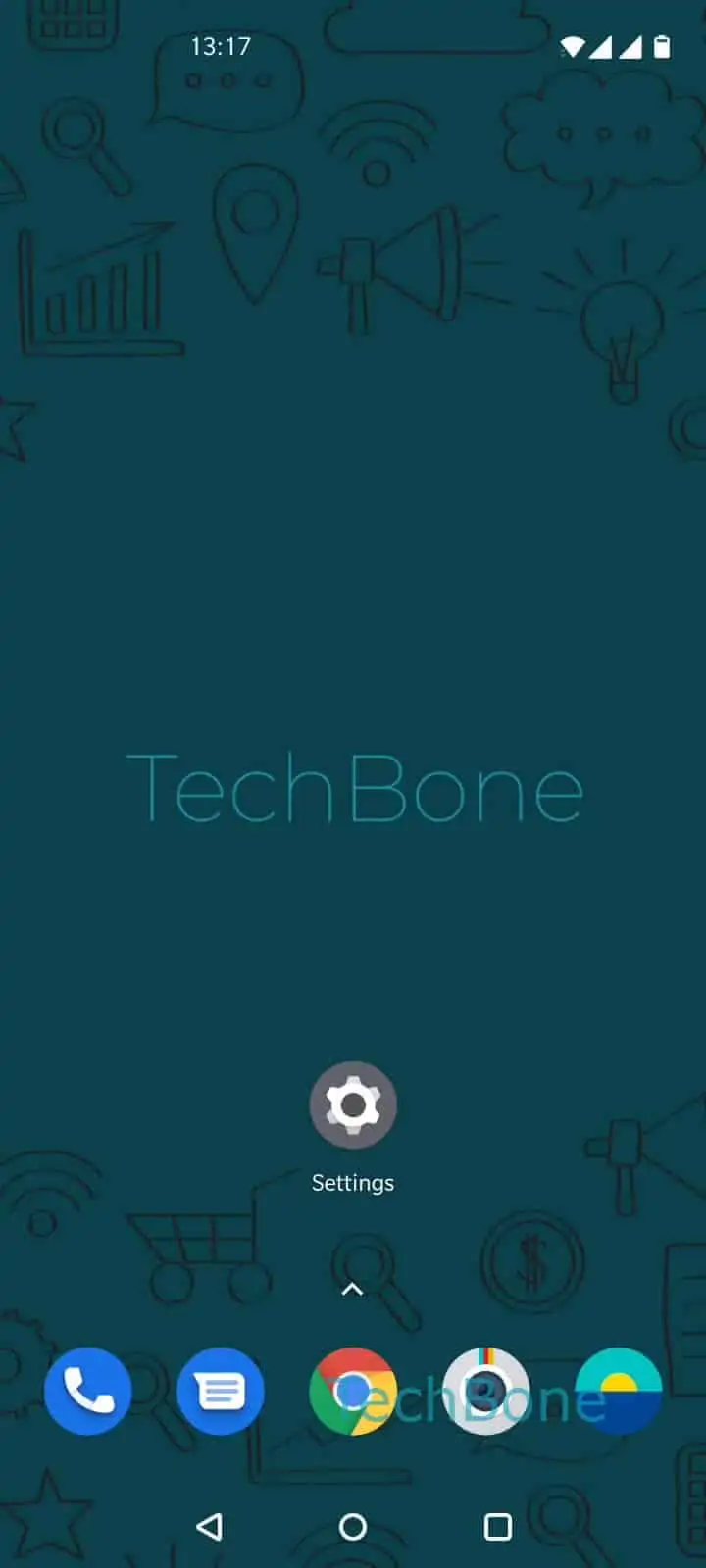
Step 1 of 5: Open the **Settings**

1

Open the Settings

Live simulator

Android 10 · Oxygenos 10
Control App Data Usage – Oxygenos 10: step 1 – Open the Settings
Open the Settings
1 / 5

Scroll or use the buttons for the next step

Feedback

Was the guide correct?

Help others: confirm the path or report a problem.

33

Confirmations

Forum verified this path

OnePlus

Control App Data Usage auf OnePlus

OxygenOS tracks data consumption separately for mobile data and Wi-Fi, and it lets you assign a policy to each installed app. This matters when a streaming app keeps playing video over your cellular connection even though you only wanted it active on Wi-Fi at home.

The setting sits inside the general app management area, not in the network settings menu, which is why many people miss it. Once you find it, you can restrict a single app to Wi-Fi only, block it from using data entirely, or force it to work only on mobile data.

Where to find data usage control

Open SettingsApps & notificationsData usage control. Tap the app you want to manage, then Open the menu and choose Allow, Forbidden, Wi-Fi only or Data only.

Setting an app to Wi-Fi only keeps it fully usable at home but stops it from touching your mobile plan on the go. Forbidden blocks all network access for that app until you change it back.

This screen only controls whether an app can connect at all under each network type. It does not throttle speed or set a data cap, so pair it with your carrier app if you need hard usage limits.

Frequently asked questions

Usually not immediately, but push notifications that rely on a live connection will stop arriving once you set an app to Forbidden or Wi-Fi only and no Wi-Fi is available. The app will sync again once it regains network access.

Compatible devices

Tap your device — opens its hub with matching guides.