Skip to content
TechBone
OnePlus

OnePlus: Set Default Account for New Contacts

If your OnePlus phone keeps asking which account to use every time you save a new contact, that prompt comes from having no default account set for new contacts. This gets especially annoying when you juggle a Google account alongside a local phone or SIM storage. Setting one fixed default account stops the repeated pop-up and keeps every new entry in the same place.

4 min5 steps
VersionAndroid 10 · Oxygenos 10

Step by step

1 / 5

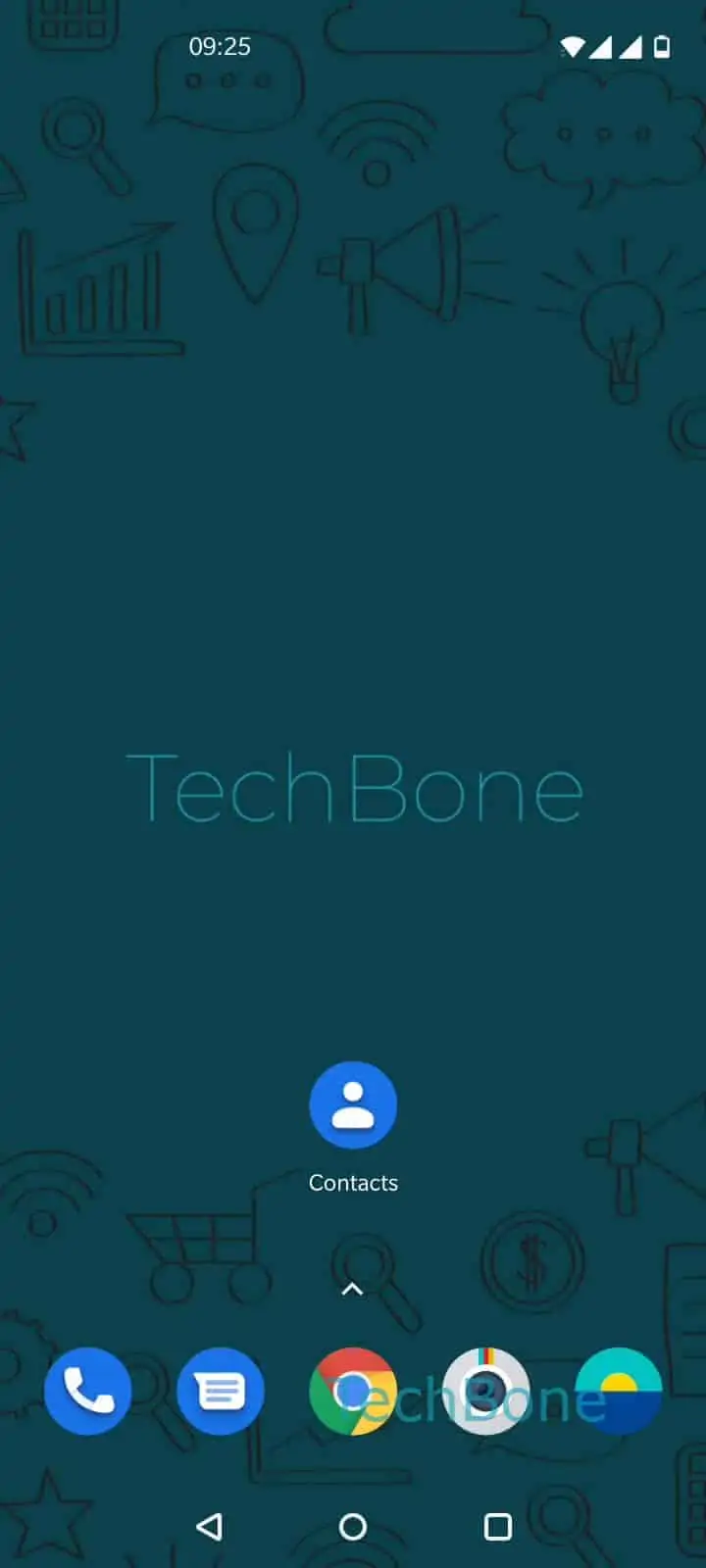
Step 1 of 5: Open the **Contacts app**

1

Open the Contacts app

Live simulator

Android 10 · Oxygenos 10
Set Default Account for New Contacts – Oxygenos 10: step 1 – Open the Contacts app
Open the Contacts app
1 / 5

Scroll or use the buttons for the next step

Feedback

Was the guide correct?

Help others: confirm the path or report a problem.

11

Confirmations

Forum verified this path

OnePlus

Set Default Account for New Contacts auf OnePlus

On OnePlus phones running OxygenOS, every new contact needs a storage location: your phone, a SIM card, or a linked account like Google. Without a fixed default, the Contacts app asks you to pick a target each time you save someone, which slows down quick saves and can lead to contacts scattered across different accounts.

Setting a default account fixes this. Once chosen, every new contact goes straight into that account without a prompt, until you change the setting again.

Menu path

Open Open the Contacts appOpen the menuOpen the SettingsTap on Default account for new contactsChoose an account.

Pick the account you want new contacts to land in by default, for example your Google account if you want automatic backup and sync, or your phone storage if you prefer contacts to stay local only.

If you need to save a single contact somewhere else, you can usually still change the target account manually during that one save, without touching this default setting.

Frequently asked questions

This happens when no default account is set. Go to Open the Contacts appOpen the menuOpen the SettingsTap on Default account for new contacts and choose one account to stop the repeated prompt.

Compatible devices

Tap your device — opens its hub with matching guides.