
Skip to content
TechBone
OnePlus

OnePlus: Change the Default Browser App

If tapping a link on your OnePlus always launches Chrome even though you installed Firefox or Opera, the system has not switched the default assignment yet. Each browser app handles tabs, bookmarks and privacy controls differently, so staying on the wrong one limits how you personalize browsing. The active default only changes once you select it inside the phone's app settings.

4 min5 steps
VersionAndroid 10 · Oxygenos 10

Step by step

1 / 5

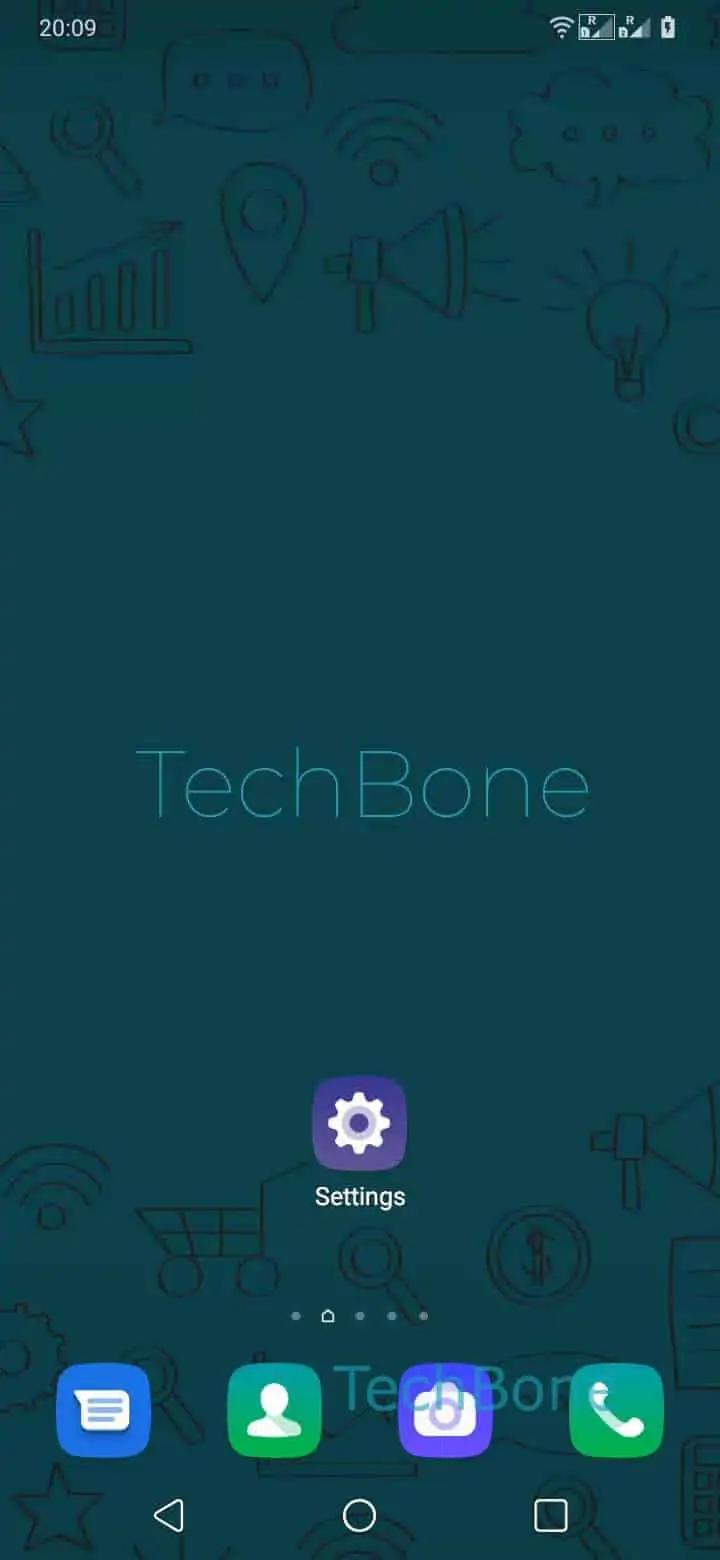
Step 1 of 5: Open the **Settings**

1

Open the Settings

Live simulator

Android 10 · Oxygenos 10
Change the Default Browser App – Oxygenos 10: step 1 – Open the Settings
Open the Settings
1 / 5

Scroll or use the buttons for the next step

Feedback

Was the guide correct?

Help others: confirm the path or report a problem.

42

Confirmations

Forum verified this path

OnePlus

Change the Default Browser App auf OnePlus

OnePlus uses a single default app assignment to decide which browser opens whenever you tap a link from another app, a text message or an email. This setting lives inside the Default apps menu and applies system-wide, not just inside one app.

If you installed Firefox, Opera or another browser but links still open in Chrome, the assignment was never updated after installation. New browsers get added to the list of available apps but never take over automatically, since OnePlus keeps the previous default active to avoid unexpected changes.

To switch it, go to Open the SettingsTap on Apps & notificationsTap on Default appsTap on Browser appChoose the default Browser app. Selecting a browser here immediately routes all future links through that app.

This fix only works if the browser you want is already installed. If a browser is missing from the list, install it first, then repeat the steps above.

Changing the default does not delete data or bookmarks from the browser you stop using; it only changes which app handles new links going forward.

Frequently asked questions

Some links carry an explicit instruction to open in Chrome, especially inside Google apps like Gmail or Maps. Check Open the SettingsTap on Apps & notificationsTap on Default appsTap on Browser app again to confirm Firefox is still selected.

Compatible devices

Tap your device — opens its hub with matching guides.