
OnePlus
Change Default Messaging App auf OnePlus
Every OnePlus phone keeps one app registered as the handler for SMS and MMS. This role decides which app opens when you tap a text link, receive a message notification, or use quick reply from the lock screen. If you installed a different messenger but the stock app still reacts first, the default handler was never changed.
OxygenOS manages this setting through the Android app-role system rather than inside the messaging app itself. That is why toggling notifications or permissions in the messenger you want to use has no effect on which app actually receives incoming texts.
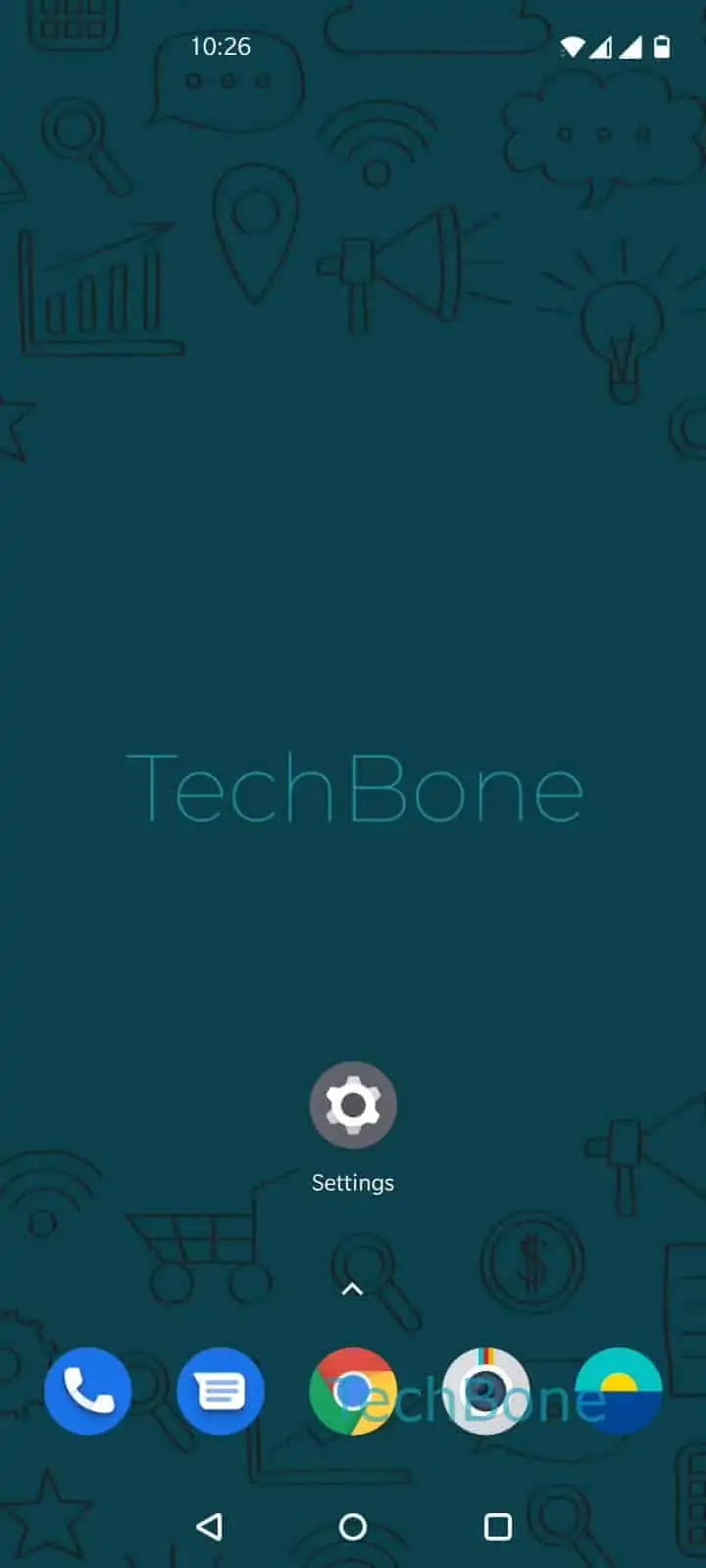
To switch it, open Settings ➔ Apps & notifications ➔ Default apps ➔ SMS app ➔ then pick the messenger you want as your default SMS app from the list.
Only apps built to handle SMS and MMS show up here. Pure chat apps that rely solely on internet messaging will not appear as an option, since they are not registered to receive carrier texts.
If messages still land in the old app after switching, check whether that app was reinstalled or updated recently, since some updates reset the registered role back to the app itself.