Skip to content
TechBone
OnePlus

OnePlus: Set a Different Default SMS App

If your OnePlus keeps opening the stock Messages app instead of the messenger you actually installed, the phone is still pointing to the old default handler. Notifications, quick replies and even the share sheet stay tied to whichever app holds that role, no matter which one you prefer to type in. Switching the default only takes a moment, but the option sits a few menus deep in the system settings.

4 min5 steps
VersionAndroid 10 · Oxygenos 10

Step by step

1 / 5

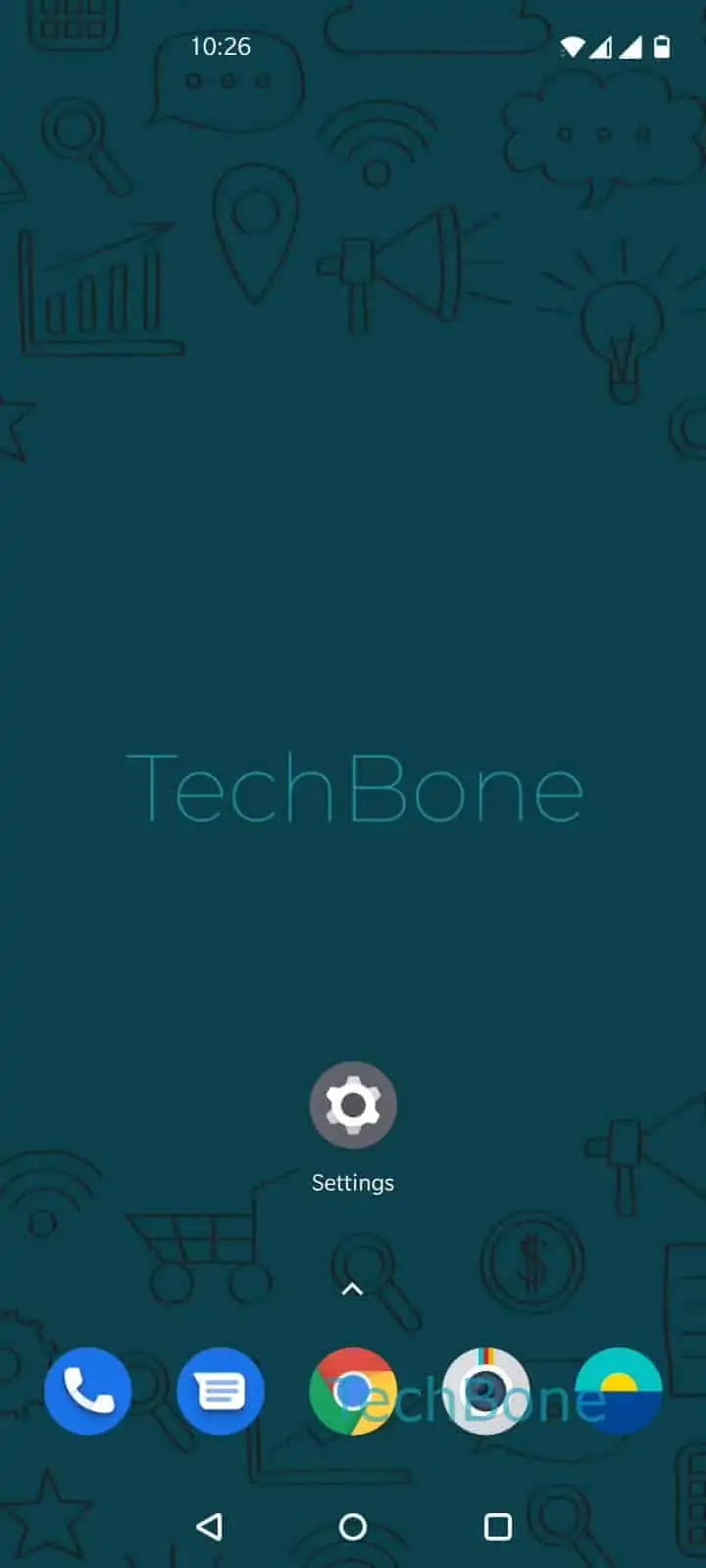
Step 1 of 5: Open the **Settings**

1

Open the Settings

Live simulator

Android 10 · Oxygenos 10
Change Default Messaging App – Oxygenos 10: step 1 – Open the Settings
Open the Settings
1 / 5

Scroll or use the buttons for the next step

Feedback

Was the guide correct?

Help others: confirm the path or report a problem.

66

Confirmations

Forum verified this path

OnePlus

Change Default Messaging App auf OnePlus

Every OnePlus phone keeps one app registered as the handler for SMS and MMS. This role decides which app opens when you tap a text link, receive a message notification, or use quick reply from the lock screen. If you installed a different messenger but the stock app still reacts first, the default handler was never changed.

OxygenOS manages this setting through the Android app-role system rather than inside the messaging app itself. That is why toggling notifications or permissions in the messenger you want to use has no effect on which app actually receives incoming texts.

To switch it, open SettingsApps & notificationsDefault appsSMS app ➔ then pick the messenger you want as your default SMS app from the list.

Only apps built to handle SMS and MMS show up here. Pure chat apps that rely solely on internet messaging will not appear as an option, since they are not registered to receive carrier texts.

If messages still land in the old app after switching, check whether that app was reinstalled or updated recently, since some updates reset the registered role back to the app itself.

Frequently asked questions

Most messaging apps import existing conversations automatically the first time you open them after being set as default. If a conversation is missing, open the app once from the home screen rather than from a notification, then check its own import or sync option.

Compatible devices

Tap your device — opens its hub with matching guides.