Skip to content
TechBone
OnePlus

OnePlus: View Detailed Battery Usage Per App

If your OnePlus battery screen only lists a few apps since you unplugged the charger, you are not seeing the full picture of what drained your battery. Oxygen OS keeps a more detailed breakdown that covers every app and background process since your last full charge, but it is tucked away from the main battery screen.

4 min5 steps
VersionAndroid 10 · Oxygenos 10

Step by step

1 / 5

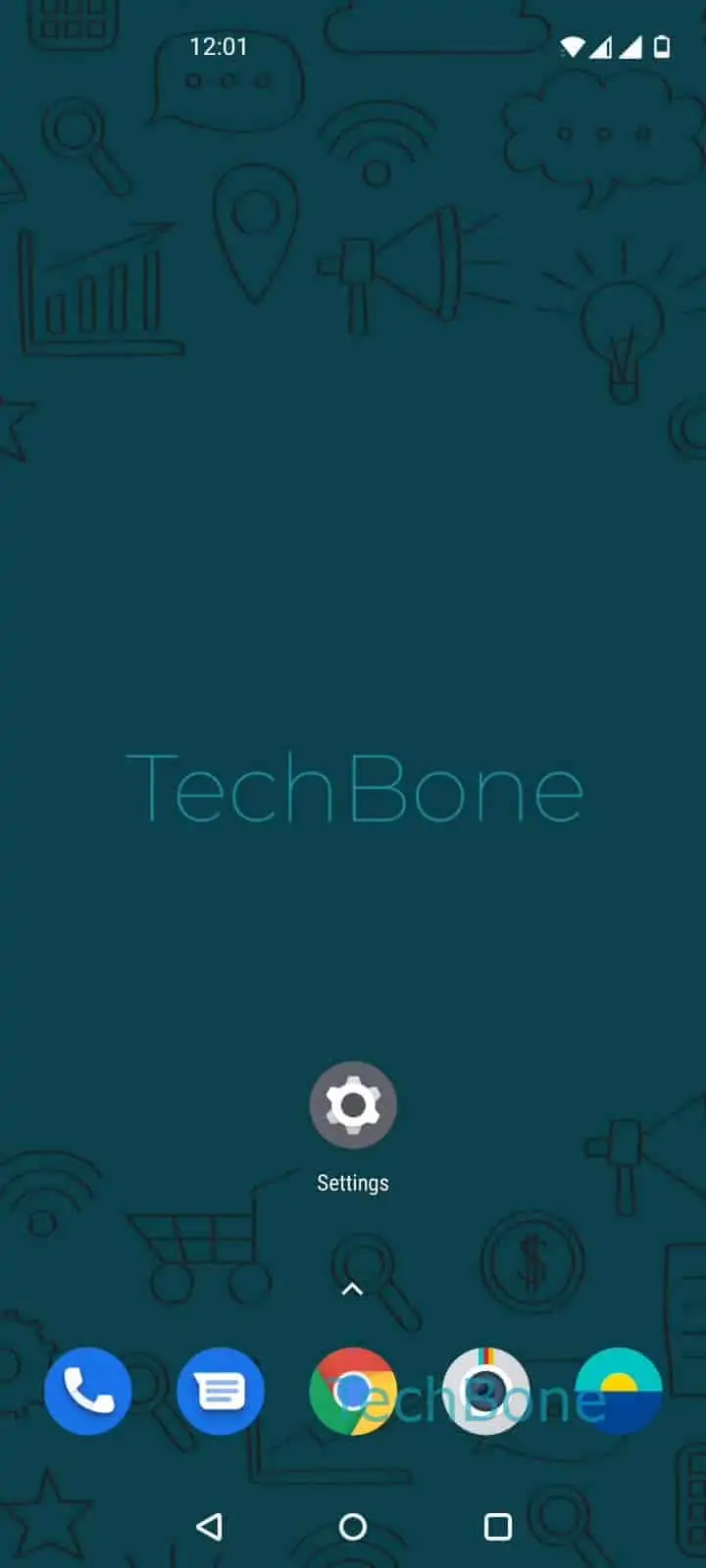
Step 1 of 5: Open the **Settings**

1

Open the Settings

Live simulator

Android 10 · Oxygenos 10
Show Detailed Battery Usage – Oxygenos 10: step 1 – Open the Settings
Open the Settings
1 / 5

Scroll or use the buttons for the next step

Feedback

Was the guide correct?

Help others: confirm the path or report a problem.

81

Confirmations

Forum verified this path

OnePlus

Show Detailed Battery Usage auf OnePlus

The default battery screen on your OnePlus usually shows usage since you last unplugged the charger. That view is short-term and often hides apps that ran quietly in the background hours earlier.

For a complete picture, Oxygen OS offers a full device usage view that covers the entire period since your last full charge. This includes system processes, screen-on time, and background activity for every installed app, not just the top few.

To open it, go to Open the SettingsTap on BatteryTap on View detailed usageOpen the menuTap on Show full device usage.

Once enabled, the list refreshes to show every app that consumed power, sorted by percentage or usage time. This is the view to check when you suspect a specific app is draining the battery faster than expected, or when the standard screen usage list looks incomplete.

If your phone was charged multiple times during the day, the full device usage view still reflects the most recent full charge cycle, not a rolling average.

Frequently asked questions

The default screen only tracks usage since you last unplugged the charger. The full device usage view under View detailed usage covers the entire period since your last full charge, so it naturally lists more apps and background processes.

Compatible devices

Tap your device — opens its hub with matching guides.