Skip to content
TechBone
OnePlus

OnePlus: Turn Dial Pad Tones On or Off

Every digit you tap on the OnePlus dial pad triggers a short tone, and that beep stays audible even with the ringer on silent. If you find the sound distracting in meetings or public places, the dial pad tone comes from a separate toggle that has nothing to do with your ringtone or notification sounds.

3 min4 steps
VersionAndroid 10 · Oxygenos 10

Step by step

1 / 4

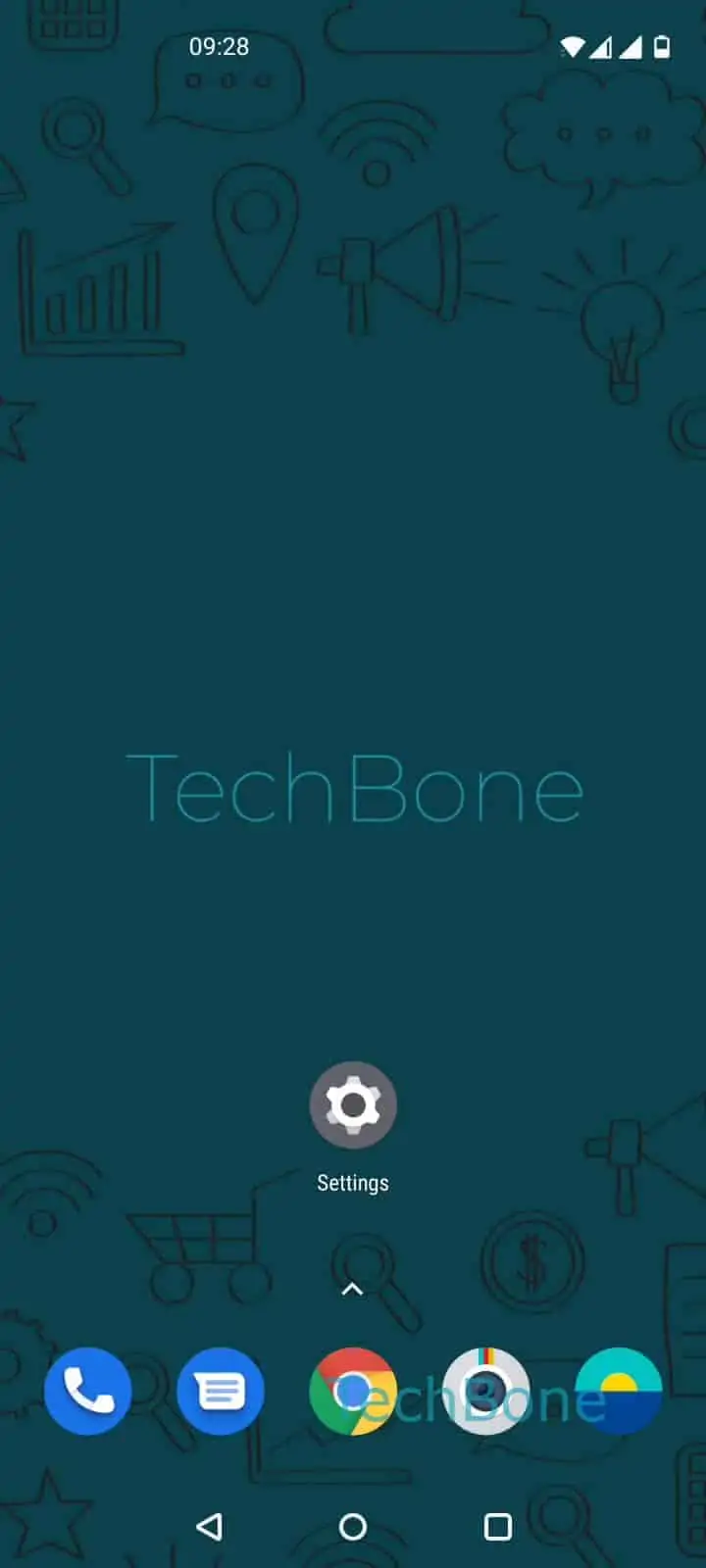
Step 1 of 4: Open the **Settings**

1

Open the Settings

Live simulator

Android 10 · Oxygenos 10
Dial Pad Tones: Enable or Disable – Oxygenos 10: step 1 – Open the Settings
Open the Settings
1 / 4

Scroll or use the buttons for the next step

Feedback

Was the guide correct?

Help others: confirm the path or report a problem.

32

Confirmations

Forum verified this path

OnePlus

Dial Pad Tones: Enable or Disable auf OnePlus

Dial pad tones are the short beeps your OnePlus plays each time you tap a digit while dialing. They are controlled independently from your ringtone, notification sounds, and touch sounds, which is why muting your phone does not silence them.

This tone comes from a dedicated setting inside the sound menu of Oxygenos. Turning it off does not affect call quality, vibration feedback, or any other system sound, so you can disable it without losing other audio cues you rely on.

Where the setting lives

Open SettingsSounds & vibrationSystem sounds ➔ toggle Dial pad tones. Switching it off stops the beep immediately, and switching it back on restores the feedback on the next dial.

If you still hear a tone after disabling this option, check whether a third-party dialer app is installed, since replacement dialers can have their own separate sound setting that overrides the system toggle.

Leaving the tones enabled can help in noisy environments where you want audible confirmation that each digit registered correctly, especially when dialing long numbers or extension codes.

Frequently asked questions

A third-party phone or dialer app may have replaced your default dialer and uses its own sound setting. Check the app's internal settings, not just SettingsSounds & vibrationSystem sounds, since the system toggle only applies to the default OnePlus dialer.

Compatible devices

Tap your device — opens its hub with matching guides.