
Skip to content
TechBone
OnePlus

OnePlus: Export Contacts as a VCF File

OnePlus only lets you export contacts straight to a VCF file in internal storage, not directly to another app or cloud service. If you need those numbers on a new phone or backed up somewhere safe, you first have to pick the right account before the file gets created. Choosing the wrong account at that step often means the wrong contacts get exported, or none at all show up in the saved file.

5 min6 steps
VersionAndroid 10 · Oxygenos 10

Step by step

1 / 6

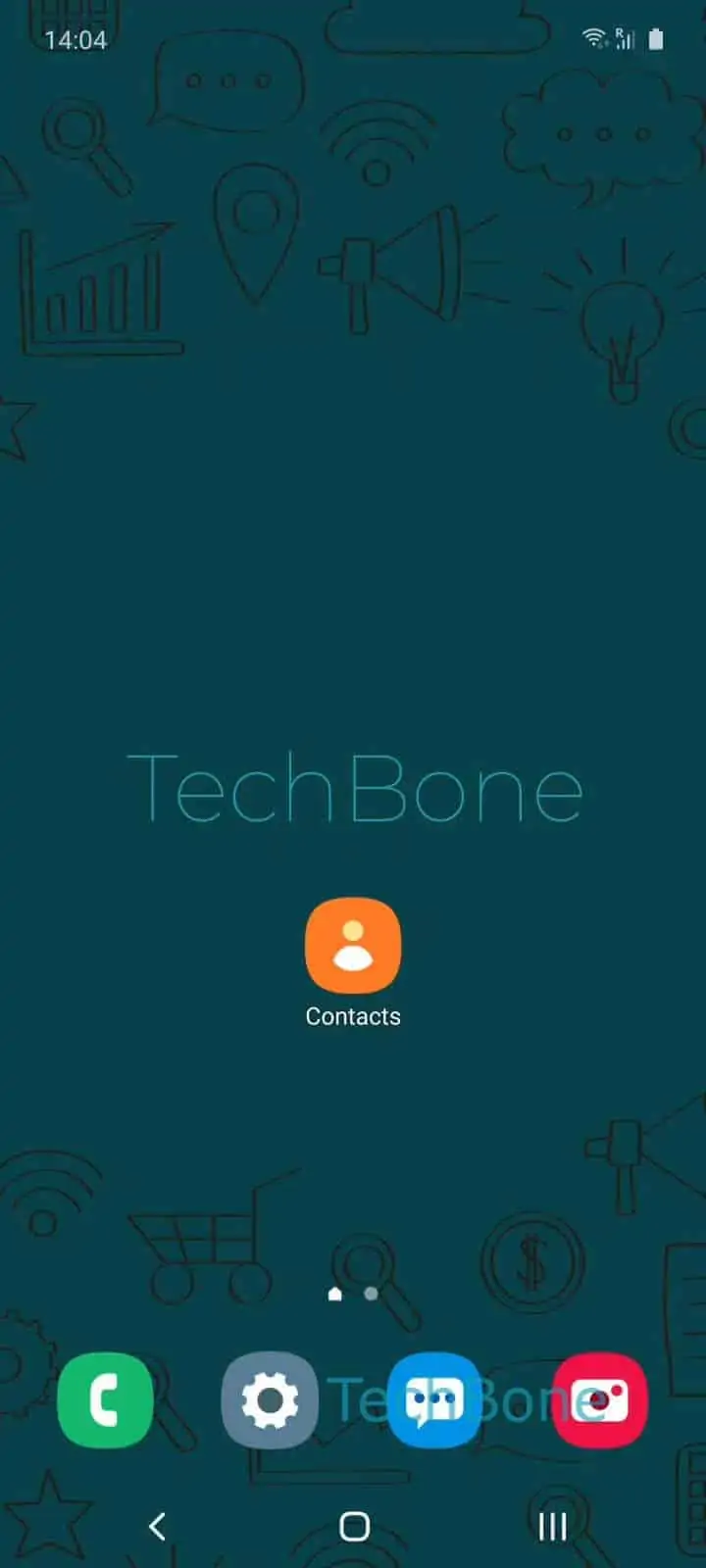
Step 1 of 6: Open the **Contacts app**

1

Open the Contacts app

Live simulator

Android 10 · Oxygenos 10
Export Contacts to VCF – Oxygenos 10: step 1 – Open the Contacts app
Open the Contacts app
1 / 6

Scroll or use the buttons for the next step

Feedback

Was the guide correct?

Help others: confirm the path or report a problem.

87

Confirmations

Forum verified this path

OnePlus

Export Contacts to VCF auf OnePlus

On OnePlus phones running OxygenOS, contact export always creates a local VCF file first. There is no direct option to send contacts to another device or cloud service during the export itself.

The export function sits inside the Contacts app rather than the system settings, which is why many users miss it. Open the Contacts app, then go to Open the menuOpen the SettingsTap on Export.

At this point you choose an account. Selecting your Google Account exports only the contacts stored under that account, while internal storage exports the numbers saved locally on the device.

After confirming with Choose an account and tap Export to .vcf file, pick a save location using Choose a folder and tap Save. The resulting VCF file can then be copied, emailed, or uploaded manually to wherever it needs to end up.

If contacts are already synced with a Google Account, a manual export is usually unnecessary, since signing into that same account on a new device restores them automatically. Manual export makes more sense for locally stored contacts or when moving numbers to a device without Google services.

Frequently asked questions

The file goes to whatever folder you pick during Choose a folder and tap Save. If you did not choose a custom location, check the default Downloads or Contacts folder in your file manager.

Compatible devices

Tap your device — opens its hub with matching guides.