
OnePlus
Enable or Disable Google Backup auf OnePlus
Google Backup on OnePlus is controlled by a single toggle inside the system settings, not by the Google Drive app itself. When it is active, Android periodically uploads apps and app data, your call list, contacts, and device settings to your Google account, so a new or reset phone can pull that data back down automatically.
The toggle can end up off after a factory reset, a system update, or a manual change you forgot about. Once it is off, none of the covered data gets refreshed in Drive, even though older backups may still exist there from before.
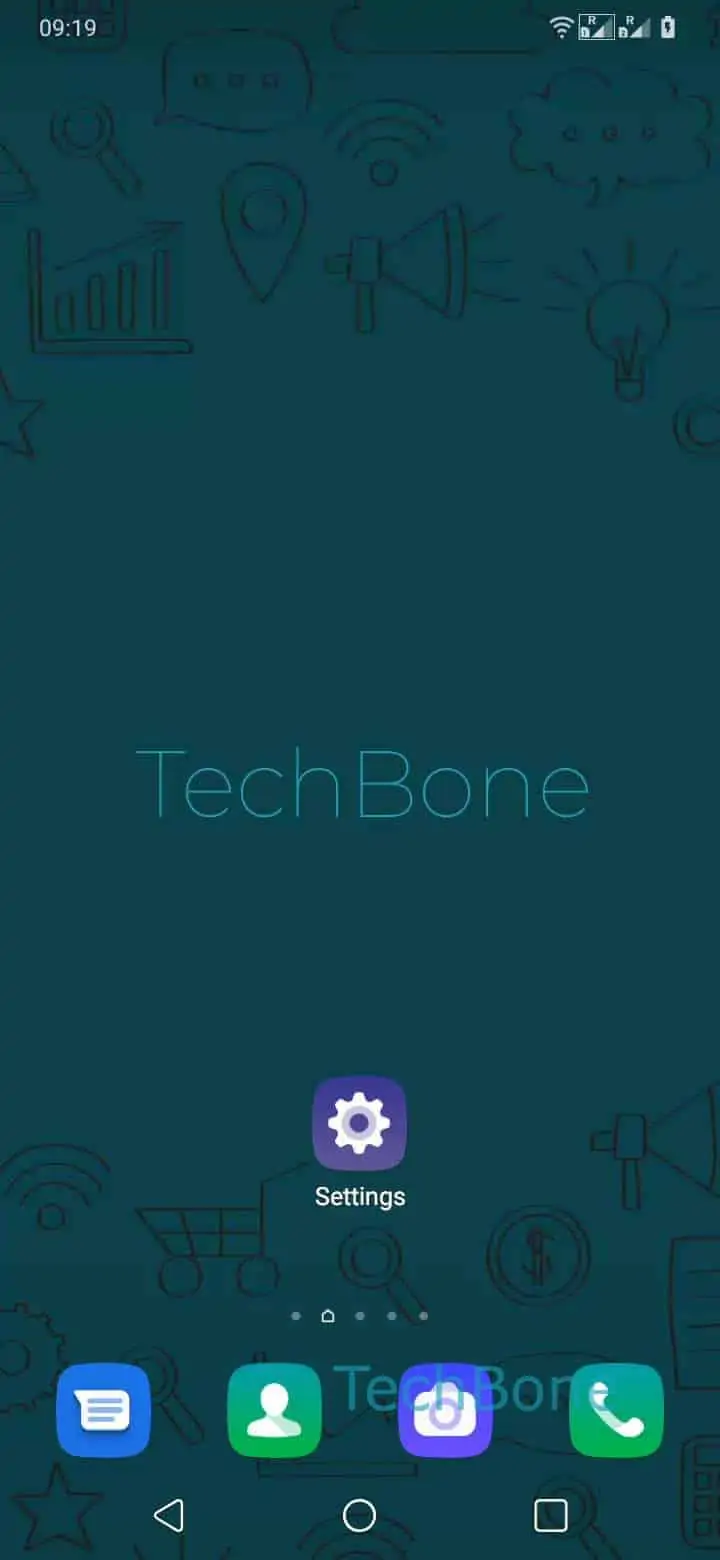
To check or change the setting, go to Open the Settings ➔ Tap on System ➔ Tap on Backup ➔ Enable or disable Back up to Google Drive.
Turn it on if you plan to reset the device, switch phones, or simply want your data protected without manual exports. Leave it off only if you rely on a different backup method, want tighter control over what leaves the device, or need to reduce background data and storage usage on your Google account.
Keep in mind that turning the toggle off does not remove backups already stored in Drive. It only stops new data from being added until you switch it back on.