Skip to content
TechBone
OnePlus

OnePlus: Turn the Home Screen Google Feed On or Off

Keep swiping right across your OnePlus home screens and you land on the Discover panel, packed with a Google feed, news topics and a search bar that reacts to Hey Google or typed input. If that panel opens by accident, eats battery in the background or just clutters your setup, the home screen assistant is the toggle behind it. Turning it off removes the whole panel, not just the search bar.

3 min3 steps
VersionAndroid 10 · Oxygenos 10

Step by step

1 / 3

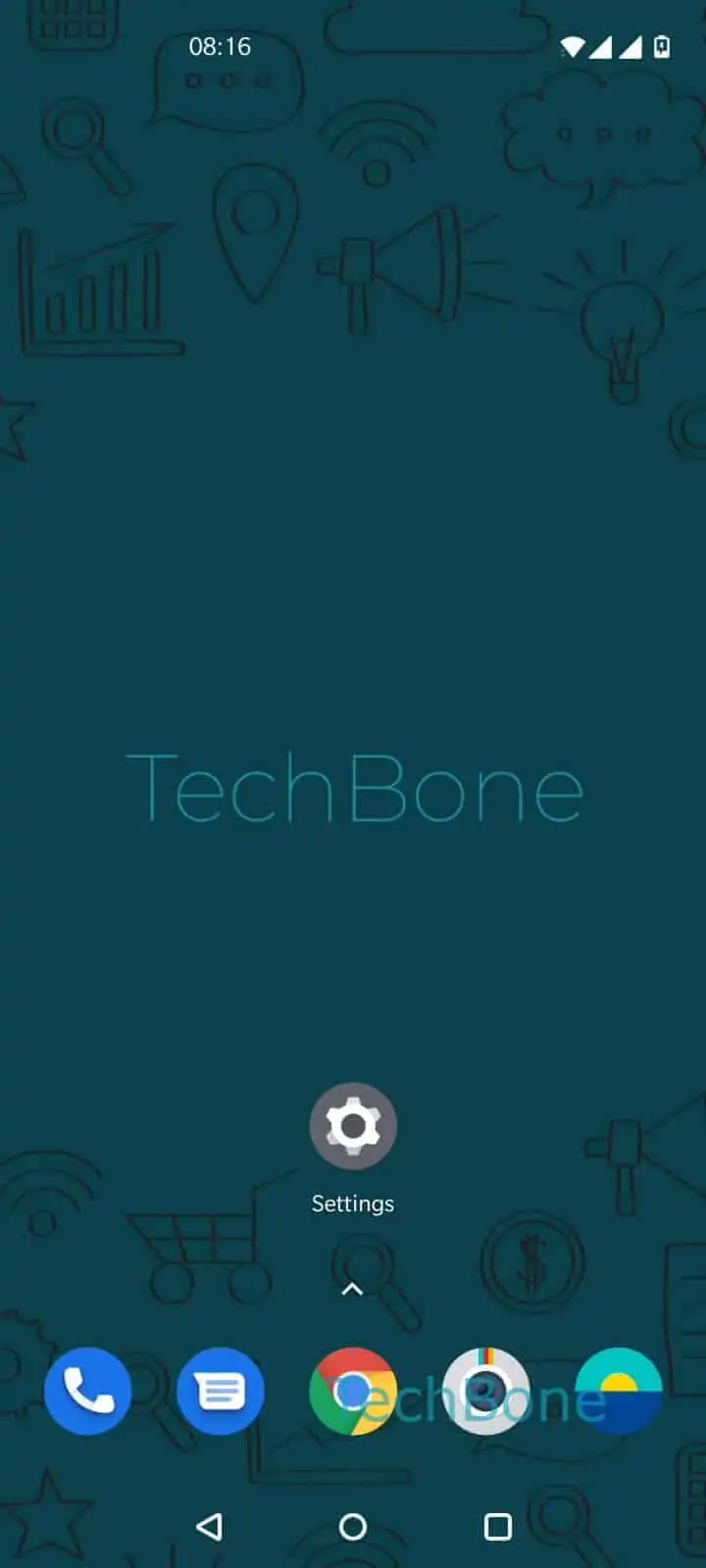
Step 1 of 3: Tap and hold a **free area** on home screen

1

Tap and hold a free area on home screen

Live simulator

Android 10 · Oxygenos 10
Enable or Disable the Home Screen Assistant – Oxygenos 10: step 1 – Tap and hold a free area on home screen
Tap and hold a free area on home screen
1 / 3

Scroll or use the buttons for the next step

Feedback

Was the guide correct?

Help others: confirm the path or report a problem.

25

Confirmations

Forum verified this path

OnePlus

Enable or Disable the Home Screen Assistant auf OnePlus

The home screen assistant on OnePlus phones is the Discover panel that sits to the side of your main home screen. It shows a Google feed with news, a persistent search bar and support for Hey Google voice search.

This panel is controlled by a single system toggle labeled Google, not by removing individual widgets. Disabling it hides the entire feed and the extra home screen page that came with it, so your launcher jumps straight from your last widget page to the app drawer.

To change it, tap and hold a free area on any home screen, then tap Tap and hold a free area on home screenTap on Home settingsEnable or disable Google. Switch the toggle off to remove the Discover panel, or back on if you want the feed and voice search available again.

Turning it off is worth doing if you never check the feed, want one less background process refreshing content, or find yourself swiping into it by mistake. Keep it on if you rely on Hey Google from the home screen or check the news feed daily.

This setting only affects the feed panel itself. It does not change your default search engine or remove Google apps from the phone.

Frequently asked questions

An update can reset the Enable or disable Google toggle to its default state. Check Tap and hold a free area on home screenTap on Home settings and switch it back on if the feed was there before.

Compatible devices

Tap your device — opens its hub with matching guides.