Skip to content
TechBone
OnePlus

OnePlus: Change the Mobile Hotspot Wi-Fi Band

If a laptop or older tablet cannot see your OnePlus hotspot at all, or a newer device only gets a weak signal through walls, the wrong Wi-Fi band is usually the cause. The personal hotspot on OnePlus phones can broadcast on either the 2.4 GHz or the 5.0 GHz band, and each has different trade-offs for range and speed. Picking the wrong one for your situation leads to dropped connections or frustratingly slow transfers.

6 min7 steps
VersionAndroid 10 · Oxygenos 10

Step by step

1 / 7

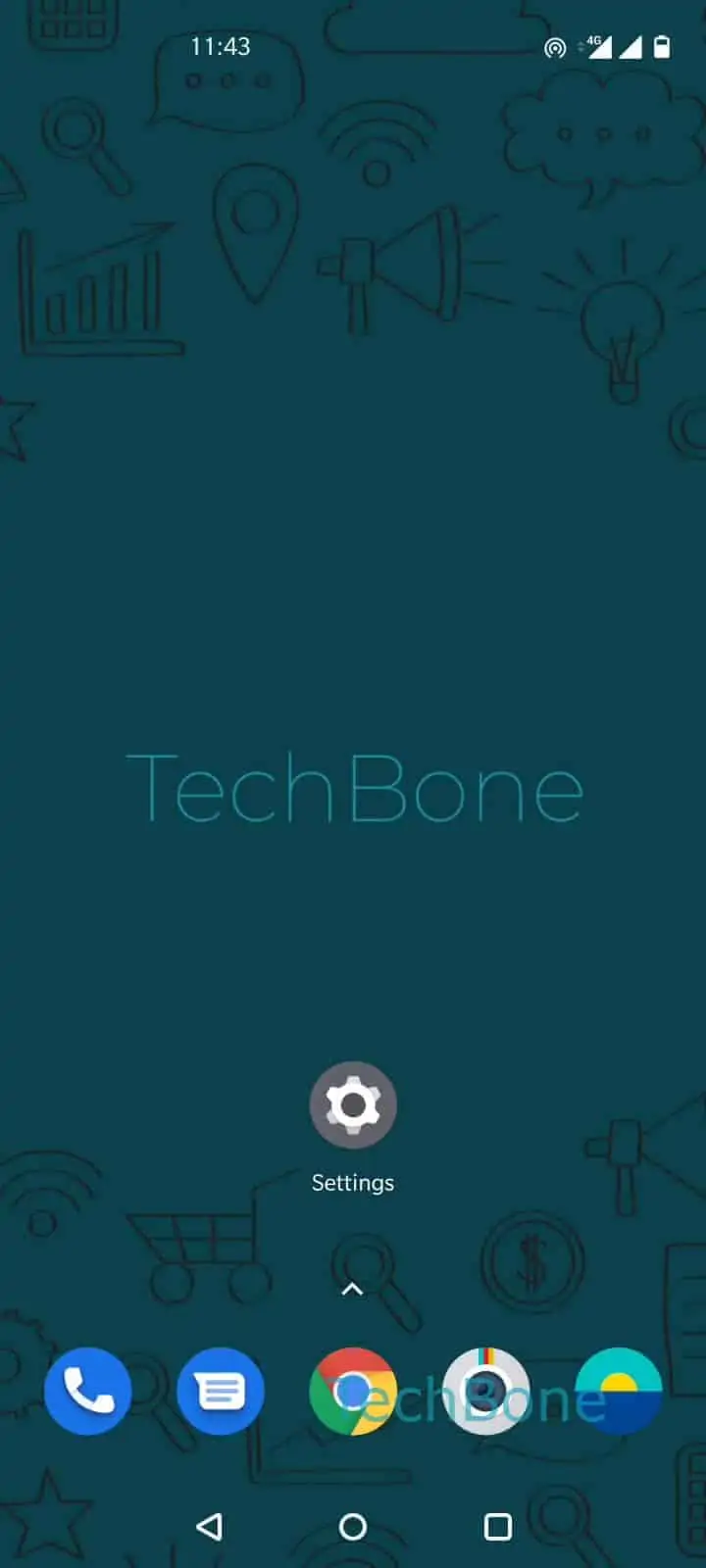
Step 1 of 7: Open the **Settings**

1

Open the Settings

Live simulator

Android 10 · Oxygenos 10
Change Mobile Hotspot Band – Oxygenos 10: step 1 – Open the Settings
Open the Settings
1 / 7

Scroll or use the buttons for the next step

Feedback

Was the guide correct?

Help others: confirm the path or report a problem.

24

Confirmations

Forum verified this path

OnePlus

Change Mobile Hotspot Band auf OnePlus

Wi-Fi hotspots on OnePlus phones running Android with OxygenOS can broadcast on two different frequency bands. The 2.4 GHz band reaches further and passes through walls more reliably, but it is slower and more crowded, since most routers and smart home devices also use it. The 5.0 GHz band delivers noticeably faster data throughput and less interference, but its range is shorter and it struggles more with obstacles.

Older laptops, smart TVs, or budget devices sometimes only support 2.4 GHz. If you switch your OnePlus hotspot to 5.0 GHz, those devices will not find the network at all. On the other hand, keeping the hotspot on 2.4 GHz when every connected device supports 5.0 GHz wastes available speed, especially when streaming or transferring large files.

To change the band, open SettingsWi-Fi & networkHotspot & tetheringWi-Fi hotspotAP Band. Select either 2.4 GHz Band or 5.0 GHz Band, then confirm with Apply.

If you are unsure which devices will connect, 2.4 GHz is the safer default. Switch to 5.0 GHz only when every device that needs the hotspot is known to support it and stays close to the phone.

Frequently asked questions

Older laptops often only support the 2.4 GHz band. If you set AP Band to 5.0 GHz Band, devices without 5 GHz Wi-Fi hardware will not detect the network. Switch back to 2.4 GHz Band in SettingsWi-Fi & networkHotspot & tetheringWi-Fi hotspotAP Band.

Compatible devices

Tap your device — opens its hub with matching guides.