Skip to content
TechBone
OnePlus

OnePlus: Turn Incognito Mode On or Off in Chrome

If a search on your OnePlus suddenly opens inside a dark grey browser tab with a small mask icon in the status bar, incognito mode is active in Chrome. Bookmarks, history and autofill data stop saving in that tab, which can be confusing if you expect your usual browsing setup to load. Knowing where this mode lives helps you switch it on for private searches or turn it off when regular browsing feels off.

3 min3 steps
VersionAndroid 10 · Oxygenos 10

Step by step

1 / 3

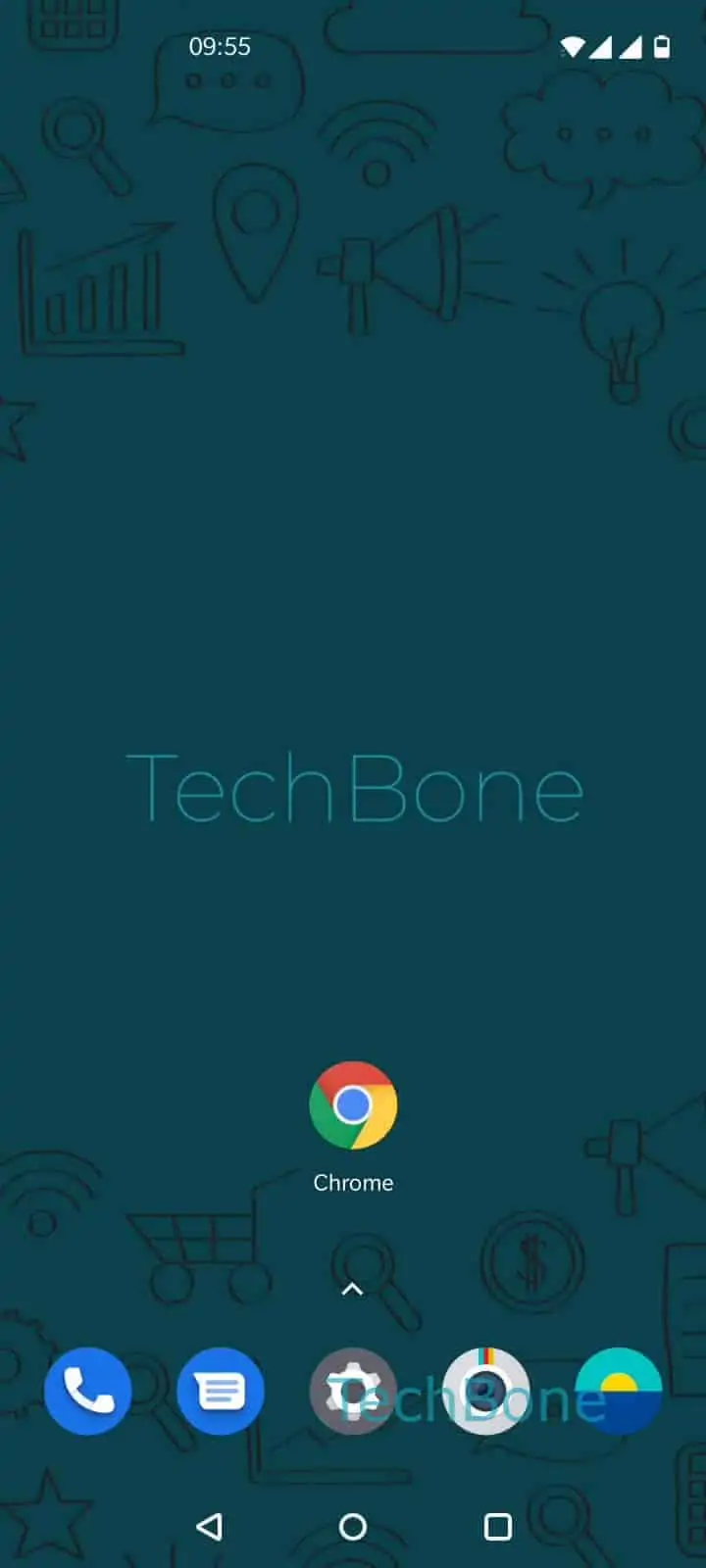
Step 1 of 3: Open the **Chrome app**

1

Open the Chrome app

Live simulator

Android 10 · Oxygenos 10
Enable or Disable Incognito Mode in Chrome – Oxygenos 10: step 1 – Open the Chrome app
Open the Chrome app
1 / 3

Scroll or use the buttons for the next step

Feedback

Was the guide correct?

Help others: confirm the path or report a problem.

77

Confirmations

Forum verified this path

OnePlus

Enable or Disable Incognito Mode in Chrome auf OnePlus

The grey tab layout and mask icon in the status bar are the visual markers of an active incognito tab in Chrome on your OnePlus phone. In this mode, Chrome does not save browsing history, cookies or site data after you close the tab, which explains why saved logins or autofill suggestions seem to disappear.

To open a private tab, use this path:

Open the Chrome appOpen the menuTap on New incognito tab

A new grey-toned tab opens where you can enter a search term or URL directly. Any tabs you open from here inherit the same incognito behavior until you close them.

Turning incognito mode off

Incognito mode is not a system-wide toggle in Security & Privacy settings. It only applies to the tabs you opened as private. To leave it, close the incognito tab itself, either by swiping it away in the app switcher or by opening the Chrome menu again and choosing to close all incognito tabs.

If Chrome keeps landing in incognito tabs unexpectedly, check whether a linked shortcut or widget is set to open new incognito tabs by default, since that setting lives outside the browser and needs to be changed at the source.

Frequently asked questions

This usually happens when a home screen shortcut or widget was created while incognito mode was active. Remove that shortcut and create a new one from a regular tab instead.

Compatible devices

Tap your device — opens its hub with matching guides.