
Skip to content
TechBone
OnePlus

OnePlus: Install a Manufacturer Print Service from Google Play

If your printer does not show up or only prints in a stripped-down mode, the built-in print service on your OnePlus phone likely does not support the full feature set of your model. Many manufacturers publish their own print service in the Play Store with drivers for options like duplex printing, tray selection or higher print quality. Without that specific app, OxygenOS falls back to a generic driver that covers only basic printing.

5 min6 steps
VersionAndroid 10 · Oxygenos 10

Step by step

1 / 6

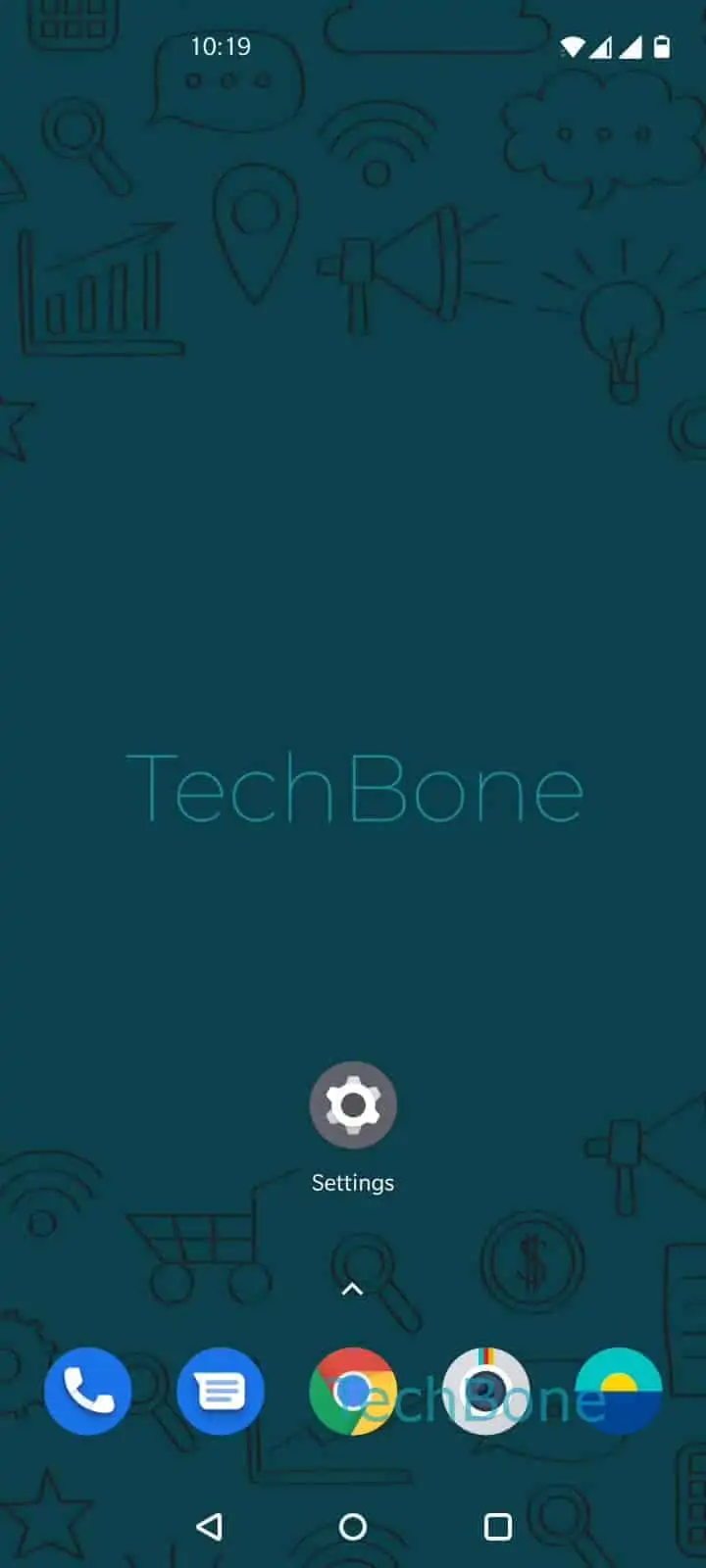
Step 1 of 6: Open the **Settings**

1

Open the Settings

Live simulator

Android 10 · Oxygenos 10
Install a Manufacturer Print Service – Oxygenos 10: step 1 – Open the Settings
Open the Settings
1 / 6

Scroll or use the buttons for the next step

Feedback

Was the guide correct?

Help others: confirm the path or report a problem.

84

Confirmations

Forum verified this path

OnePlus

Install a Manufacturer Print Service auf OnePlus

The default print service preloaded on OxygenOS covers common printer brands with a generic driver. It handles basic print jobs but often skips manufacturer-specific features such as double-sided printing, tray selection or higher-quality output modes.

If your printer needs those extra options, check the Google Play Store for a dedicated print service. Many manufacturers, including HP, Canon, Epson and Brother, publish official apps that plug directly into the Android printing framework.

Adding a print service on OnePlus

Open SettingsBluetooth & device connectionPrintingAdd service. Tap Choose a print service and select the entry matching your printer brand, then confirm with Install to fetch it from the Play Store.

Once installed, the new service shows up in the Printing menu and unlocks extra settings during a print job, such as paper size, tray choice or print quality, depending on what the manufacturer app supports.

If no matching service exists for your printer, the default one still handles standard jobs. In that case, check the printer manufacturer support page for a driver update instead of forcing an install from the Play Store.

Frequently asked questions

The default service built into OxygenOS still works for standard print jobs. Check the printer manufacturer website for a driver package if the Play Store listing is missing.

Compatible devices

Tap your device — opens its hub with matching guides.