Skip to content
TechBone
OnePlus

OnePlus: Add Custom Words to Your Keyboard Dictionary

When your OnePlus keyboard keeps autocorrecting a name, abbreviation or technical term into something else, the word simply is not part of its known vocabulary yet. This gets annoying fast with names, addresses or industry jargon you type often. Saving the word once, together with an optional shortcut, stops the keyboard from fighting you every time.

9 min12 steps
VersionAndroid 10 · Oxygenos 10

Step by step

1 / 12

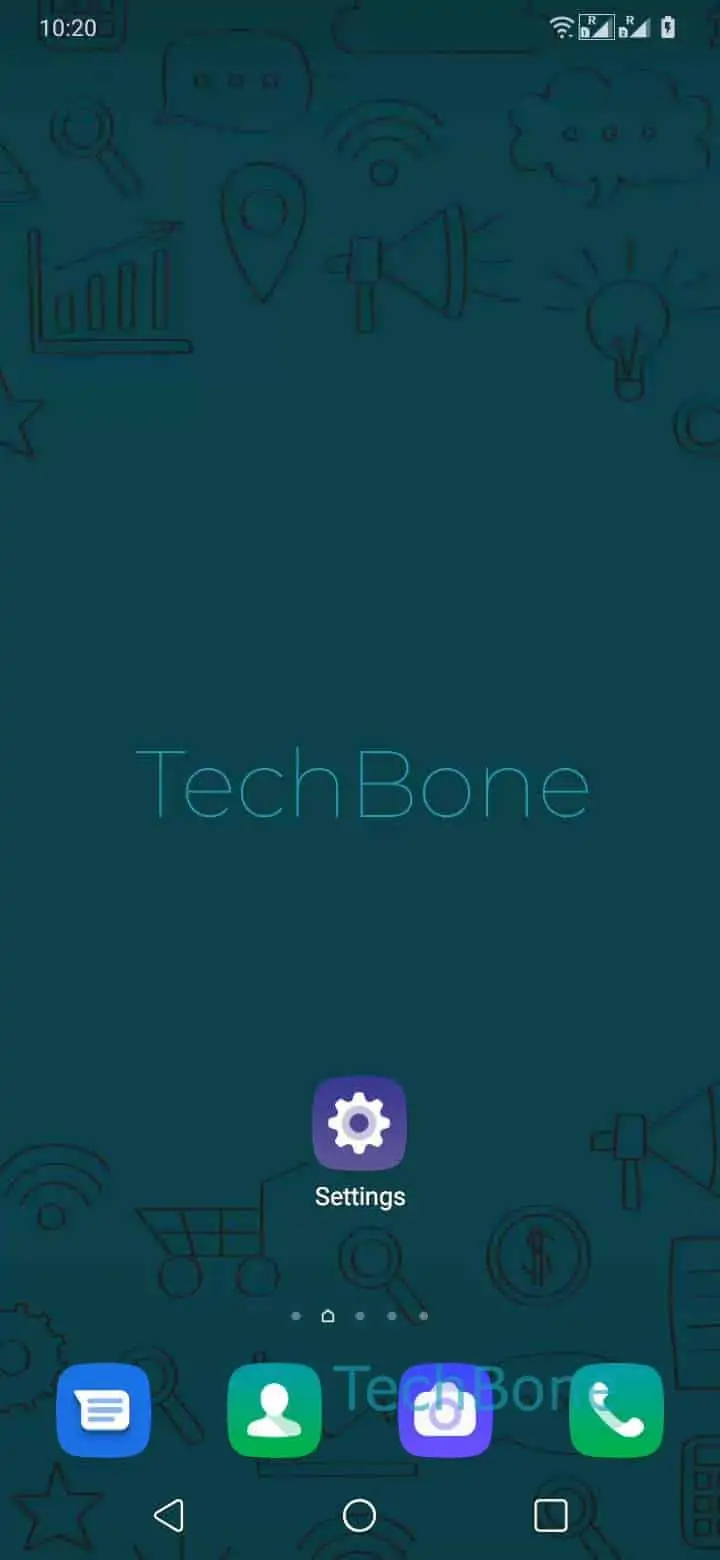
Step 1 of 12: Open the **Settings**

1

Open the Settings

Live simulator

Android 10 · Oxygenos 10
Add and Manage Personal Dictionary Words – Oxygenos 10: step 1 – Open the Settings
Open the Settings
1 / 12

Scroll or use the buttons for the next step

Feedback

Was the guide correct?

Help others: confirm the path or report a problem.

75

Confirmations

Forum verified this path

OnePlus

Add and Manage Personal Dictionary Words auf OnePlus

Autocorrect on a OnePlus phone can turn names, technical terms or abbreviations into words you never typed. This happens because the keyboard app, usually Gboard, only checks entries against its built-in vocabulary and your personal dictionary.

If a word is missing, autocorrect either replaces it or marks it as unknown. Adding it to the personal dictionary tells the keyboard to accept it as valid, and you can attach a shortcut for faster typing later.

To add or edit an entry, open SettingsSystemLanguages & inputVirtual keyboardGboardDictionaryPersonal dictionary. Choose a language or tap All languages, then tap Add. Enter the word, optionally enter a shortcut, and tap Back to save the entry.

A shortcut works like an abbreviation. Typing the shortcut inserts the full word or phrase automatically, which helps with long email addresses, physical addresses or phrases you repeat often.

If autocorrect problems continue after adding a word, check which keyboard app is active. Personal dictionary entries only apply to the keyboard that created them, not to every keyboard installed on the phone.

Frequently asked questions

Check that the word was added under the correct language in Personal dictionary. Gboard applies entries only to the language currently active while typing, so a word saved under one language will not help while typing in another.

Compatible devices

Tap your device — opens its hub with matching guides.