Skip to content
TechBone
OnePlus

OnePlus: Turn Mobile Hotspot On or Off

If your laptop or tablet cannot see your OnePlus phone's WiFi hotspot, or the connection keeps dropping, the toggle for it is not in the quick settings panel on OxygenOS. It sits inside the network menu together with the hotspot name and password. Leaving it on unnecessarily also drains the battery faster than a normal WiFi connection.

4 min5 steps
VersionAndroid 10 · Oxygenos 10

Step by step

1 / 5

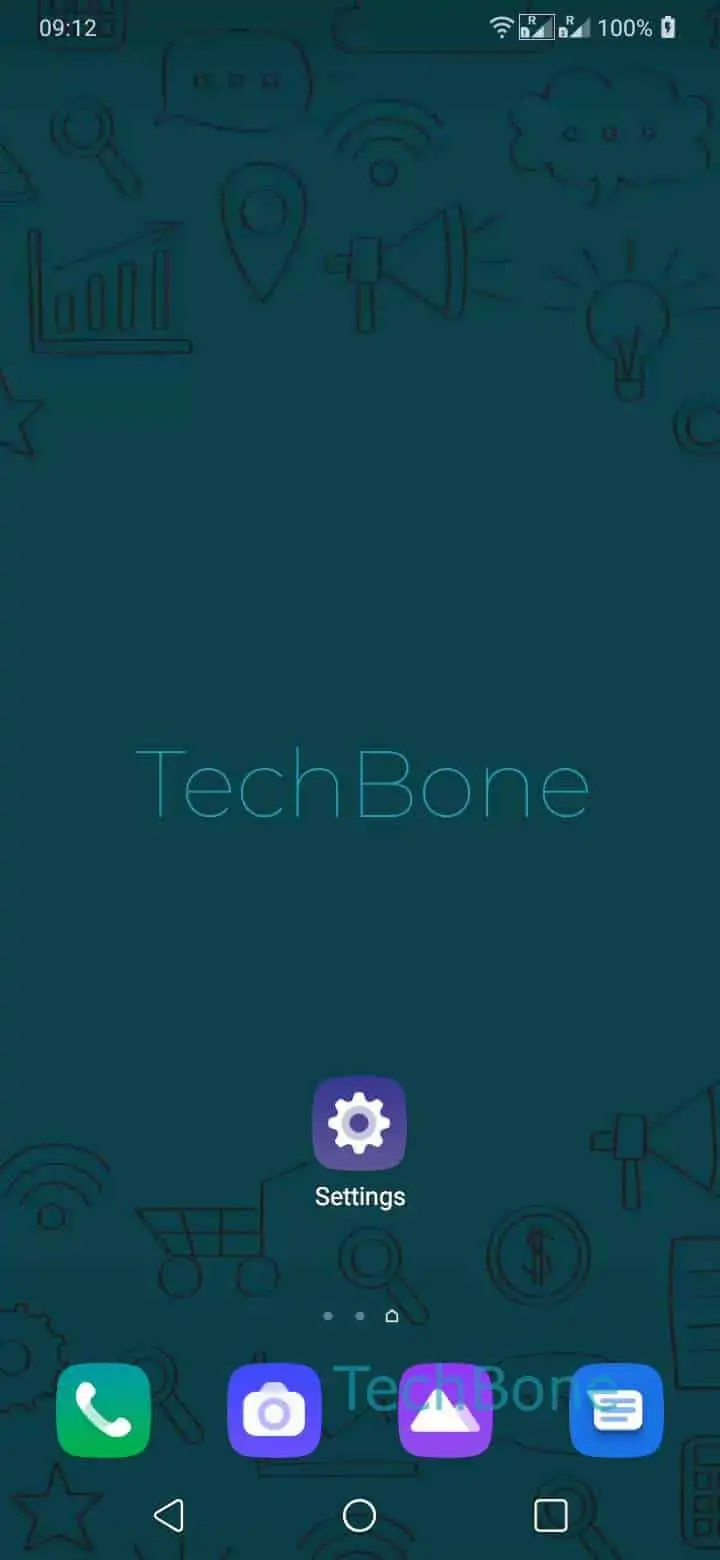
Step 1 of 5: Open the **Settings**

1

Open the Settings

Live simulator

Android 10 · Oxygenos 10
Enable or Disable Mobile Hotspot – Oxygenos 10: step 1 – Open the Settings
Open the Settings
1 / 5

Scroll or use the buttons for the next step

Feedback

Was the guide correct?

Help others: confirm the path or report a problem.

33

Confirmations

Forum verified this path

OnePlus

Enable or Disable Mobile Hotspot auf OnePlus

The Wi-Fi hotspot on OnePlus phones turns your mobile data connection into a WiFi network that other devices can join, similar to a router. Unlike the quick settings tile for regular WiFi, the hotspot toggle is nested inside the network settings, which is why it gets missed.

To reach it: SettingsWi-Fi & networkHotspot & tetheringWi-Fi hotspot. On that screen, a single switch turns the hotspot on or off.

Enabling it starts broadcasting a WiFi network using the name and password already stored on that screen. Devices that connected before will reconnect automatically once the hotspot is active, provided the saved password has not changed.

Disabling the hotspot immediately drops every connected device and stops the phone from acting as a WiFi access point, but it does not affect your own mobile data connection.

If devices connect but have no internet access, check that mobile data itself is switched on, since the hotspot only shares the connection your phone already has.

Leaving the hotspot enabled when nobody is using it drains the battery noticeably faster, so switching it off after use is worth the extra tap.

Frequently asked questions

Check that the toggle on the Wi-Fi hotspot screen under Hotspot & tethering is actually turned on, since it resets to off after a restart on some OxygenOS versions. Also confirm mobile data is enabled, otherwise the hotspot broadcasts without an internet connection.

Compatible devices

Tap your device — opens its hub with matching guides.