
OnePlus
Power Button: Choose Power Menu or Voice Assistant auf OnePlus
On OnePlus phones running Oxygenos, holding down the physical power button does not always bring up the shutdown screen. By default, this long-press action is often assigned to Google Assistant, which starts the voice assistant instead of showing options like Power off, Restart, or Emergency mode.
This happens because the power button has two separate functions in the system settings: a short press for screen on/off, and a long press that can be assigned either to the power menu or to the voice assistant. Many users only notice this after they need to force a restart and end up talking to Assistant by accident.
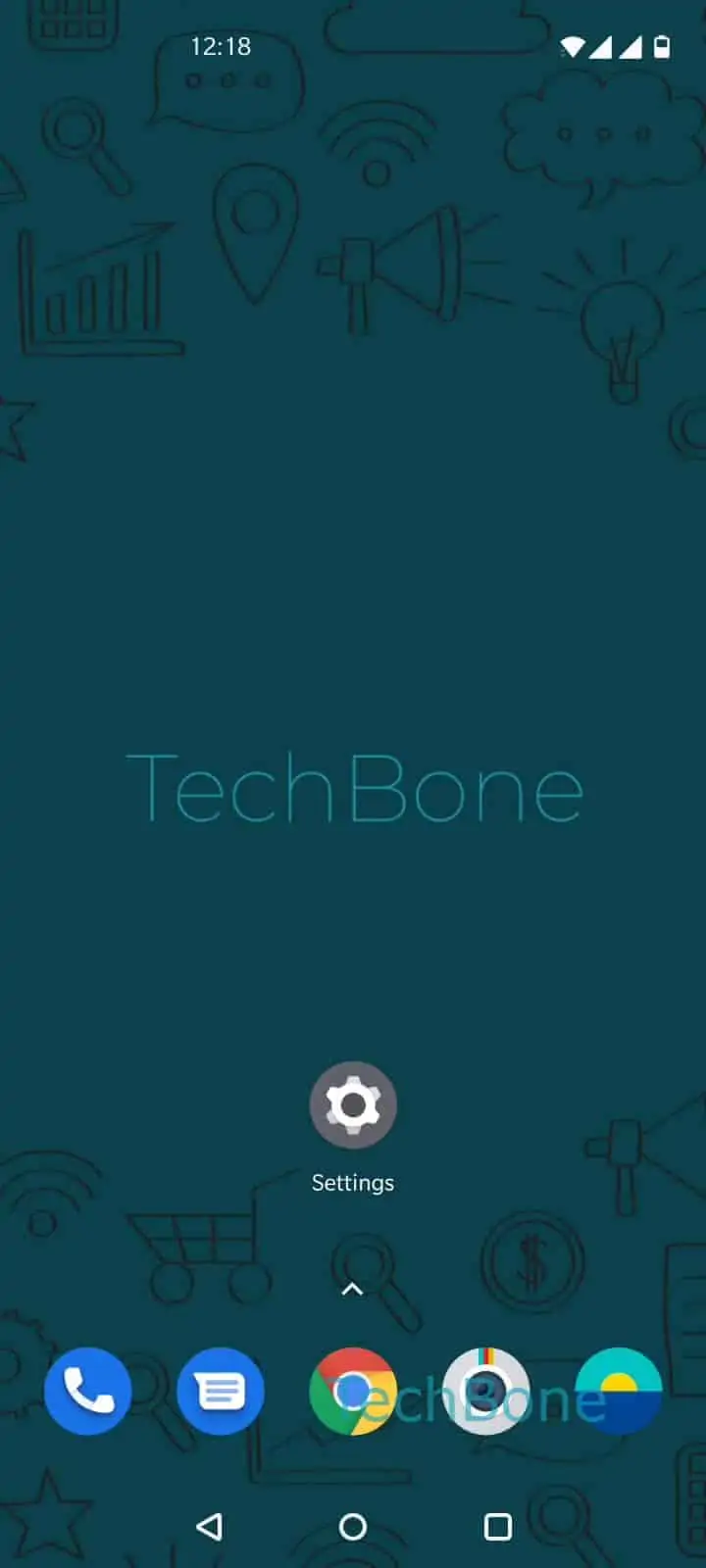
You can change this assignment directly in the system settings. Go to Open the Settings ➔ Tap on Buttons & gestures ➔ Tap on Press and hold the power button ➔ Choose Power menu or Voice assistant.
Selecting Power menu makes the long-press bring up shutdown, restart, and emergency options again. Selecting Voice assistant keeps the current behavior, which is useful if you rely on Assistant for hands-free commands and use another method, like the button combo or the notification shade, to power off the phone.
If your phone reacts slowly or not at all after this change, a restart usually resolves it, since some launcher or gesture services only reload the mapping after a reboot.