Skip to content
TechBone
OnePlus

OnePlus: Print a Website from the Browser App

If the print option seems missing when you open a website on your OnePlus phone, it is usually hidden inside the Share menu instead of a dedicated print button. The browser relies on the Android print framework, so the printer also needs to be reachable over the same Wi-Fi network, Bluetooth, or Wi-Fi Direct before anything shows up.

6 min7 steps
VersionAndroid 10 · Oxygenos 10

Step by step

1 / 7

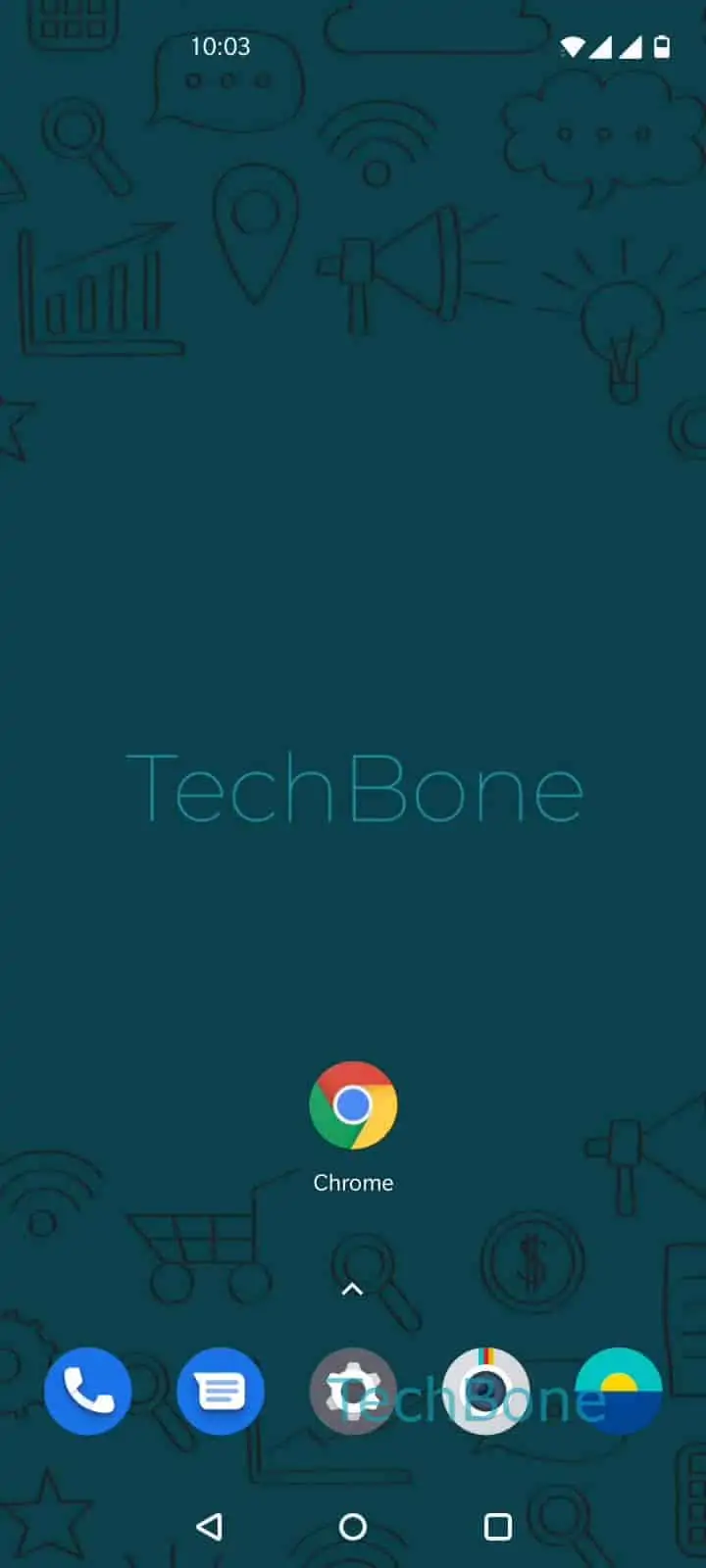
Step 1 of 7: Open the **Chrome app**

1

Open the Chrome app

Live simulator

Android 10 · Oxygenos 10
Print a Website from the Browser App – Oxygenos 10: step 1 – Open the Chrome app
Open the Chrome app
1 / 7

Scroll or use the buttons for the next step

Feedback

Was the guide correct?

Help others: confirm the path or report a problem.

59

Confirmations

Forum verified this path

OnePlus

Print a Website from the Browser App auf OnePlus

On OnePlus phones running OxygenOS, printing a webpage does not happen through a visible print icon. It runs through the Share function built into the Chrome app, which hands the page over to the Android print service.

The Menüpfad looks like this: Open the Chrome appOpen the menuTap on Share...Tap on PrintOpen the menuChoose a printerTap on Print.

The step Open the menu after tapping Print opens the printer selection list. Only printers on the same Wi-Fi network, or connected via Bluetooth or Wi-Fi Direct, appear here. If no printer shows up, the phone and printer are likely on separate networks, or the printer has no Android-compatible print service installed.

This path works for any page currently open in Chrome, not just the homepage. If the printer still does not appear after checking the network, restarting the printer or reconnecting Wi-Fi Direct usually resolves it.

If you only need the content for later, saving the page as a PDF through the same Print dialog is often faster than finding a physical printer.

Frequently asked questions

The phone and printer must share the same Wi-Fi network, or connect via Bluetooth or Wi-Fi Direct. If neither is active, the printer will not appear after Open the menu in the print dialog.

Compatible devices

Tap your device — opens its hub with matching guides.