Skip to content
TechBone
OnePlus

OnePlus: Print a PDF File over Wi-Fi

When a printer sits in the same room but a PDF still will not print from your OnePlus phone, the Wi-Fi printing feature usually is not activated correctly. Android needs to detect the printer on the same network before the print dialog shows any device to choose from. Without that connection, the option list stays empty even though everything looks fine at first glance.

5 min6 steps
VersionAndroid 10 · Oxygenos 10

Step by step

1 / 6

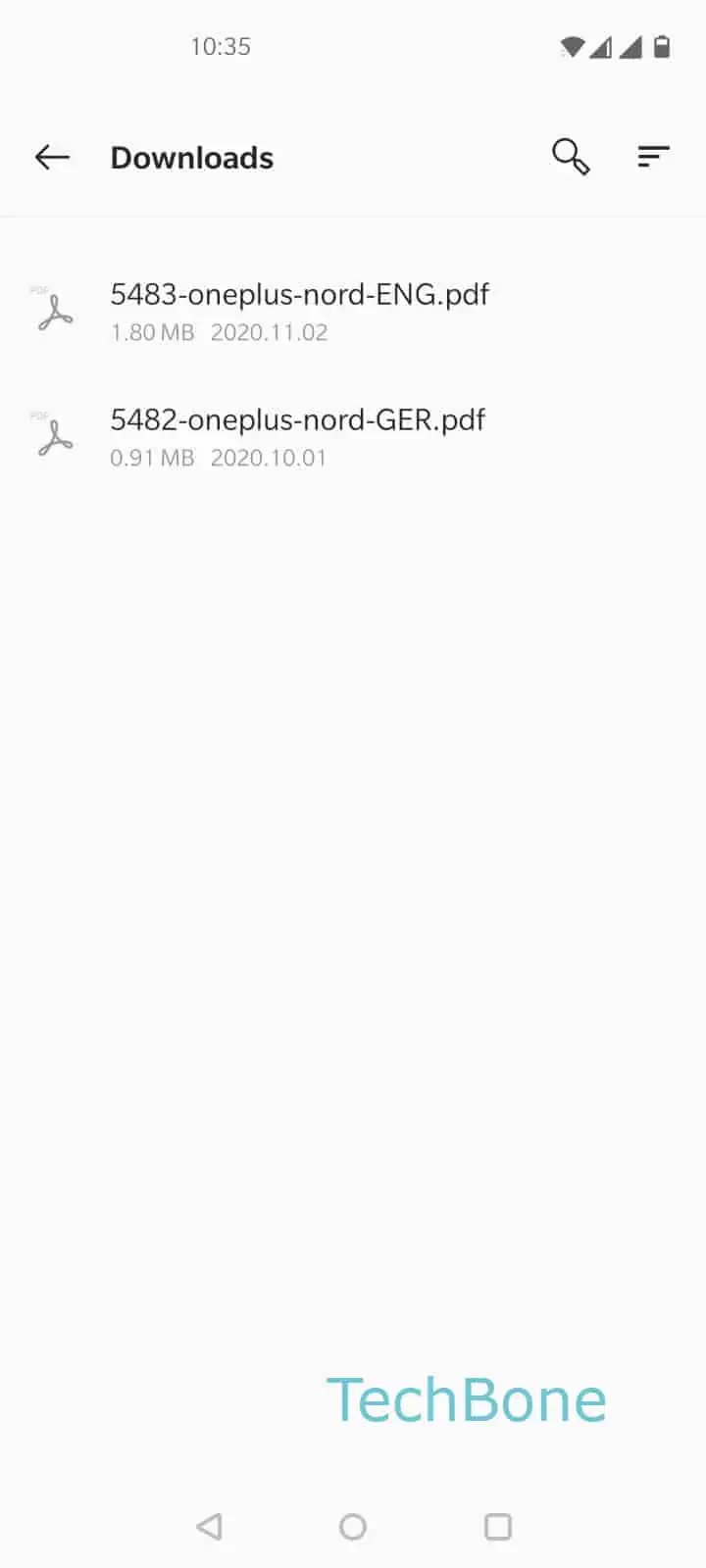
Step 1 of 6: Choose a **PDF file**

1

Choose a PDF file

Live simulator

Android 10 · Oxygenos 10
Print a PDF File via Wi-Fi – Oxygenos 10: step 1 – Choose a PDF file
Choose a PDF file
1 / 6

Scroll or use the buttons for the next step

Feedback

Was the guide correct?

Help others: confirm the path or report a problem.

84

Confirmations

Forum verified this path

OnePlus

Print a PDF File via Wi-Fi auf OnePlus

Printing a PDF directly from a OnePlus phone depends on the built-in Android print service finding a compatible printer on the local network. If the phone and the printer are not connected to the same Wi-Fi, the print dialog shows no available device, even though the printer itself is online.

To print a PDF file, open the file first, then tap Open the menu and select Tap on Print. Android now opens the print overview screen.

From there, tap Open the menu again to see all printers currently reachable on the network. Select the correct device under Choose an available printer, confirm the settings shown, and tap Tap on Print to send the file.

If no printer appears, check that both devices are on the same Wi-Fi and that the printer supports wireless printing without extra software. Some office printers require a manufacturer app or a specific print service to be installed before Android can detect them. In that case, install the matching app first and repeat the steps above.

Frequently asked questions

Check that the phone and the printer share the same Wi-Fi network. If nothing appears under Choose an available printer, the printer may need a dedicated print service or manufacturer app installed before Android can detect it.

Compatible devices

Tap your device — opens its hub with matching guides.