
OnePlus
Reject an Incoming Call by Dragging the Handset Icon auf OnePlus
OnePlus phones offer two distinct ways to decline an incoming call. One sends a preset text message to the caller, the other simply ends the call with no reply at all.
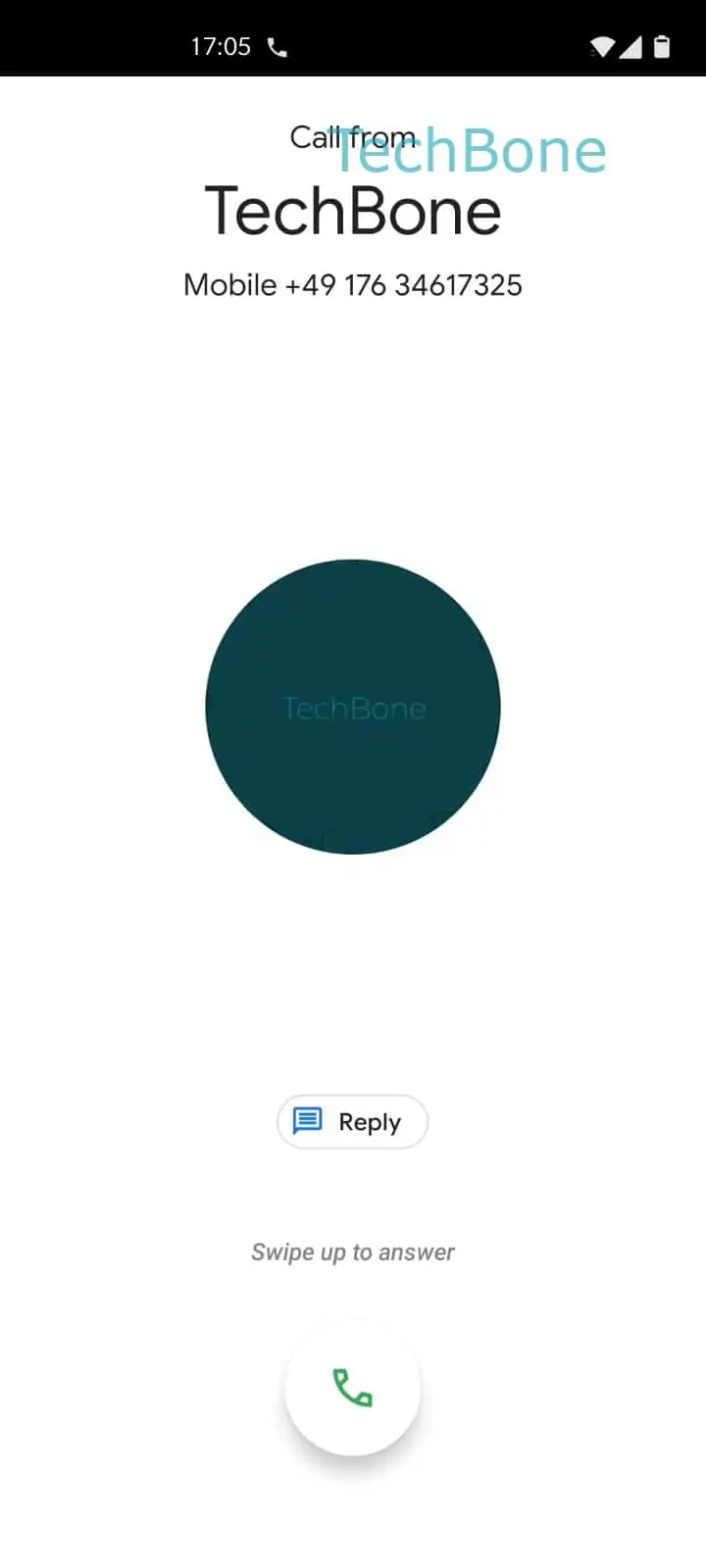
The silent method relies on a drag gesture instead of a tap. Holding the green handset icon and pulling it down turns it red, and releasing it there rejects the call immediately.
Tap and hold the green handset icon ➔ Drag the green handset icon downwards ➔ Release the red handset icon to reject the call
No SMS goes out with this gesture. What the caller experiences next, a busy tone or a redirect to voicemail, depends on the call diversion settings configured with your carrier, not on anything OxygenOS does locally.
Use this gesture when you want a call gone without explanation. If you want the caller to know you saw the call and will get back to them, the short quick-reply option that sends a text message is the better fit.
The gesture works the same way whether the screen is locked or unlocked, since the calling screen renders identically in both states.