Skip to content
TechBone
OnePlus

OnePlus: Reject a Call Without Sending a Text Reply

If you just want a call to stop ringing without triggering the usual quick-reply text message, tapping and holding the handset icon is not the same as swiping to decline. On OnePlus phones, dragging the green icon downward ends the call silently, and what happens next depends entirely on your carrier's voicemail or call diversion setup, not on the phone itself. Many users mix this gesture up with the short-answer method and end up confused when no SMS is sent.

3 min3 steps
VersionAndroid 10 · Oxygenos 10

Step by step

1 / 3

Step 1 of 3: Tap and hold the **green handset icon**

1

Tap and hold the green handset icon

Live simulator

Android 10 · Oxygenos 10
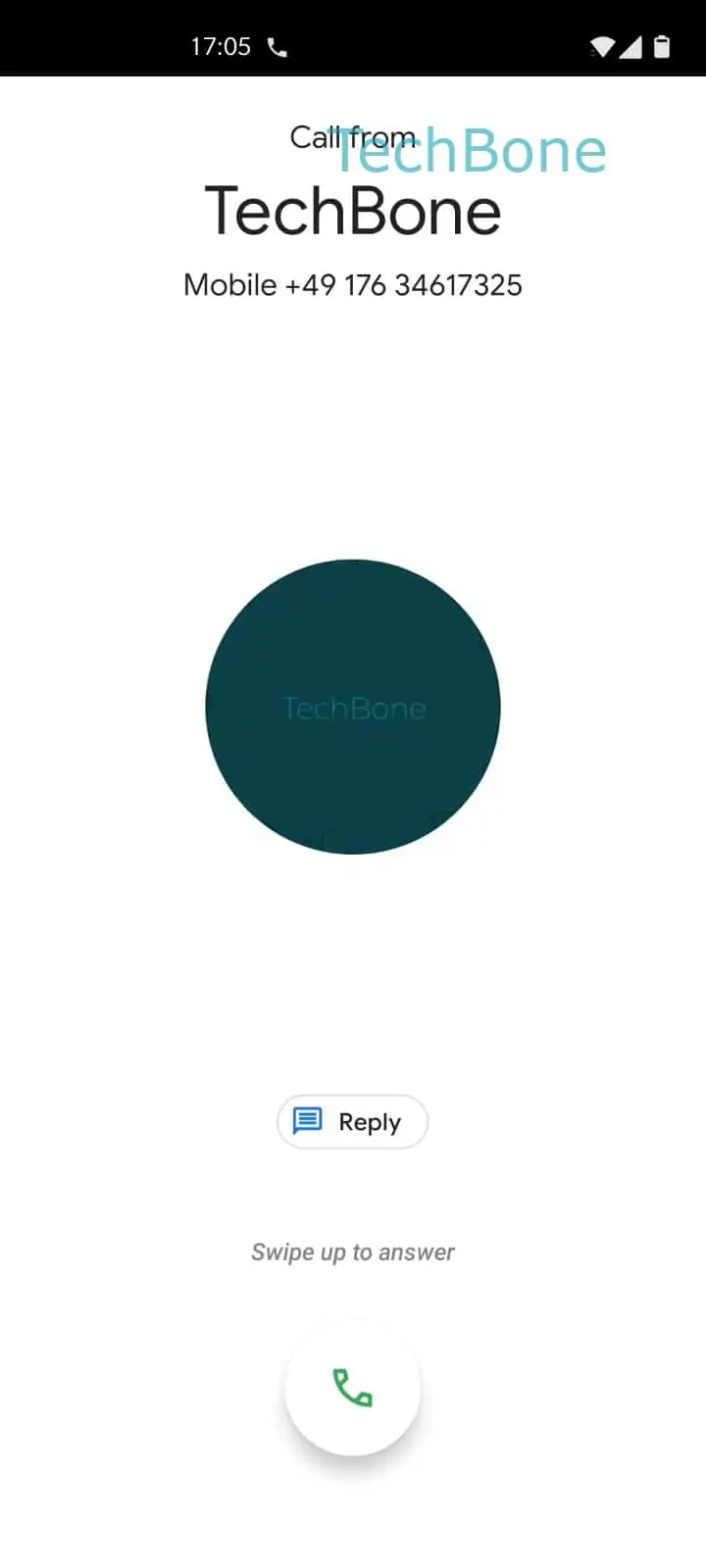
Reject an Incoming Call by Dragging the Handset Icon – Oxygenos 10: step 1 – Tap and hold the green handset icon
Tap and hold the green handset icon
1 / 3

Scroll or use the buttons for the next step

Feedback

Was the guide correct?

Help others: confirm the path or report a problem.

46

Confirmations

Forum verified this path

OnePlus

Reject an Incoming Call by Dragging the Handset Icon auf OnePlus

OnePlus phones offer two distinct ways to decline an incoming call. One sends a preset text message to the caller, the other simply ends the call with no reply at all.

The silent method relies on a drag gesture instead of a tap. Holding the green handset icon and pulling it down turns it red, and releasing it there rejects the call immediately.

Tap and hold the green handset iconDrag the green handset icon downwardsRelease the red handset icon to reject the call

No SMS goes out with this gesture. What the caller experiences next, a busy tone or a redirect to voicemail, depends on the call diversion settings configured with your carrier, not on anything OxygenOS does locally.

Use this gesture when you want a call gone without explanation. If you want the caller to know you saw the call and will get back to them, the short quick-reply option that sends a text message is the better fit.

The gesture works the same way whether the screen is locked or unlocked, since the calling screen renders identically in both states.

Frequently asked questions

They only hear a busy tone or get redirected to voicemail if that is set up with your carrier. No notification tells them you actively declined.

Compatible devices

Tap your device — opens its hub with matching guides.