
OnePlus
Reject Calls with a Quick Response Text auf OnePlus
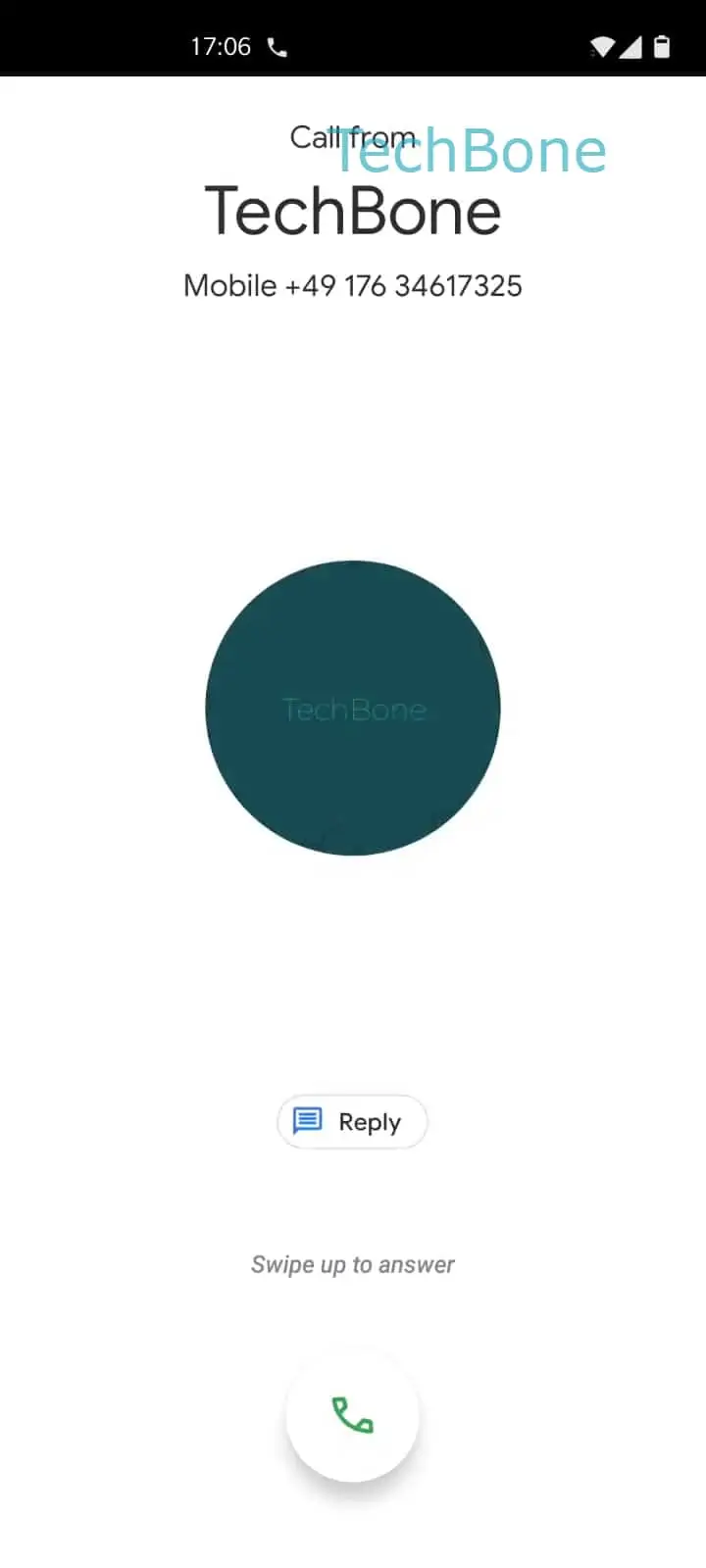
When a call comes in on a OnePlus phone, the incoming call screen offers more than just Accept or Decline. A Reply option lets you dismiss the call and send a short text in one motion, so you do not have to hang up and switch to Messages afterward.
To use it, tap on Reply as soon as the call screen appears. This opens a short list of preset texts, for example a message saying you will call back shortly.
Tap Choose a quick response to reject the call and send a message on the option that fits the situation. The call ends immediately and the selected text is sent to the caller in the same step, without you touching the Messages app.
When this helps
This shortcut is useful in meetings, during calls you cannot take at that moment, or when driving and unable to talk. It lets the caller know their call was noticed instead of leaving them with an unanswered ring.
When it is not the right fix
If you want to silence calls from a specific contact permanently, use call blocking or a Do Not Disturb schedule instead. The quick response only handles a single incoming call and does not change future ringing behavior.