Skip to content
TechBone
OnePlus

OnePlus: Remove an App Shortcut from the Home Screen

When your OnePlus home screen fills up with shortcuts you barely use, finding the apps you actually need takes longer every time. Deleting the wrong icon by accident or confusing 'Remove' with 'Uninstall' is a common worry, since both options can appear in the same long-press menu. Knowing which action just clears the shortcut and which one deletes the app entirely saves you from losing data you did not mean to remove.

2 min2 steps
VersionAndroid 10 · Oxygenos 10

Step by step

1 / 2

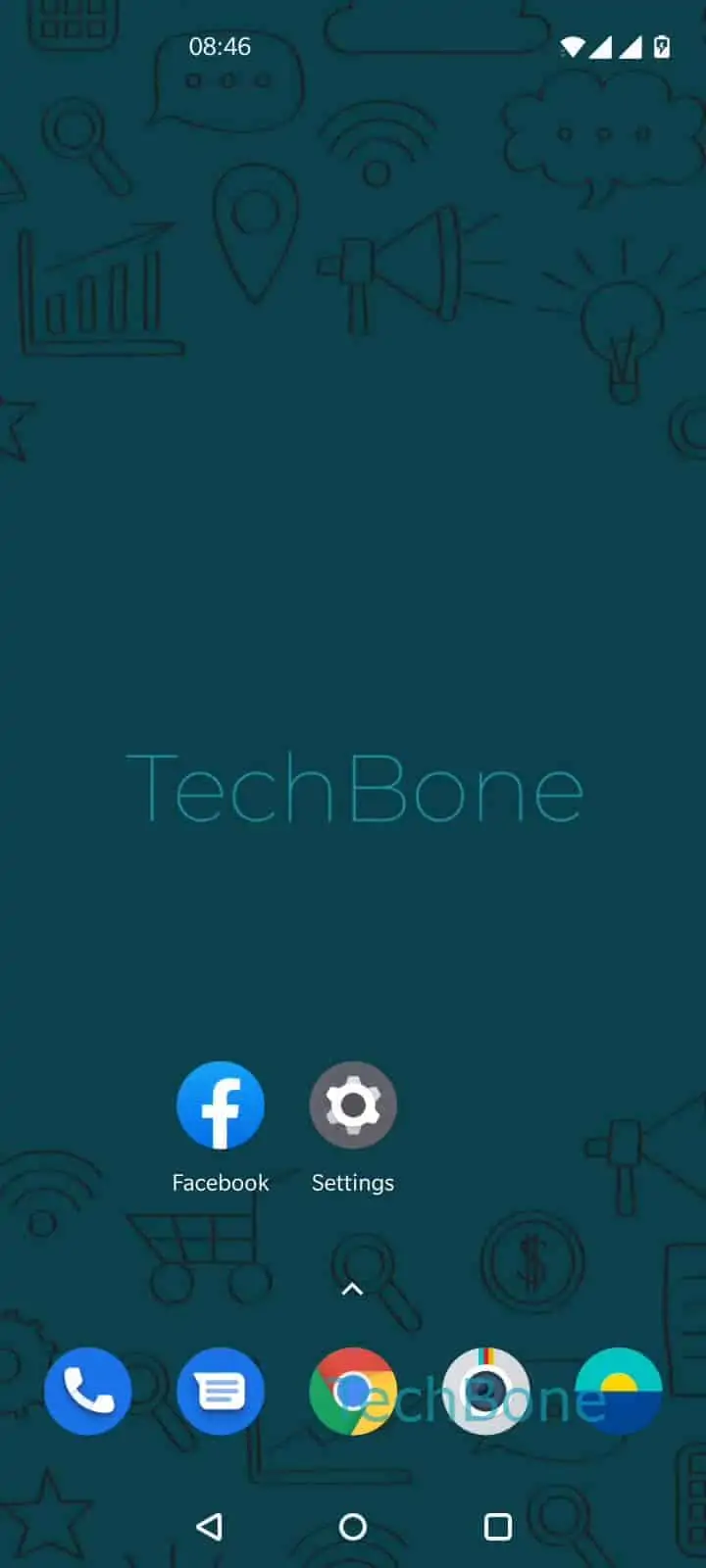
Step 1 of 2: Tap and hold an **app shortcut**

1

Tap and hold an app shortcut

Live simulator

Android 10 · Oxygenos 10
Remove App Shortcut from Home Screen – Oxygenos 10: step 1 – Tap and hold an app shortcut
Tap and hold an app shortcut
1 / 2

Scroll or use the buttons for the next step

Feedback

Was the guide correct?

Help others: confirm the path or report a problem.

35

Confirmations

Forum verified this path

OnePlus

Remove App Shortcut from Home Screen auf OnePlus

A crowded OnePlus home screen slows you down when you have to scroll or search past shortcuts for apps you rarely open. OxygenOS treats a home screen shortcut and the installed app as two separate things, so removing the icon does not delete the app or its data.

The long-press menu on any shortcut shows several options at once, including Remove and, depending on the app, Uninstall. Tapping the wrong one is the main reason people hesitate before cleaning up their home screen.

How to remove a shortcut

Tap and hold the shortcut you want to get rid of. From the menu that appears, tap Remove. The icon disappears from the home screen immediately, while the app itself stays installed and reachable from the app drawer.

If you want to get rid of the app completely instead of just the shortcut, use Uninstall from the same menu, or remove it through the app settings. Removing a shortcut is the better choice whenever you still use the app occasionally but do not need it visible on the home screen.

Frequently asked questions

No. Tapping Remove only takes the icon off the home screen. The app stays installed and keeps all its data, and you can still open it from the app drawer.

Compatible devices

Tap your device — opens its hub with matching guides.