
OnePlus
Remove the Google Search Bar from the Home Screen auf OnePlus
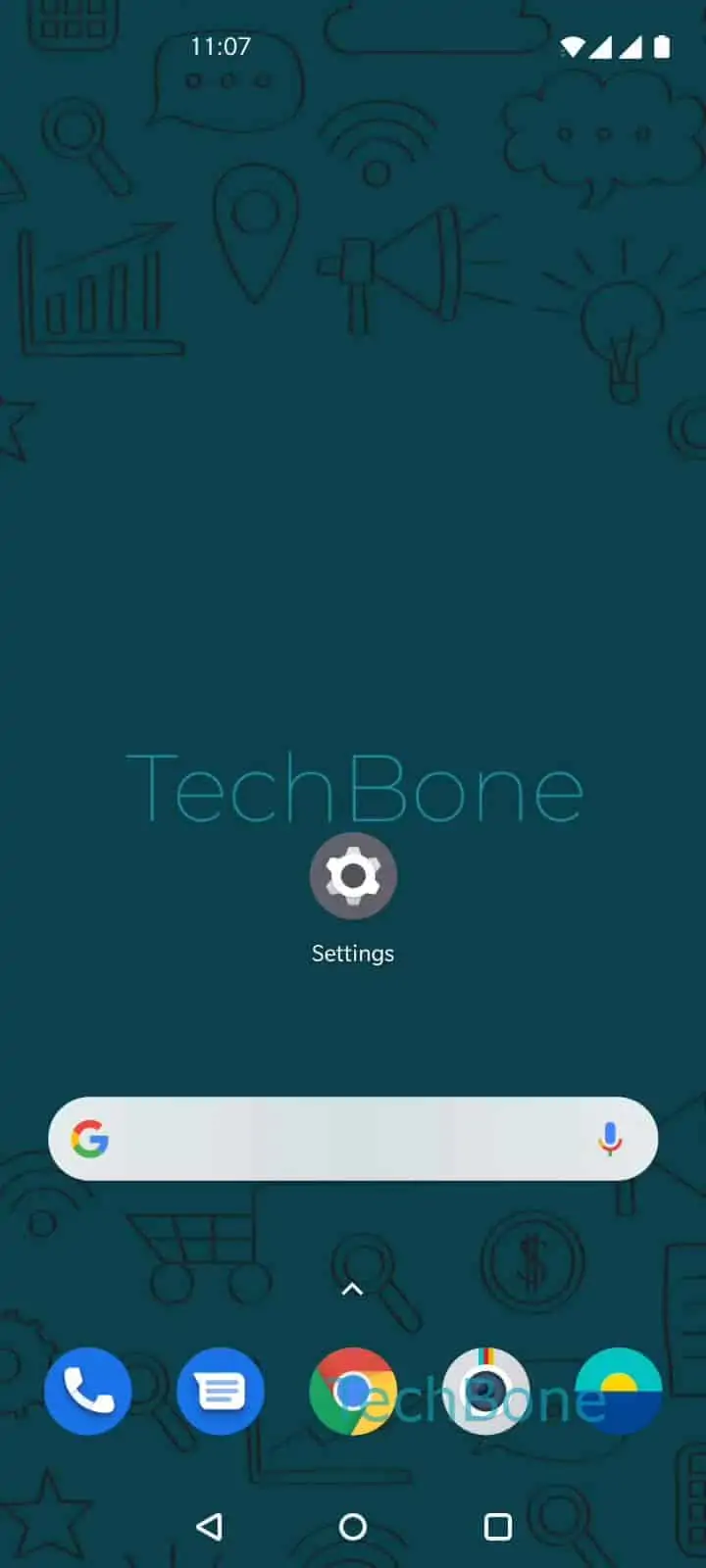
The Google search bar on a OnePlus home screen is placed there by default during first setup. Although it looks like a fixed system bar, OxygenOS treats it as a regular home screen widget.
That means it can be removed the same way you would remove any other widget, without disabling Google search on the device itself.
How to remove it
Press and hold the Google search bar until a small menu or outline appears. Then select the remove option that shows up above or below it.
Menu path: Tap and hold the Google search bar ➔ Tap on Remove.
The bar disappears immediately and the apps below shift up to fill the space. No confirmation prompt appears, so double-check you held the correct element before releasing.
When it comes back on its own
If the search bar reappears after a restart or software update, the launcher has likely reset the home screen layout to its default. In that case, repeat the same press-and-hold and remove action.
Removing the widget does not affect the Google app itself or search results elsewhere on the phone. It only clears the fixed bar from the home screen.