
OnePlus
Resize a Widget auf OnePlus
Widgets on a OnePlus home screen sit on an invisible grid. Each widget occupies a fixed number of grid cells, and only widgets designed with flexible boundaries let you change that cell count after placement.
When a widget looks stuck at one size, it usually means the developer defined a fixed minimum or maximum footprint. Weather, calendar, or media widgets often allow scaling, while simple shortcut or single-line widgets do not.
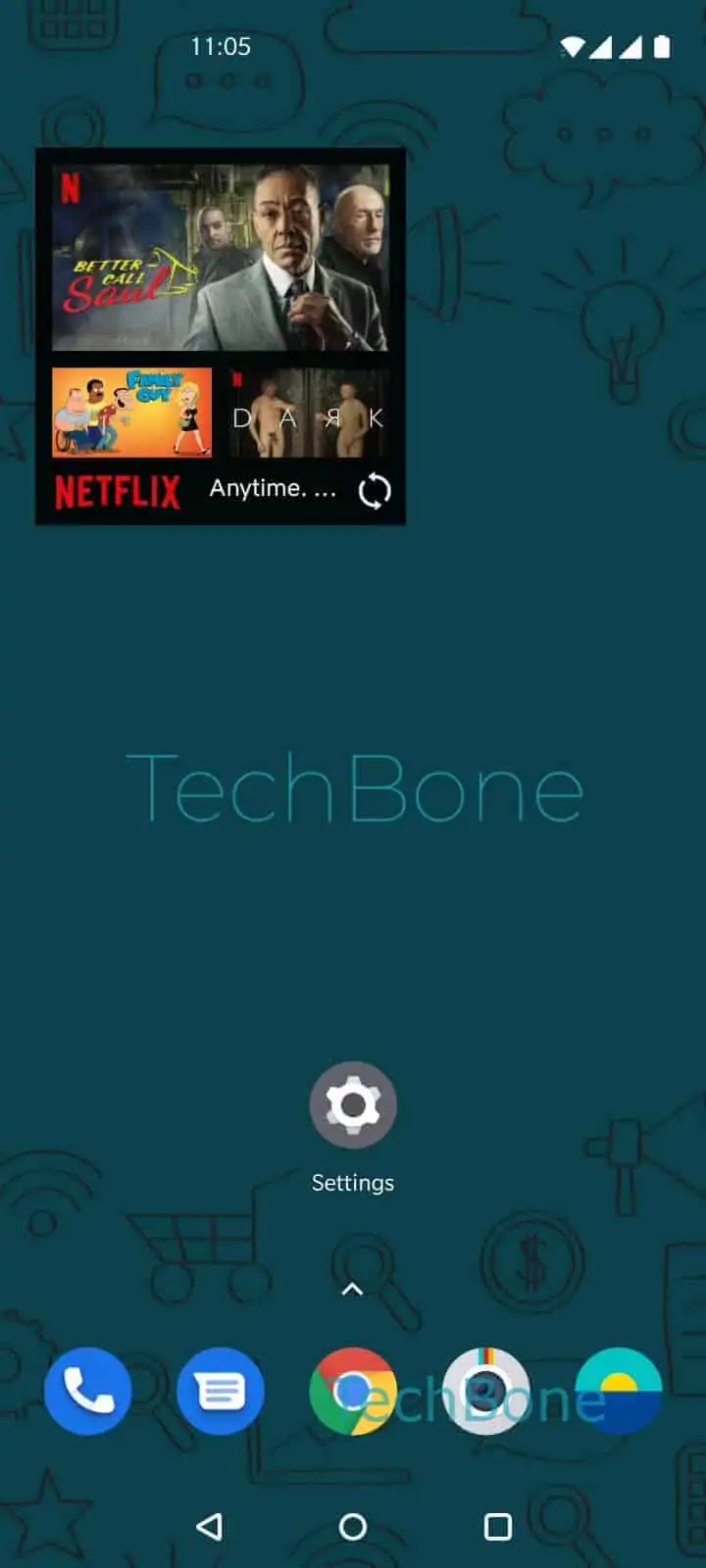
To resize a widget that supports it: Tap and hold the widget ➔ Drag the border frame to enlarge or reduze the widget size ➔ Tap on a free area on home screen. Releasing your finger on the border handles confirms the new size and saves the layout.
Resizing can push neighboring icons or widgets to a different position, since the home screen grid rearranges content to avoid overlap. If no border frame appears after the long press, the widget you placed does not support resizing at all.
In that case, removing the widget and adding a different-sized variant from the widget picker (if the app offers one) is the only workaround. Restarting the launcher or clearing home screen cache rarely changes this behavior, because the size limit is set by the widget itself, not by OxygenOS.