Skip to content
TechBone
OnePlus

OnePlus: Save a Web Page as PDF File

Trying to keep a web page for later reading or printing without an internet connection can be tricky if you do not know where the export option is hidden. On OnePlus phones the browser's Share menu doubles as a print and PDF export tool, even without a connected printer. Many people miss this because it looks like a printing feature rather than a save option.

6 min7 steps
VersionAndroid 10 · Oxygenos 10

Step by step

1 / 7

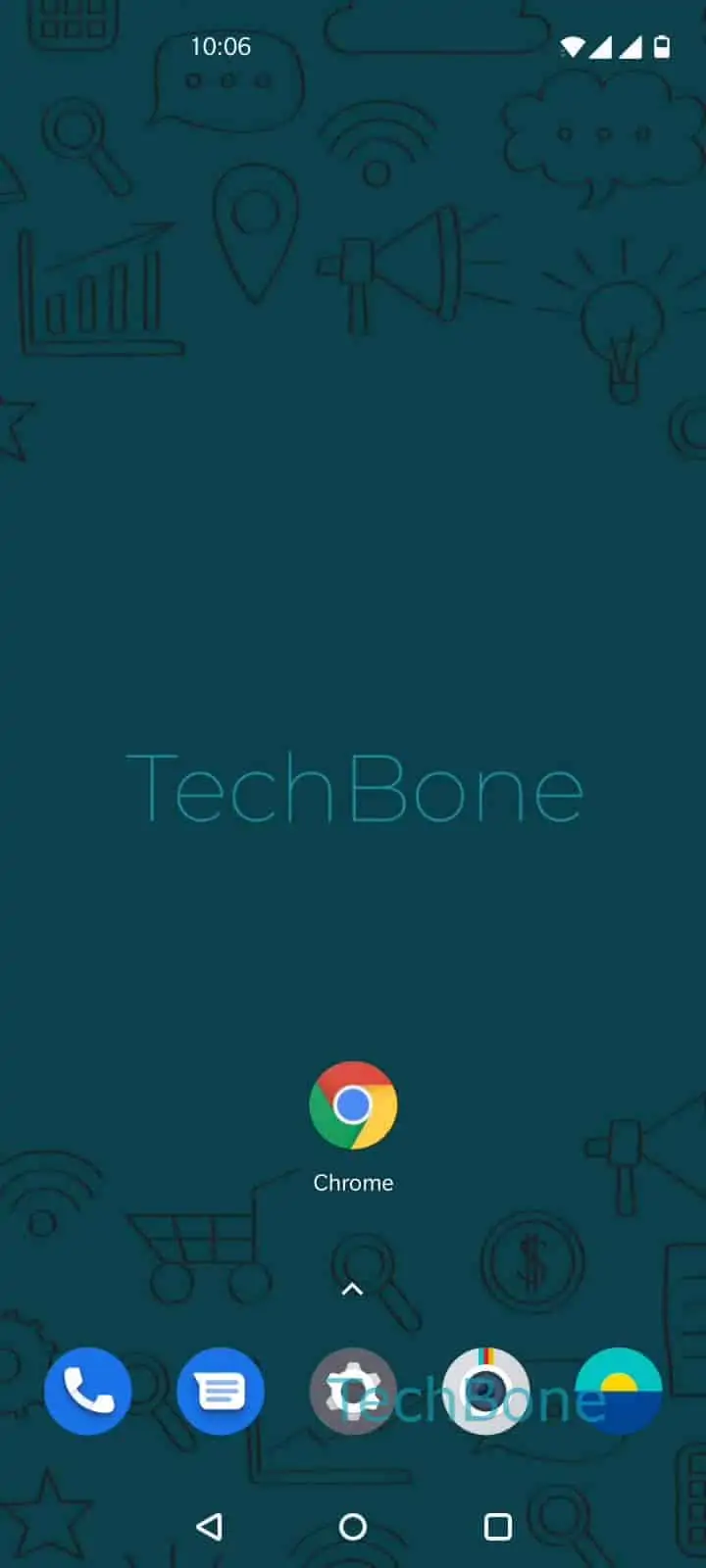
Step 1 of 7: Open the **Chrome app**

1

Open the Chrome app

Live simulator

Android 10 · Oxygenos 10
Save a Web Page as PDF – Oxygenos 10: step 1 – Open the Chrome app
Open the Chrome app
1 / 7

Scroll or use the buttons for the next step

Feedback

Was the guide correct?

Help others: confirm the path or report a problem.

20

Confirmations

Forum verified this path

OnePlus

Save a Web Page as PDF auf OnePlus

OnePlus phones do not show a direct save-as-PDF button inside the Chrome app. Instead, the export runs through the Android print framework, which Chrome exposes through its Share function.

To reach it, open the page you want to keep, then go to Open the Chrome appOpen the menuTap on Share...Tap on Print. This loads a virtual printer list even though no physical printer is connected.

Check that Make sure Save as PDF is selected as the target, then confirm with Tap on Download PDFSelect a folder and tap Save. The file lands in local storage and stays readable offline.

This method works for most pages rendered in Chrome, including logged-in content and long articles. It does not capture videos or embedded players, since those elements get stripped out during the print conversion.

If you need to edit the page content before saving, a dedicated PDF editor is a better fit. For quick sharing without storing a file, sending the page link is still faster than exporting one.

Frequently asked questions

Yes. The Save as PDF option in the print menu acts as a virtual printer, so no physical printer is needed.

Compatible devices

Tap your device — opens its hub with matching guides.