Skip to content
TechBone
OnePlus

OnePlus: Set Up Scheduled Power On/Off

If your OnePlus phone keeps lighting up with notifications at night or drains its battery while you sleep, manually switching it off and back on every day gets old fast. The Scheduled power on/off feature lets the phone shut down and restart on its own at fixed times. Without it, you either leave the phone running all night or risk forgetting to turn it back on before your alarm.

7 min9 steps
VersionAndroid 10 · Oxygenos 10

Step by step

1 / 9

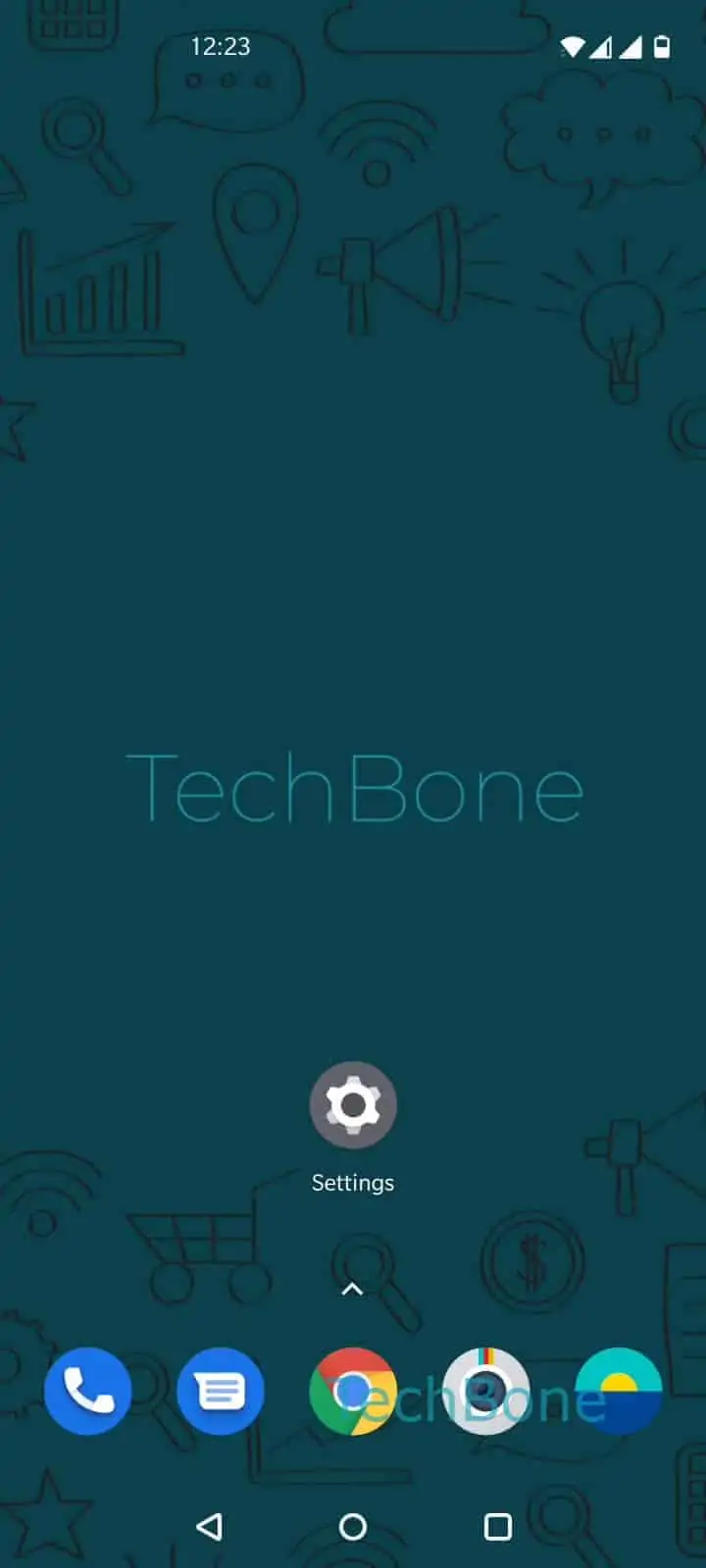
Step 1 of 9: Open the **Settings**

1

Open the Settings

Live simulator

Android 10 · Oxygenos 10
Schedule Power On/Off – Oxygenos 10: step 1 – Open the Settings
Open the Settings
1 / 9

Scroll or use the buttons for the next step

Feedback

Was the guide correct?

Help others: confirm the path or report a problem.

36

Confirmations

Forum verified this path

OnePlus

Schedule Power On/Off auf OnePlus

Scheduled power on/off runs as a background function inside OxygenOS. Once configured, the phone shuts down completely at the set time instead of just dimming the screen or entering a sleep state, which stops all notifications, calls and background syncing until it powers back on.

This is different from Do Not Disturb, which silences alerts but keeps the phone running and reachable for calls if you allow exceptions. If you still need to receive urgent calls at night, Do Not Disturb with exceptions is the better option. Scheduled power on/off is meant for a full rest period, for example to reduce battery drain overnight or to avoid any interruptions.

Where to find it

Open SettingsUtilitiesScheduled power on/off. Enable Power on, tap Set time to power on, choose the time and confirm with OK. Then enable Power off, tap Set time to power off, set the time and confirm with OK again.

Both schedules repeat daily once set. Any alarms set for a time while the phone is powered off will not ring, since the device is fully shut down rather than sleeping.

Frequently asked questions

No. Scheduled power off fully shuts down the phone, so any alarm set for that window will not trigger. Set the power-on time early enough to cover your wake-up alarm.

Compatible devices

Tap your device — opens its hub with matching guides.