Skip to content
TechBone
OnePlus

OnePlus: Turn Screen Cast On or Off

If your OnePlus phone won't show up when you try to mirror the display to a smart TV, monitor or Fire TV Stick, the Screen cast function is often switched off or blocked by a network mismatch. Wireless mirroring only works when both devices sit on the same Wi-Fi network, so a hidden toggle or a wrong network can quietly break the connection. Some OnePlus units also link this feature to a separate casting toggle, which adds another spot where it can get disabled.

3 min4 steps
VersionAndroid 10 · Oxygenos 10

Step by step

1 / 4

Step 1 of 4: Open the **Settings**

1

Open the Settings

Live simulator

Android 10 · Oxygenos 10
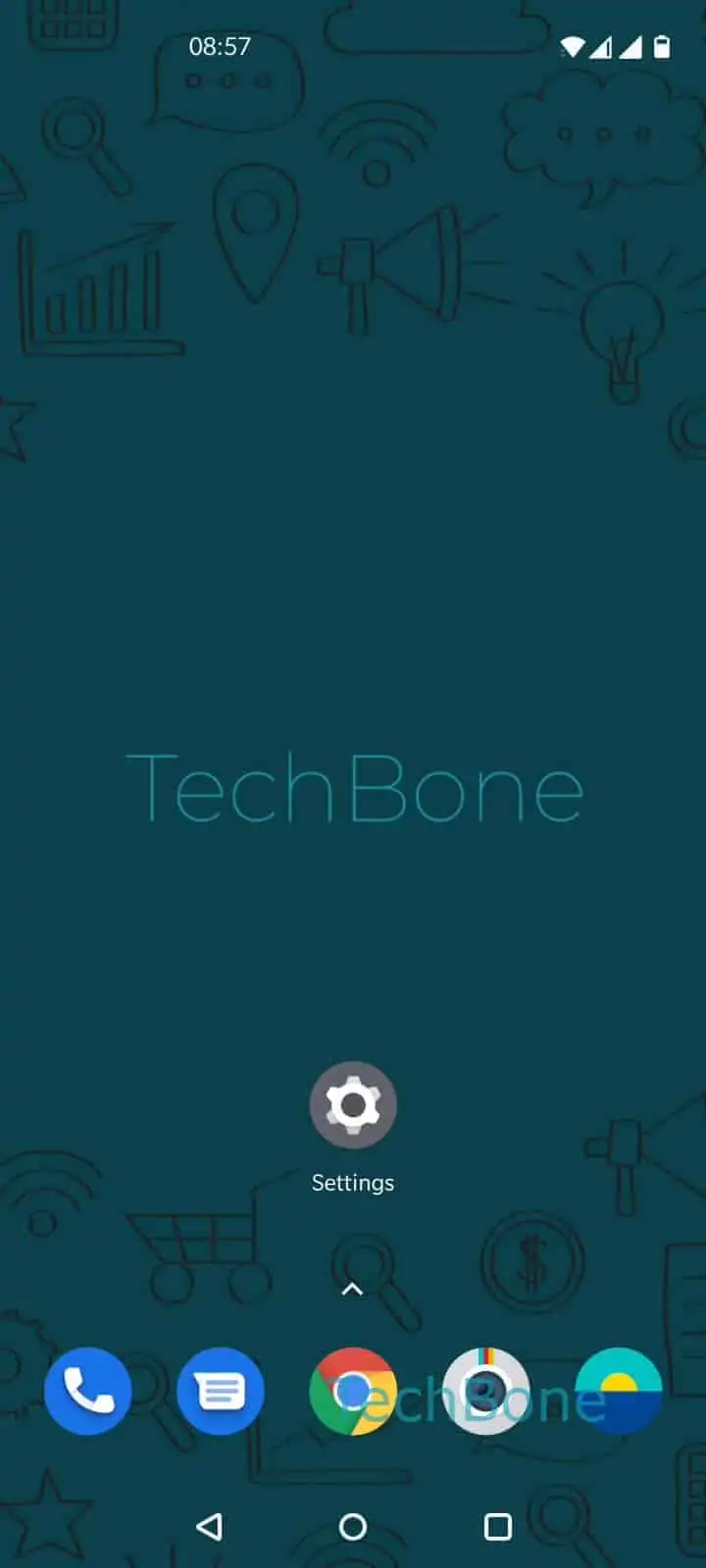
Enable or Disable Screen Cast – Oxygenos 10: step 1 – Open the Settings
Open the Settings
1 / 4

Scroll or use the buttons for the next step

Feedback

Was the guide correct?

Help others: confirm the path or report a problem.

13

Confirmations

Forum verified this path

OnePlus

Enable or Disable Screen Cast auf OnePlus

Screen cast on OnePlus phones mirrors your display to a TV, monitor or streaming stick over the local Wi-Fi network. It relies on the Wireless display protocol built into Android, so both the phone and the receiving device must be connected to the same network before a connection can be established.

If casting fails, the toggle for this feature is frequently the culprit. It can be switched off by default, disabled after a system update, or turned off accidentally from the quick settings panel.

To check or change the setting, go to Open the SettingsTap on Bluetooth & device connectionTap on CastEnable or disable Screen cast/Wireless display.

Once enabled, your phone will search for nearby compatible receivers. If none appear, confirm that the target device also supports wireless display and sits on the identical network.

Turning the option off is useful when you want to stop background scanning for cast targets, which can have a small effect on battery life. If you only need occasional mirroring, leaving the toggle off until needed avoids unnecessary network scans.

Frequently asked questions

Both devices need to be on the same Wi-Fi network. Check the network name on your phone and on the TV or receiver, then confirm Screen cast is enabled under Bluetooth & device connectionCast.

Compatible devices

Tap your device — opens its hub with matching guides.