
Skip to content
TechBone
OnePlus

OnePlus: Find a Keyword on a Website in the Browser App

Scanning a long article on your OnePlus phone for one specific word can feel like searching for a needle in a haystack. The browser's built-in find function highlights every match in yellow, so you do not have to scroll through walls of text. Knowing where this tool hides in the menu saves real time.

6 min7 steps
VersionAndroid 10 · Oxygenos 10

Step by step

1 / 7

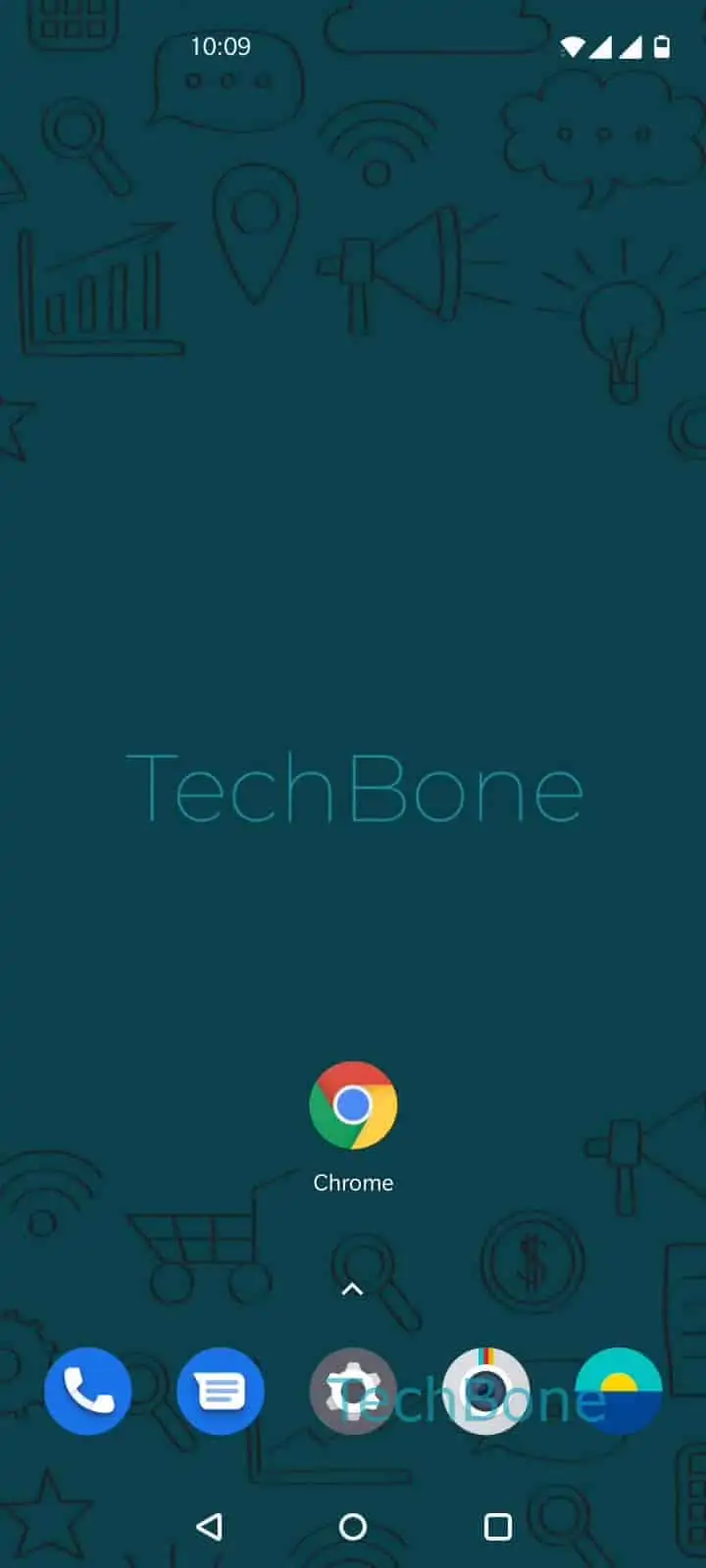
Step 1 of 7: Open the **Chrome app**

1

Open the Chrome app

Live simulator

Android 10 · Oxygenos 10
Find a Keyword on a Website in the Browser – Oxygenos 10: step 1 – Open the Chrome app
Open the Chrome app
1 / 7

Scroll or use the buttons for the next step

Feedback

Was the guide correct?

Help others: confirm the path or report a problem.

13

Confirmations

Forum verified this path

OnePlus

Find a Keyword on a Website in the Browser auf OnePlus

Long web pages on OnePlus phones often bury the information you need under paragraphs of text. Scrolling manually wastes time, especially on sites with little formatting.

The browser's Find in page feature searches the entire loaded page and highlights every match in yellow. It works only on content that has already loaded, so pages with infinite scroll or lazy loading may need extra scrolling before all results show up.

To use it, follow this path:

Open the Chrome appOpen the menuTap on Find in pageEnter a keywordTap on SearchUse the arrows to browse the resultsTap on Quit to exit

The arrows next to the search field jump between matches without leaving the page. Closing the search bar returns you to normal browsing without losing your scroll position.

If a keyword does not appear despite being visible on-screen, check for extra spaces or try a shorter fragment of the word. Case usually does not affect results, but exact spelling does.

Frequently asked questions

The browser only searches content that has already loaded. Scroll to the bottom of the page first, then repeat the search with Find in page to include newly loaded text.

Compatible devices

Tap your device — opens its hub with matching guides.