
Skip to content
TechBone
OnePlus

OnePlus: How to Send an SMS Message

If you can't find where to start a new text or your message won't go through, you might be looking in the wrong app on your OnePlus phone. A plain SMS - no photos, no attachments - only works through the built-in Messages app and needs nothing more than a recipient and a typed text. Confusing this with a chat or RCS conversation is the most common reason people get stuck.

4 min5 steps
VersionAndroid 10 · Oxygenos 10

Step by step

1 / 5

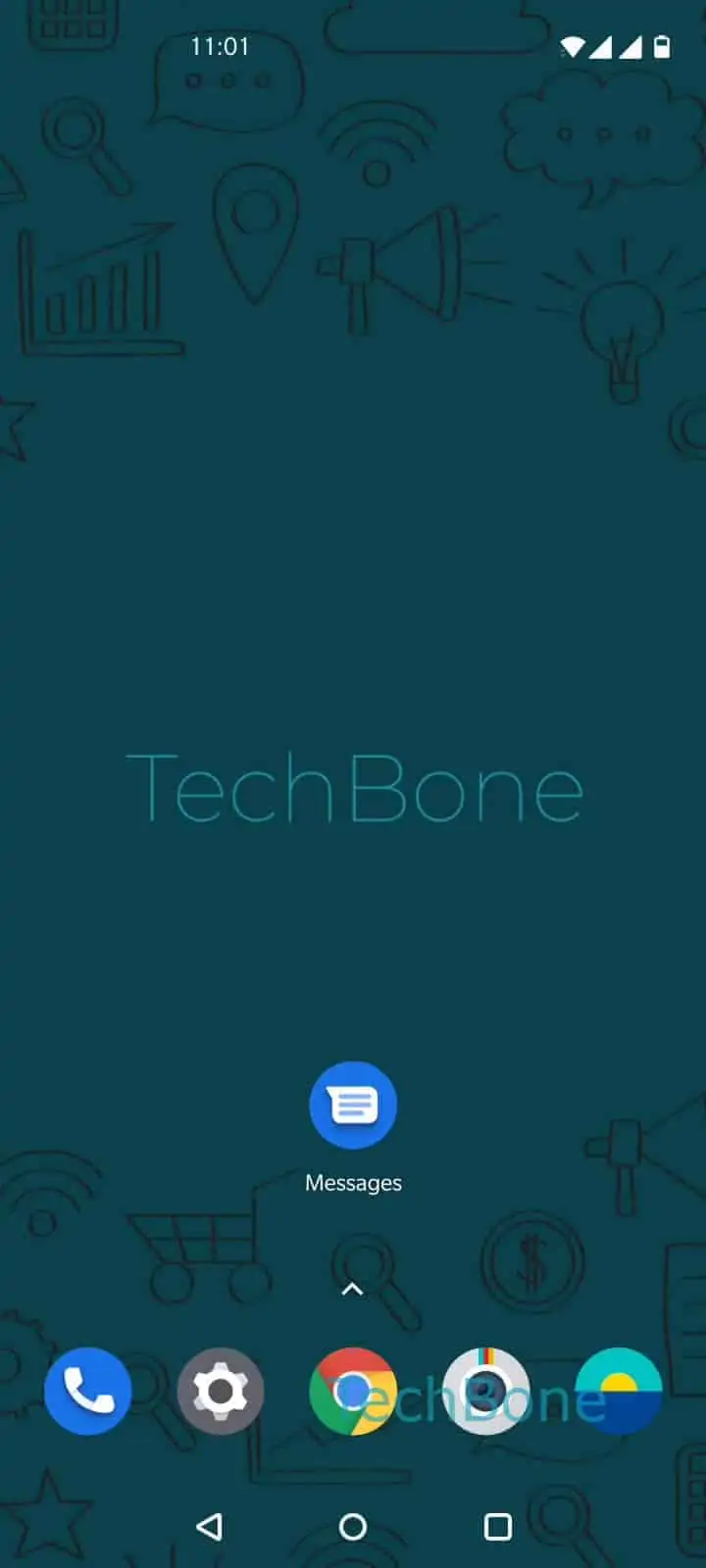
Step 1 of 5: Open the **Messages app**

1

Open the Messages app

Live simulator

Android 10 · Oxygenos 10
Send an SMS Message – Oxygenos 10: step 1 – Open the Messages app
Open the Messages app
1 / 5

Scroll or use the buttons for the next step

Feedback

Was the guide correct?

Help others: confirm the path or report a problem.

11

Confirmations

Forum verified this path

OnePlus

Send an SMS Message auf OnePlus

An SMS is a plain text message without photos, videos, or other attachments. On a OnePlus phone, sending one always goes through the Messages app, which is also responsible for chat features like read receipts or grouped media. This dual role is why some people expect an SMS option somewhere else and cannot find it.

To send one, open Open the Messages appChoose a conversation or tap on New messageChoose a contact or type a phone numberType in a messageTap on Send. No other setting needs to be changed for a basic text.

When to look elsewhere

If you actually want to send photos, videos, or longer group chats, that falls under chat or RCS messaging, not plain SMS. Those messages use mobile data or Wi-Fi instead of your carrier's text network, and they behave differently if the recipient does not support the same feature.

A side effect of plain SMS is the lack of delivery confirmation on many carriers, unlike chat-based messages which often show read status. If a text seems stuck, checking your signal or carrier settings is usually more useful than restarting the Messages app.

Frequently asked questions

That happens when both you and the recipient have chat features enabled in the Messages app. The app automatically switches to a richer message type over data instead of the carrier SMS network, even though you followed the same New message steps.

Compatible devices

Tap your device — opens its hub with matching guides.