
OnePlus
Send Photos or Videos via Bluetooth auf OnePlus
Sharing a photo, video or PDF from a OnePlus phone over Bluetooth depends on the file passing through the Android Share sheet before Bluetooth takes over as the transfer method. If the receiving device was never paired, or Bluetooth is switched off on either side, the option to send the file never finishes even though it shows up in the Share menu.
Where the Bluetooth option is hidden
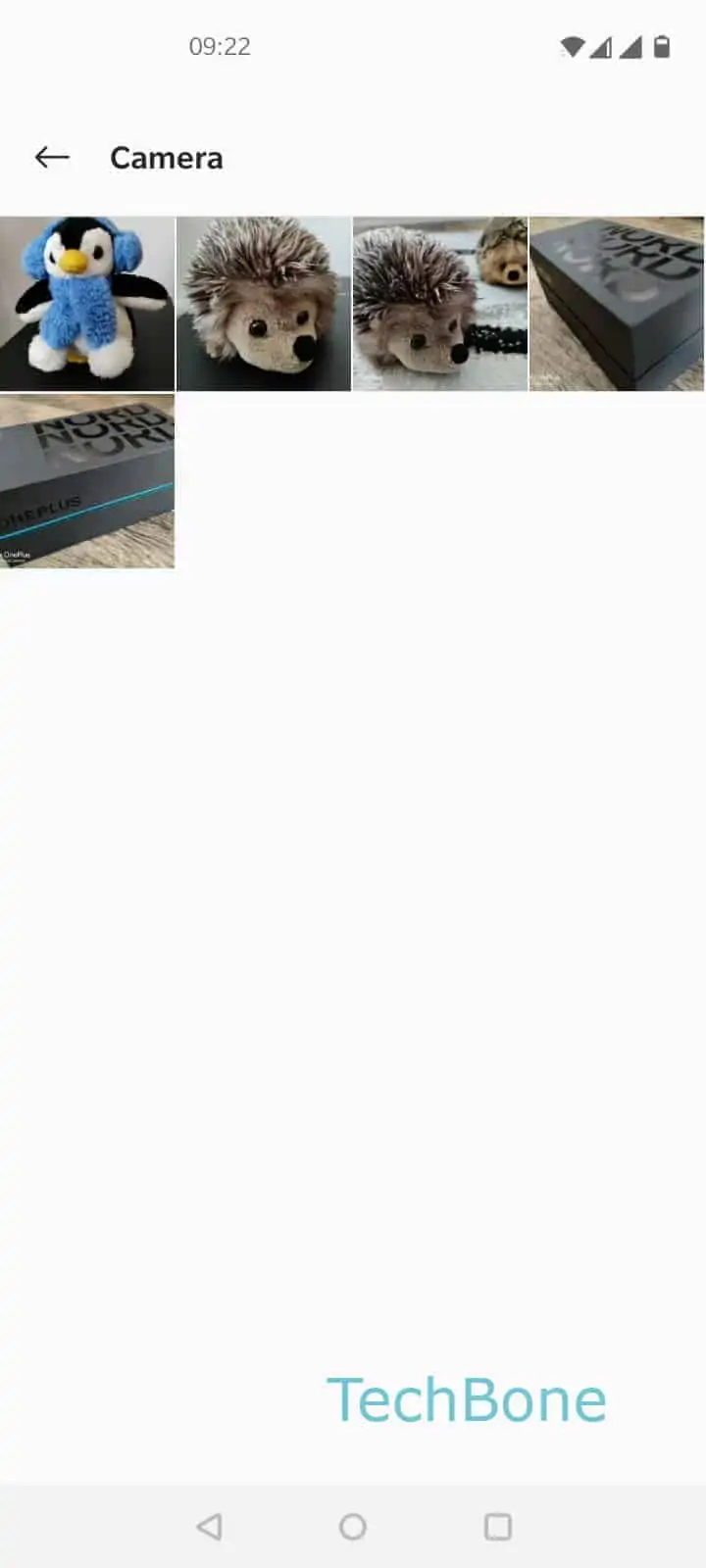
Open Gallery or Files and select the photo or video you want to send. Tap Share, then look for Bluetooth among the listed apps. On some OxygenOS builds Bluetooth sits below the row of contact suggestions, so scrolling the share sheet is often needed before it appears.
Once Bluetooth is selected, the phone scans for devices that are already paired or currently discoverable nearby. Tap the target device from the list to start the transfer right away.
Full path: Choose a photo or video ➔ Tap on Share ➔ Tap on Bluetooth ➔ Choose an available Bluetooth device to send the file.
If the target device does not appear, confirm that Bluetooth is turned on on both ends and that the receiving device is set to accept incoming files. For large video files or frequent transfers between the same two devices, a cloud link or a cable connection usually finishes faster than Bluetooth, which works best for occasional single files.