Skip to content
TechBone
OnePlus

OnePlus: Set a Mobile Data Limit for Automatic Disconnection

If mobile data keeps running past what you planned to use, your OnePlus phone can cut it off automatically. This relies on a feature called Automatic Disconnection of Network Connections combined with a data limit you define yourself. Once usage hits that value, mobile data switches off and stays off until the next billing cycle starts.

5 min6 steps
VersionAndroid 10 · Oxygenos 10

Step by step

1 / 6

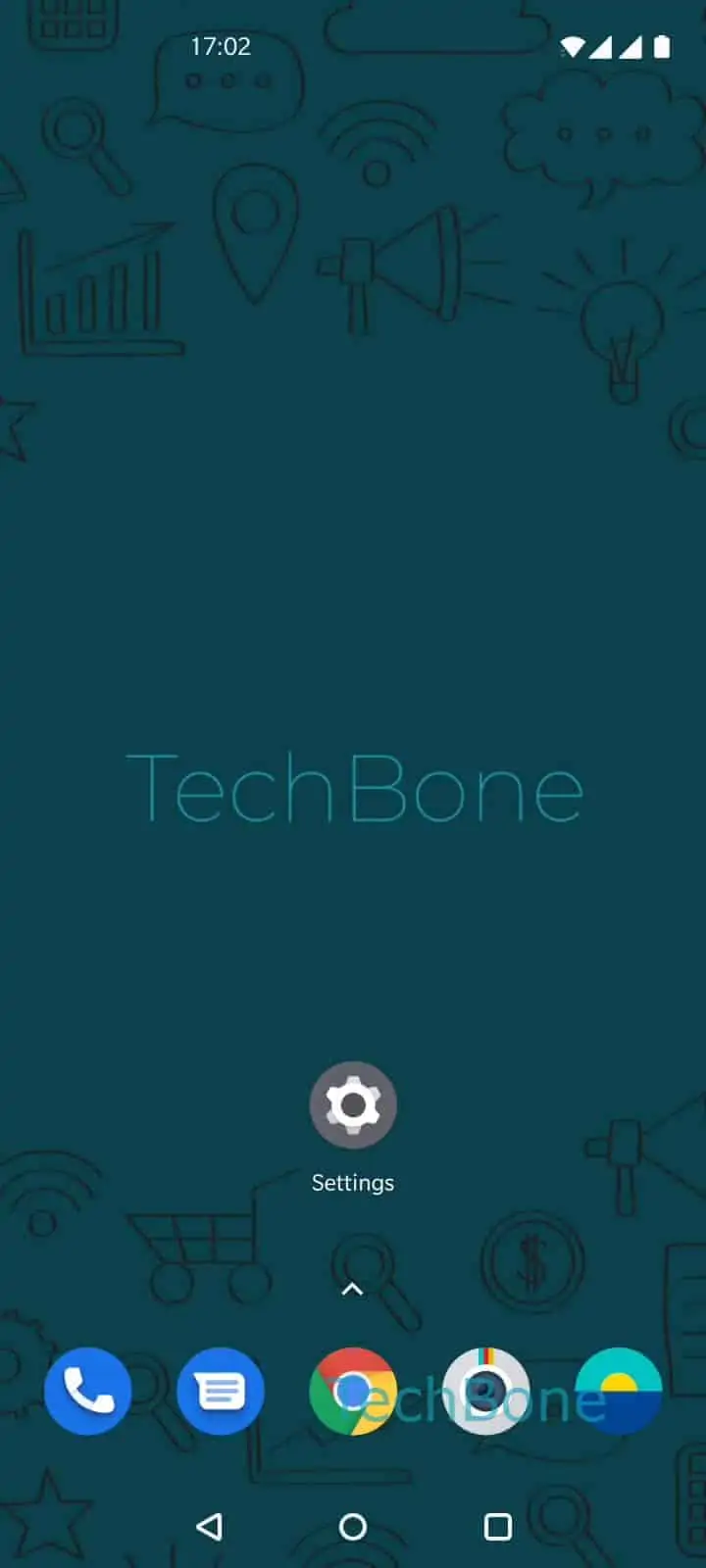
Step 1 of 6: Open the **Settings**

1

Open the Settings

Live simulator

Android 10 · Oxygenos 10
Set a Mobile Data Limit – Oxygenos 10: step 1 – Open the Settings
Open the Settings
1 / 6

Scroll or use the buttons for the next step

Feedback

Was the guide correct?

Help others: confirm the path or report a problem.

30

Confirmations

Forum verified this path

OnePlus

Set a Mobile Data Limit auf OnePlus

On OnePlus phones, mobile data does not stop by itself when you approach your monthly allowance. You have to enable Automatic Disconnection of Network Connections and define a fixed data limit that the system checks against your usage.

Once the limit is reached or exceeded, all mobile data connections are disconnected. They stay off until the billing cycle you configured resets, which is also when the counted usage returns to zero.

To set this up, go to SettingsWi-Fi & networkData usageBilling cycleData limit. Enter the amount of data you want to allow and confirm with OK.

This setting only affects mobile data. Wi-Fi connections keep working normally even after the limit shuts off cellular data.

Use this if you want a hard stop to avoid extra charges. If you only want a heads-up before running out, check whether your billing cycle settings also let you configure a separate warning value below the actual limit.

Frequently asked questions

Mobile data is disconnected system-wide on the device. It will not reconnect on its own until the billing cycle you set under Billing cycle resets.

Compatible devices

Tap your device — opens its hub with matching guides.