
Skip to content
TechBone
OnePlus

OnePlus: Set a Timer in the Clock App

If the countdown in your OnePlus Clock app keeps running past the time you wanted, or the alert sound never fires, the Timer tab often gets mixed up with the Stopwatch. Both live in the same app but use separate controls for starting, pausing, and resetting. Getting the hours, minutes, and seconds right the first time avoids missed alerts during cooking, workouts, or work breaks.

6 min7 steps
VersionAndroid 10 · Oxygenos 10

Step by step

1 / 7

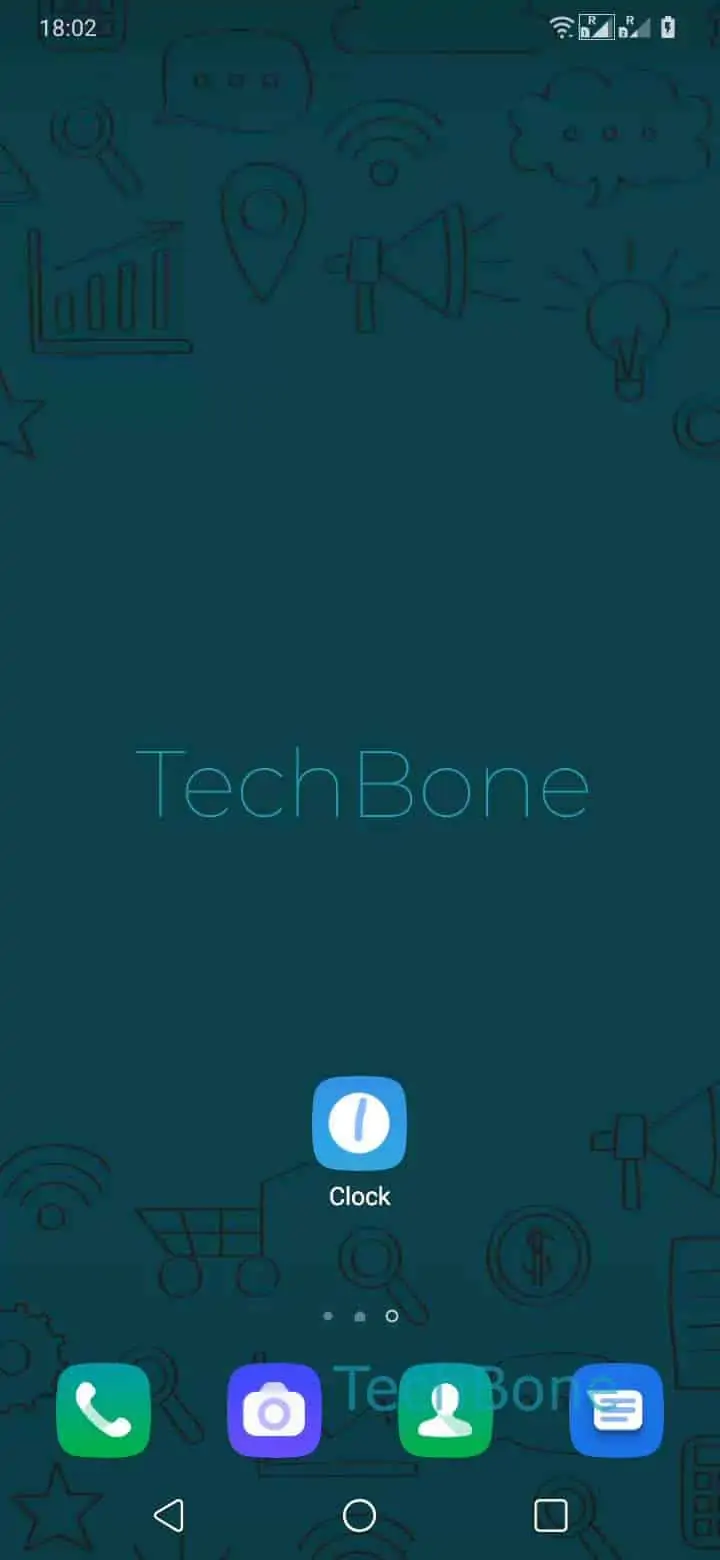
Step 1 of 7: Open the **Clock app**

1

Open the Clock app

Live simulator

Android 10 · Oxygenos 10
Set a Timer in the Clock App – Oxygenos 10: step 1 – Open the Clock app
Open the Clock app
1 / 7

Scroll or use the buttons for the next step

Feedback

Was the guide correct?

Help others: confirm the path or report a problem.

67

Confirmations

Forum verified this path

OnePlus

Set a Timer in the Clock App auf OnePlus

The Timer function inside the OnePlus Clock app runs a fixed countdown and plays an alert sound once the time hits zero, unlike the Stopwatch, which only counts upward and has no built-in alarm.

To set it, open Open the Clock app and tap on Tap on Timer. Scroll the wheels to pick Choose Hour / Minute / Second, then confirm with Set the timer.

Once the value is locked in, tap Tap on Start to begin the countdown. The timer keeps running in the background even if you switch apps or lock the screen, and the alert sound still fires when it reaches zero.

Need to interrupt it? Tap Tap on Pause to freeze the countdown without losing the remaining time. Resume whenever you are ready, or tap Tap on Reset/Delete to clear the value and start over with a fresh time.

If the timer sound never plays, check that media volume is not muted. The timer alert usually follows the media or alarm channel rather than the ringtone volume.

Frequently asked questions

The Clock app supports only one active countdown per session. Starting a new one with Tap on Start replaces the timer that is already running.

Compatible devices

Tap your device — opens its hub with matching guides.