Skip to content
TechBone
OnePlus

OnePlus: Share Internet Access via Bluetooth Tethering

If a paired laptop, tablet or second phone cannot get online through your OnePlus, the Bluetooth connection itself is often fine but data sharing is switched off. Bluetooth pairing alone does not grant internet access, that permission has to be enabled separately for each paired device. Without it, the linked gadget stays connected but offline.

4 min5 steps
VersionAndroid 10 · Oxygenos 10

Step by step

1 / 5

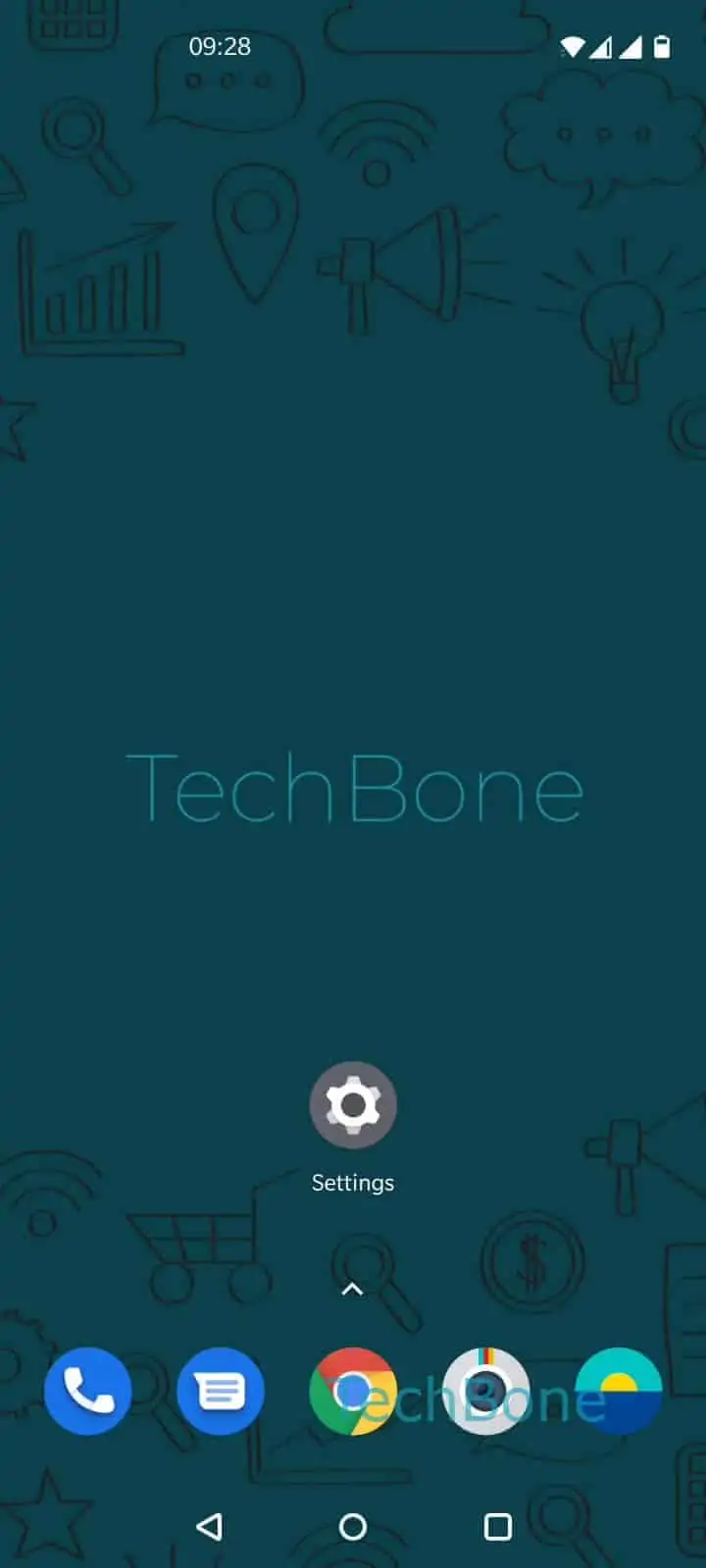
Step 1 of 5: Open the **Settings**

1

Open the Settings

Live simulator

Android 10 · Oxygenos 10
Share Internet Access via Bluetooth – Oxygenos 10: step 1 – Open the Settings
Open the Settings
1 / 5

Scroll or use the buttons for the next step

Feedback

Was the guide correct?

Help others: confirm the path or report a problem.

23

Confirmations

Forum verified this path

OnePlus

Share Internet Access via Bluetooth auf OnePlus

Bluetooth tethering lets a OnePlus phone share its mobile data or Wi-Fi connection with an already paired device. Pairing two devices over Bluetooth only creates a data link, it does not automatically allow internet sharing. That permission sits in a separate toggle for each paired device.

If a paired laptop or tablet shows a Bluetooth connection but no internet, this toggle is usually off. Enabling it lets the paired device route its traffic through your phone's connection.

Menu path

Open Open the SettingsTap on Bluetooth & device connectionTap on BluetoothOpen the device's settingsEnable or disable Internet access.

Once enabled, the paired device pulls data through your phone in the background, similar to a low-speed hotspot connection. This is useful for older laptops without Wi-Fi hotspot support or when Wi-Fi tethering drains the battery too fast.

Bluetooth tethering transfers data slower than Wi-Fi hotspot or USB tethering, so it fits light browsing or messaging rather than streaming or large downloads. If speed matters more than battery life, a Wi-Fi hotspot is the better option.

Frequently asked questions

A Bluetooth link alone does not include internet access. You still need to open Open the SettingsTap on Bluetooth & device connectionTap on BluetoothOpen the device's settings and turn on Enable or disable Internet access for that specific device.

Compatible devices

Tap your device — opens its hub with matching guides.