Skip to content
TechBone
OnePlus

OnePlus: Enable or Disable Emoji Suggestions in Gboard

If Gboard keeps popping up an emoji next to a word while you type on your OnePlus, the emoji suggestion feature is active. Some people find this handy, others just want a clean suggestion bar without extra icons. The setting sits inside the keyboard text correction options, not the main keyboard layout menu.

6 min7 steps
VersionAndroid 10 · Oxygenos 10

Step by step

1 / 7

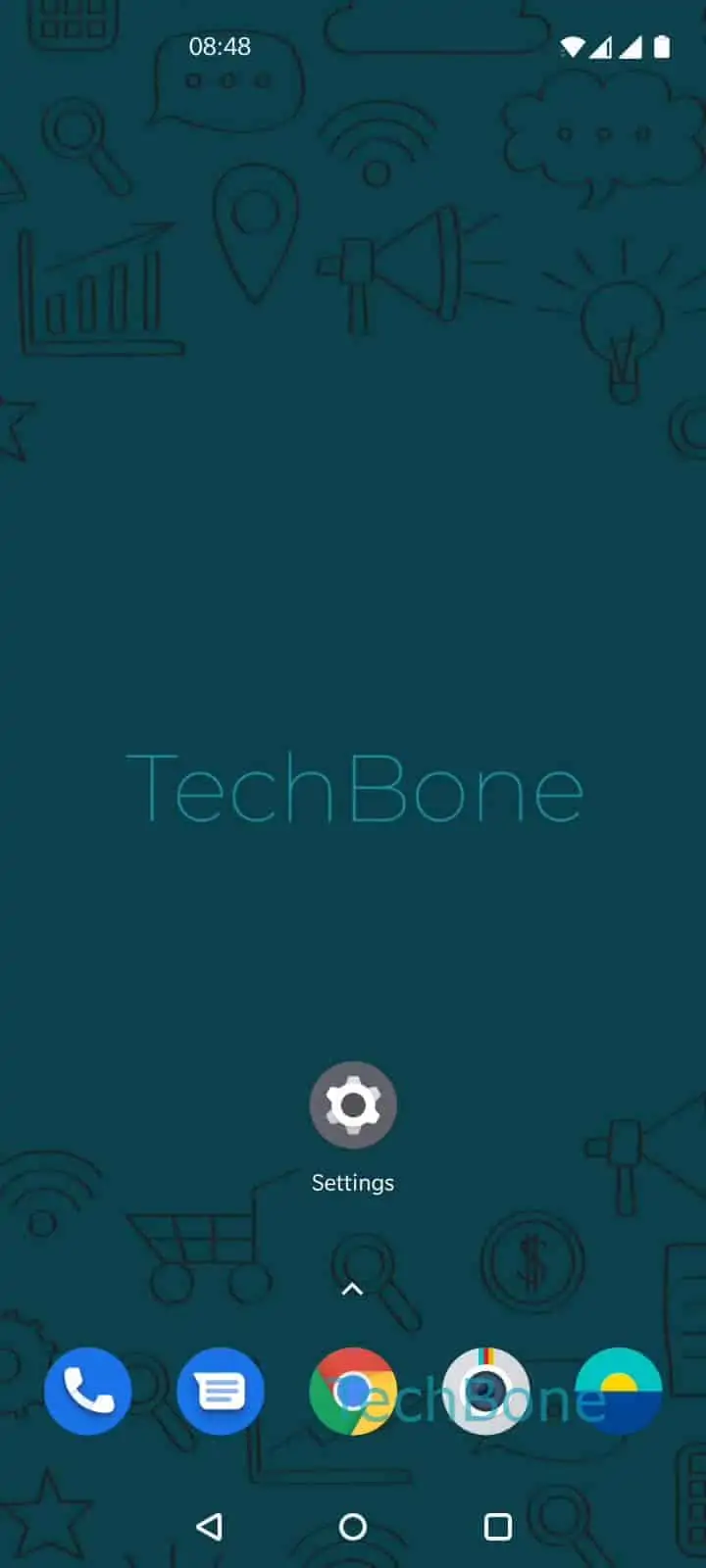
Step 1 of 7: Open the **Settings**

1

Open the Settings

Live simulator

Android 10 · Oxygenos 10
Enable or Disable Emoji Suggestions – Oxygenos 10: step 1 – Open the Settings
Open the Settings
1 / 7

Scroll or use the buttons for the next step

Feedback

Was the guide correct?

Help others: confirm the path or report a problem.

30

Confirmations

Forum verified this path

OnePlus

Enable or Disable Emoji Suggestions auf OnePlus

Gboard on OnePlus phones compares the words you type against a built-in emoji dictionary. When it finds a match, it places a matching emoji right in the suggestion row above the keyboard. Tapping that suggestion inserts the emoji directly into your text, the same way a word suggestion works.

This behavior is controlled by a dedicated toggle inside the keyboard's text correction settings, separate from autocorrect or predictive text. Disabling it stops Gboard from offering emoji matches, but word suggestions and autocorrect keep working as before.

To change the setting, go to Open the SettingsTap on SystemTap on Languages & inputTap on Virtual keyboardTap on GboardTap on Text correctionEnable or disable Show emoji suggestions.

If you rely on emojis a lot while messaging, keep the toggle on for faster typing. If the suggestion row feels cluttered or you prefer typing emojis manually through the emoji keyboard, switching it off keeps the row focused on text predictions only.

Frequently asked questions

Gboard only shows an emoji suggestion when it recognizes a strong match for the word you just typed. Uncommon words, typos, or languages with limited emoji mapping in Text correction won't trigger a suggestion.

Compatible devices

Tap your device — opens its hub with matching guides.