
OnePlus
Show or Hide the Front Camera Notch auf OnePlus
The front camera cutout on OnePlus phones sits either centered or on the left, depending on the model. Some apps are not optimized for this cutout and leave the area around it black instead of extending their content into it.
OnePlus lets you control how the system treats this area. You can force the status bar and notch to blend into a black bar, which hides the cutout visually in most apps. You can also let apps use the full screen, which shows the cutout as part of the display.
This setting lives in the display options, not inside individual apps. Changing it applies system-wide, so every app that supports full-screen content is affected at once.
Where to change it
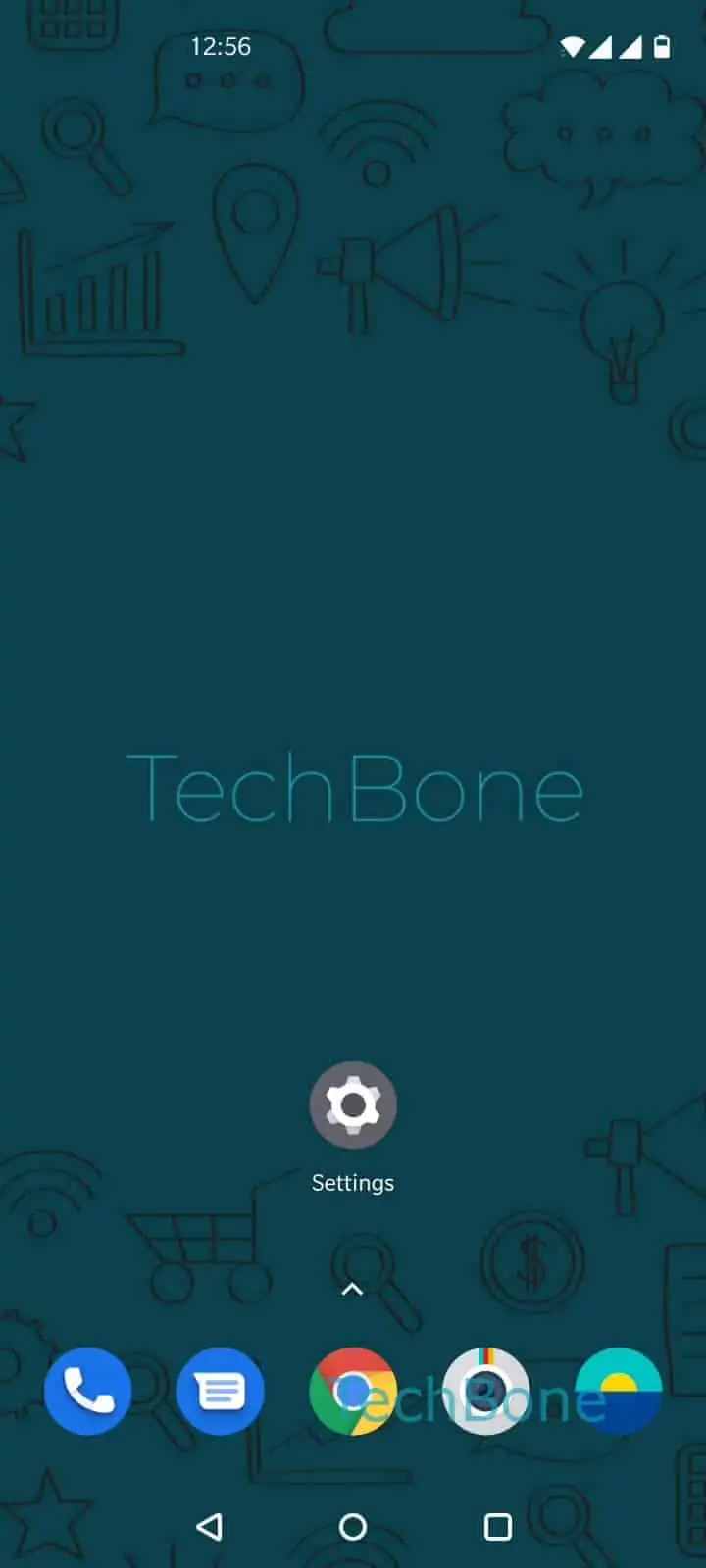
Go to Open the Settings ➔ Tap on Display ➔ Tap on Advanced ➔ Tap on Front camera display area ➔ Choose Show or Hide the front camera.
Pick Hide the front camera if you want a clean black bar covering the cutout area in supported apps. Pick Show the front camera if you prefer apps to use the full display height, even if that means the cutout overlaps some content.
If videos still show a black bar after switching this setting, the app itself may not support full-screen rendering yet. In that case, changing this option will not help, and you need to check the app's own display or video settings instead.