
Skip to content
TechBone
OnePlus

OnePlus: Turn SMS Delivery Reports On or Off

When you send a text message, you often have no way of knowing whether it actually landed on the recipient's phone. On OnePlus phones, a hidden setting can request a delivery report from your carrier for every SMS you send. If that option is turned off, or you are not sure which SIM it applies to on a dual SIM device, you will keep sending messages blind.

4 min5 steps
VersionAndroid 10 · Oxygenos 10

Step by step

1 / 5

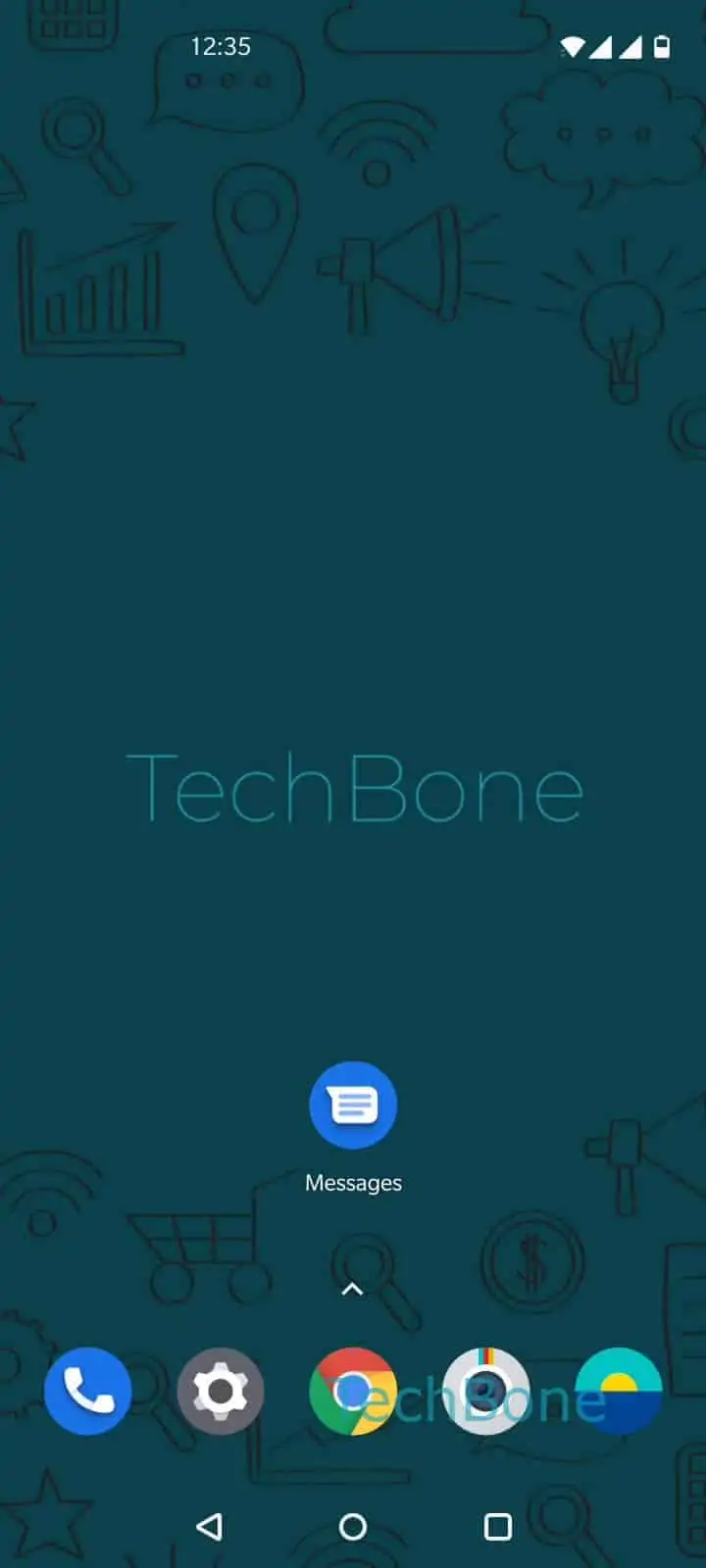
Step 1 of 5: Open the **Messages app**

1

Open the Messages app

Live simulator

Android 10 · Oxygenos 10
SMS Delivery Reports: Enable or Disable – Oxygenos 10: step 1 – Open the Messages app
Open the Messages app
1 / 5

Scroll or use the buttons for the next step

Feedback

Was the guide correct?

Help others: confirm the path or report a problem.

21

Confirmations

Forum verified this path

OnePlus

SMS Delivery Reports: Enable or Disable auf OnePlus

SMS delivery reports let your carrier confirm that a text you sent was received by the other phone. On OnePlus phones running OxygenOS, this confirmation is a network feature, not something the app calculates on its own. If the carrier does not support it, turning the setting on will not produce any report, no matter how the option is configured.

You manage this per SIM card, which matters if your OnePlus phone runs two SIM cards at once. Each SIM can have its own carrier and its own delivery report behavior, so enabling it on one line does not automatically enable it on the other.

To change it, open Open the Messages appOpen the menuOpen the SettingsChoose a SIM card (Dual SIM)Enable or disable Get SMS delivery reports. Repeat the same steps for the second SIM if you use dual SIM and want reports on both lines.

If reports never show up after enabling this, the issue usually sits with the carrier rather than the phone. Some providers only support delivery reports for SMS sent within their own network, not across networks.

Frequently asked questions

Delivery reports depend on network support from your carrier. If your provider does not offer this service, or the recipient is on a network that does not forward the confirmation, no report will appear even with Get SMS delivery reports turned on.

Compatible devices

Tap your device — opens its hub with matching guides.