
OnePlus
Stopwatch: Start, Pause and Lap Timer auf OnePlus
The stopwatch on OnePlus phones lives inside the Clock app, next to the alarm and timer tools. It only accepts input in a fixed sequence: you have to start it before a lap or pause action becomes available, and you can only reset it once it is paused.
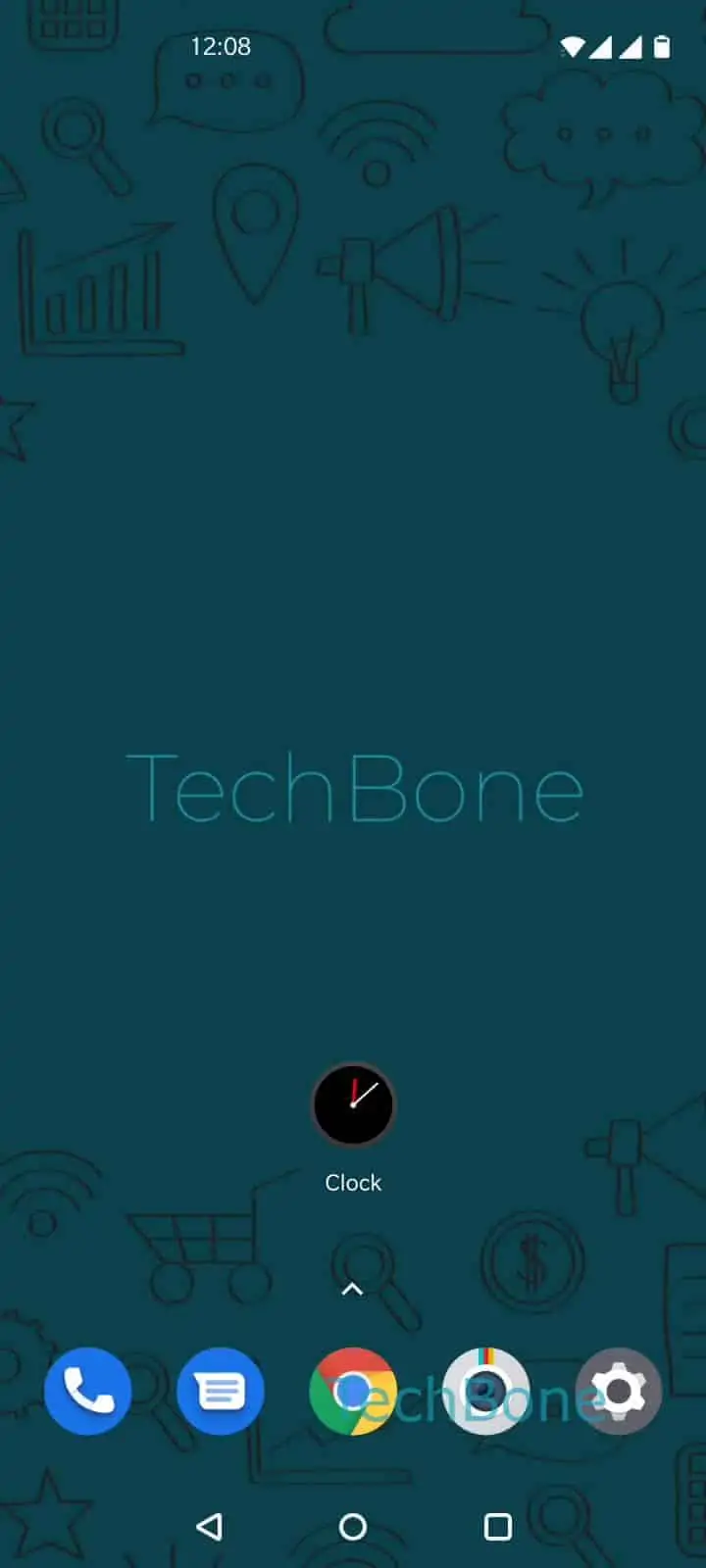
To use it, follow this path: Open the Clock app ➔ Tap on Stopwatch ➔ Tap on Start ➔ Tap on Lap timer ➔ Tap on Pause ➔ Tap on Reset.
Tapping Tap on Lap timer while the stopwatch is running logs the current split without stopping the count. You can repeat this as many times as needed to compare intervals later. Tap on Pause freezes the display so you can read the exact time, and the stopwatch resumes from that point if you tap Start again instead of Reset.
Tap on Reset only appears once the stopwatch is paused, and it clears both the running time and the recorded laps. If you only need a single countdown instead of manual lap tracking, the Timer tab next to Stopwatch is the better tool, since it counts down automatically and does not require lap taps.