Skip to content
TechBone
OnePlus

OnePlus: Switch Between User Accounts

If several people share the same OnePlus phone, jumping into full system settings just to swap accounts feels slow. Each user profile keeps its own apps, wallpaper and data separate, so picking the wrong one mid-task can mean losing your open apps or notifications. The switch actually lives in the quick settings, not buried in a settings menu.

3 min3 steps
VersionAndroid 10 · Oxygenos 10

Step by step

1 / 3

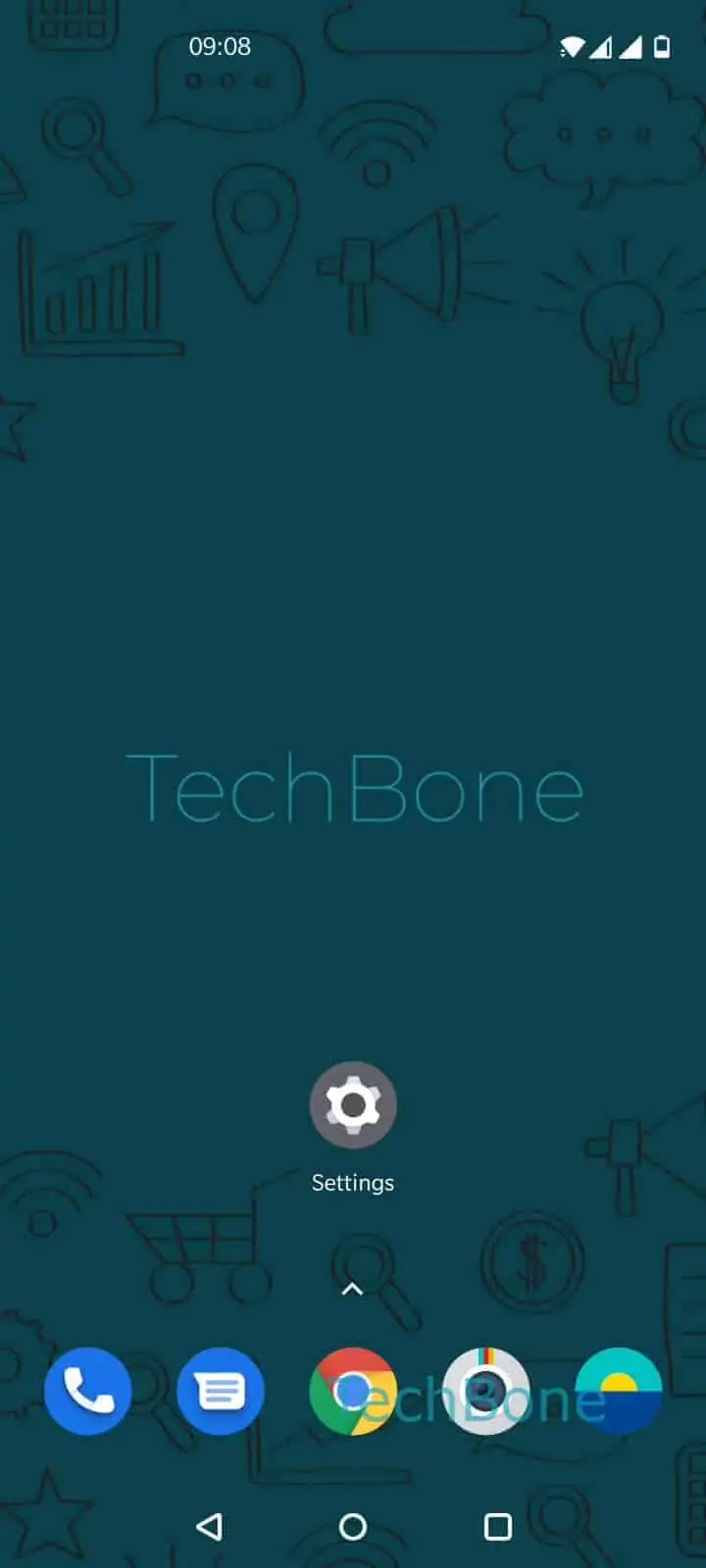
Step 1 of 3: Swipe with **two fingers** to open the quick settings

1

Swipe with two fingers to open the quick settings

Live simulator

Android 10 · Oxygenos 10
Switch Between User Accounts – Oxygenos 10: step 1 – Swipe with two fingers to open the quick settings
Swipe with two fingers to open the quick settings
1 / 3

Scroll or use the buttons for the next step

Feedback

Was the guide correct?

Help others: confirm the path or report a problem.

70

Confirmations

Forum verified this path

OnePlus

Switch Between User Accounts auf OnePlus

OnePlus keeps account switching out of the deep system settings on purpose. Since every user profile has its own home screen, apps and storage, the option sits in the quick settings panel for faster access during everyday use.

To change the active profile, open the shortcut menu first: Swipe with two fingers to open the quick settingsTap on UserChoose an user account. The list shows every configured user plus a guest option if one exists.

Switching accounts logs out the current session immediately. Open apps close, running downloads pause, and notifications tied to the previous profile stop showing until you switch back. This is expected behavior, not a bug.

Use this quick toggle for day-to-day switching between family members or a guest session. Reach for the full system settings instead when you need to create a new user, rename a profile, or delete one entirely, since those management options are not available from the quick settings shortcut.

When the User option is missing

If no user icon appears in the quick settings, multi-user support may be turned off at the system level, or the panel needs a second swipe to reveal the full row of icons.

Frequently asked questions

Each profile runs its own session. Switching to another User account ends the active session, so open apps and unsaved work in the previous profile close automatically.

Compatible devices

Tap your device — opens its hub with matching guides.