Skip to content
TechBone
OnePlus

OnePlus: Change App Icon Shape with Icon Packs

If every app icon on your OnePlus home screen still looks like a plain square or circle, the icon shape setting is likely still on the default option. Switching between the pre-installed icon packs or a downloaded one changes the outline of every app symbol at once, but the option is easy to miss inside the home screen settings. Some downloaded packs also only apply partially if a step gets skipped.

4 min5 steps
VersionAndroid 10 · Oxygenos 10

Step by step

1 / 5

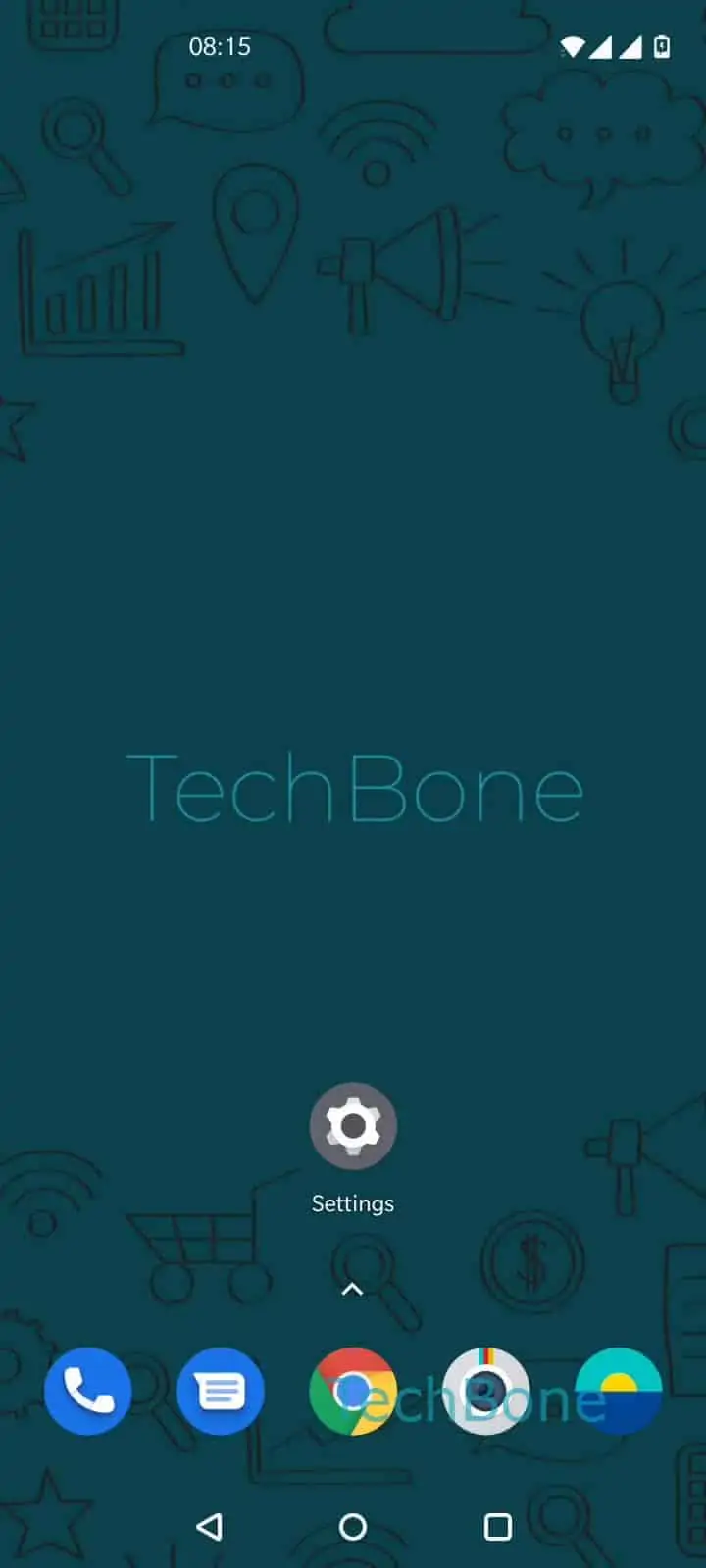
Step 1 of 5: Tap and hold a **free area** on home screen

1

Tap and hold a free area on home screen

Live simulator

Android 10 · Oxygenos 10
Change App Icon Shape and Style – Oxygenos 10: step 1 – Tap and hold a free area on home screen
Tap and hold a free area on home screen
1 / 5

Scroll or use the buttons for the next step

Feedback

Was the guide correct?

Help others: confirm the path or report a problem.

71

Confirmations

Forum verified this path

OnePlus

Change App Icon Shape and Style auf OnePlus

OnePlus lets you swap the shape of every app icon at once through the home screen settings, without touching individual apps. This is handled by the Icon pack option, which applies a uniform contour style (square, circle, teardrop, and others depending on the installed pack) across all app symbols on the home screen and app drawer.

To change it, tap and hold a free area on the home screen, then follow this path:

Tap and hold a free area on home screenTap on Home settingsTap on Icon packChoose an Icon packTap on Save

The pre-installed Oxygen and Hydrogen icon packs are always available here without any download. If you want a different shape, additional icon packs can be fetched directly from the same screen before you pick one and save it.

If icons still look unchanged after saving, the home screen may need a manual refresh or a short delay before the new contour is applied everywhere. If only some app icons stay square while others change shape, that specific app usually ships with a fixed icon that ignores third-party icon packs, and no setting in the Icon pack menu will override it.

Frequently asked questions

Some apps ship with a fixed icon that ignores the system-wide contour and will not follow the icon pack you picked in Home settingsIcon pack. This is controlled by the app itself, not by OnePlus.

Compatible devices

Tap your device — opens its hub with matching guides.