Skip to content
TechBone
OnePlus

OnePlus: Turn Off Wi-Fi Hotspot Automatically When Idle

If your OnePlus hotspot stays on for hours after everyone has disconnected, it keeps draining battery for no reason. This happens when the automatic shutoff for the Wi-Fi hotspot has been switched off or was never turned on. The setting only kicks in once no device has been connected for a few minutes.

4 min5 steps
VersionAndroid 10 · Oxygenos 10

Step by step

1 / 5

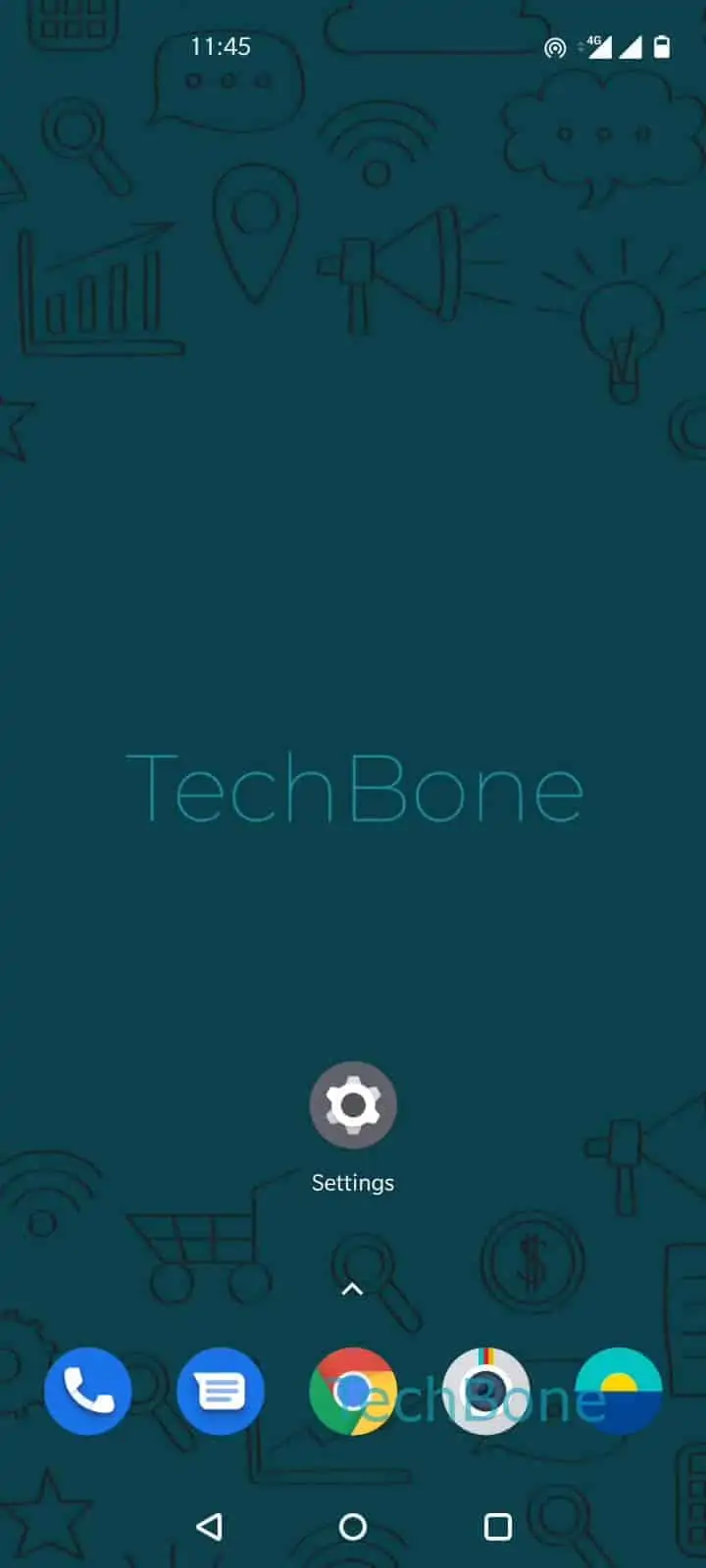
Step 1 of 5: Open the **Settings**

1

Open the Settings

Live simulator

Android 10 · Oxygenos 10
Turn Off Wi-Fi Hotspot Automatically – Oxygenos 10: step 1 – Open the Settings
Open the Settings
1 / 5

Scroll or use the buttons for the next step

Feedback

Was the guide correct?

Help others: confirm the path or report a problem.

94

Confirmations

Forum verified this path

OnePlus

Turn Off Wi-Fi Hotspot Automatically auf OnePlus

A OnePlus hotspot that keeps running after every connected device has left the network usually means the automatic shutoff feature is disabled. This function is built to save battery by switching off the personal hotspot once no laptop, tablet or phone has been connected for about five minutes.

The timer only starts counting once the hotspot is completely empty. As soon as a device reconnects, the countdown resets, so the setting will never interrupt an active session.

Where to enable it

Open Open the SettingsTap on Wi-Fi & networkTap on Hotspot & tetheringTap on Wi-Fi hotspotEnable or disable Turn off hotspot automatically.

Turning this on is the right move if you mainly use the hotspot for short, occasional connections and want to avoid extra battery drain in the background. If you rely on the hotspot for long, unattended data transfers or IoT devices that reconnect infrequently, leave it switched off instead, since the shutoff could cut the connection before the next device checks in.

Check the setting again after a system update, since some updates reset network-related toggles to their defaults.

Frequently asked questions

The shutoff only activates when the hotspot network is completely empty. If it turns off while a device seems connected, check whether that device actually dropped the Wi-Fi link in the background, since the timer resets only when a device is actively joined.

Compatible devices

Tap your device — opens its hub with matching guides.