Skip to content
TechBone
OnePlus

OnePlus: How to Turn Off Your Phone Completely

If calls and messages still come through on your OnePlus phone even after you enable Do Not Disturb or a rest mode, that is because these modes only silence alerts instead of shutting the device down. Many users assume Do Not Disturb or the concentration mode switches the phone off, but calls, background apps and the network connection keep running underneath. To stop calls and messages completely, the phone needs a proper shutdown, not just a quiet mode.

2 min2 steps
VersionAndroid 10 · Oxygenos 10

Step by step

1 / 2

Step 1 of 2: Press and hold the **power button**

1

Press and hold the power button

Live simulator

Android 10 · Oxygenos 10
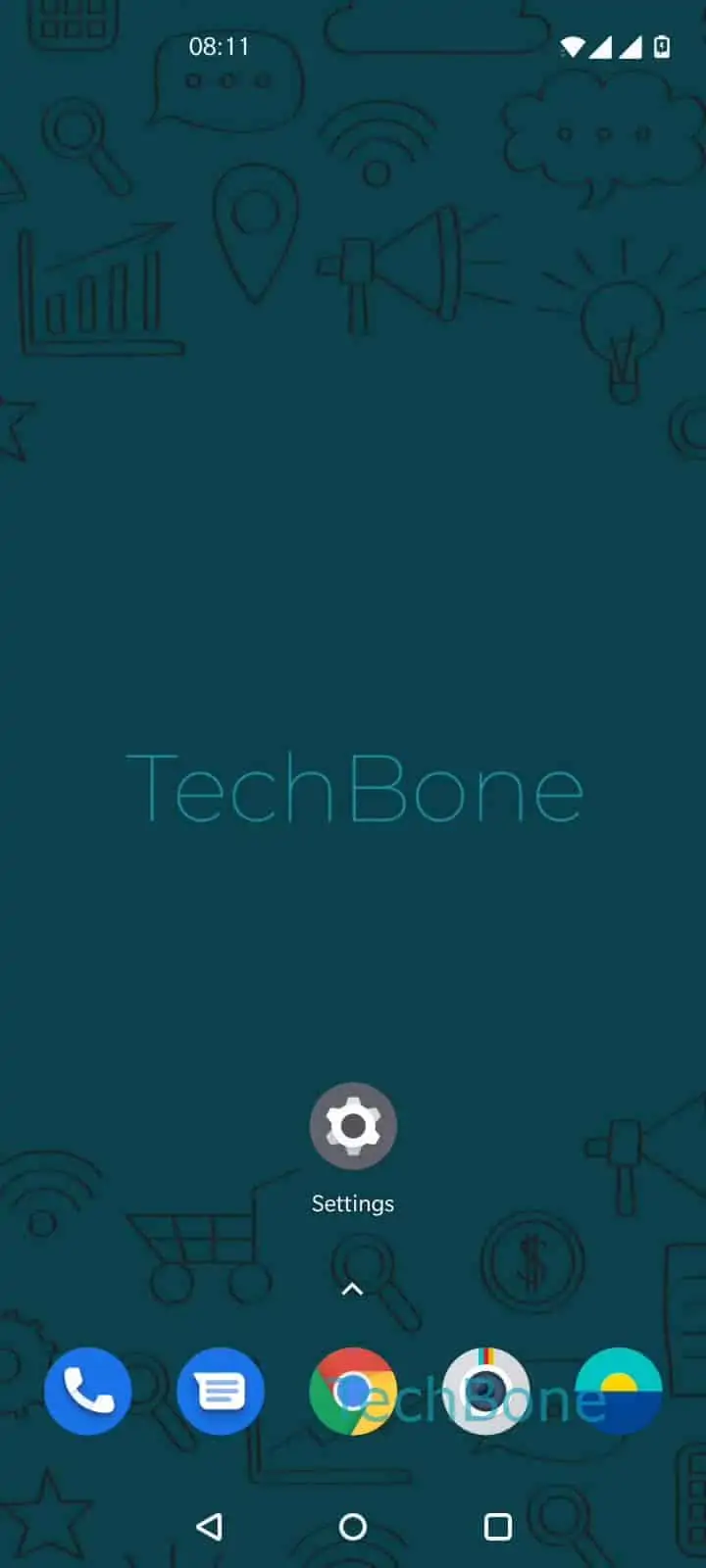
Turn Off the Phone Completely – Oxygenos 10: step 1 – Press and hold the power button
Press and hold the power button
1 / 2

Scroll or use the buttons for the next step

Feedback

Was the guide correct?

Help others: confirm the path or report a problem.

26

Confirmations

Forum verified this path

OnePlus

Turn Off the Phone Completely auf OnePlus

Do Not Disturb, the concentration mode and similar rest profiles only mute notifications and calls. They do not stop calls and messages from arriving; the phone still connects to the network, stays reachable for allowed contacts, and keeps background apps running.

To stop the phone from receiving calls or messages entirely, you need to power it down. Press and hold the power button ➔ Tap on Power off. The power menu appears within a second, and confirming Power off cuts all radio connections, closes running apps and stops every notification sound.

A full shutdown makes sense when you need complete silence, want to save battery over a longer stretch, or are troubleshooting a frozen device. It is the wrong choice if you only want quiet hours, since a phone that is off will not deliver time-sensitive alerts, third-party alarms or emergency broadcasts until you switch it back on.

Once the phone is off, you miss every call and message until you turn it on again. Do Not Disturb, by comparison, still lets urgent notifications through if you set exceptions, which makes it the better fit for short breaks rather than a full restart.

Frequently asked questions

No. Your Do Not Disturb schedules and exceptions stay saved and apply again automatically once you power the phone back on.

Compatible devices

Tap your device — opens its hub with matching guides.