
Skip to content
TechBone
OnePlus

OnePlus: Enable or Disable USB OTG Storage

When a USB flash drive, mouse, or keyboard connected to your OnePlus phone via USB-C is not detected, USB OTG support is usually switched off in the system settings. Without this option enabled, the phone will not exchange data with external USB accessories even if the hardware itself supports OTG. Leaving OTG active also has a small effect on battery drain when accessories stay plugged in for long periods.

3 min3 steps
VersionAndroid 10 · Oxygenos 10

Step by step

1 / 3

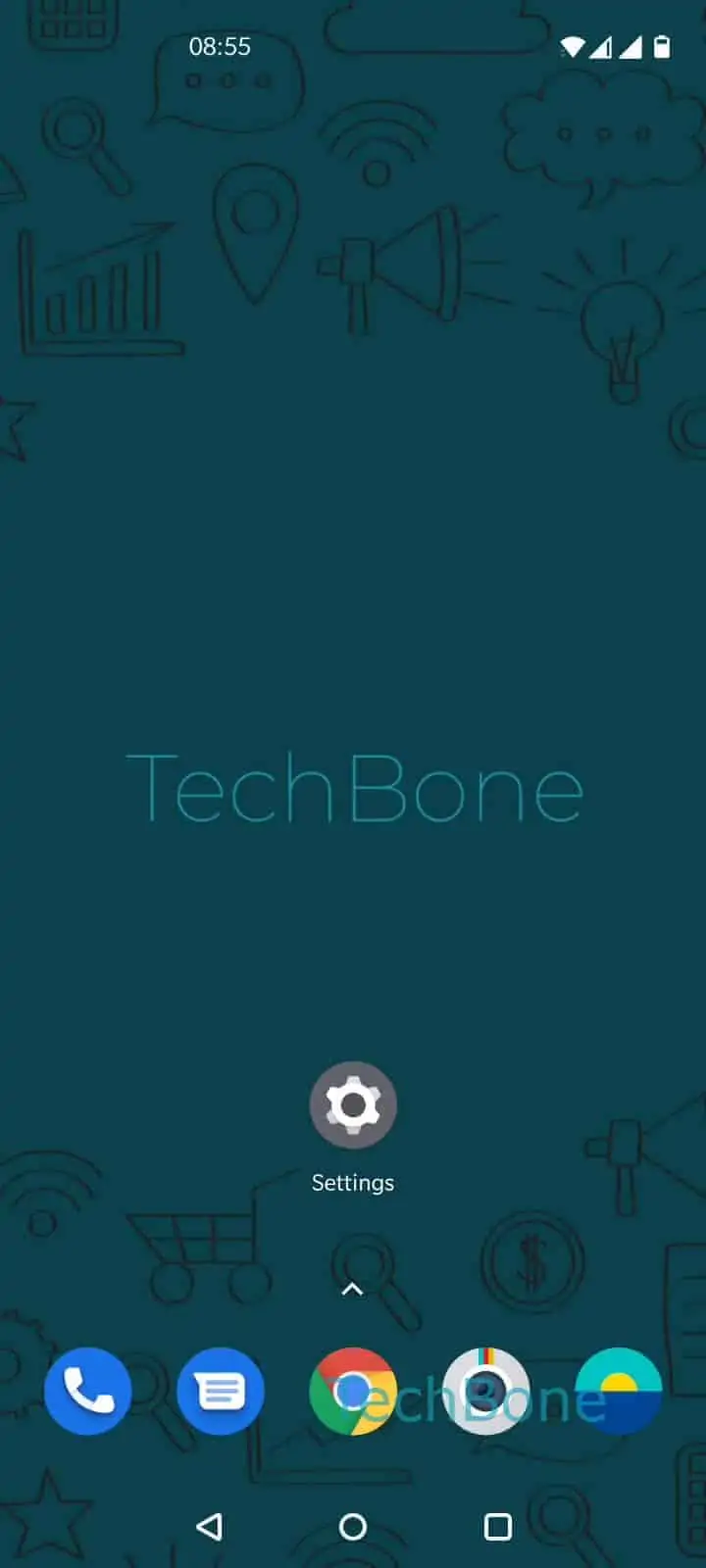
Step 1 of 3: Open the **Settings**

1

Open the Settings

Live simulator

Android 10 · Oxygenos 10
Enable or Disable USB OTG – Oxygenos 10: step 1 – Open the Settings
Open the Settings
1 / 3

Scroll or use the buttons for the next step

Feedback

Was the guide correct?

Help others: confirm the path or report a problem.

86

Confirmations

Forum verified this path

OnePlus

Enable or Disable USB OTG auf OnePlus

USB On-The-Go, or OTG, lets a OnePlus phone act as a host for external USB devices connected through the USB-C port. Depending on the model, this covers USB flash drives used as extended storage, as well as mice, keyboards, or card readers.

If OTG is switched off, the phone simply ignores any device plugged into the USB-C port. This is often the reason a flash drive shows no popup, or a keyboard fails to type anything, even though the cable and adapter are working fine on other devices.

On OnePlus phones running OxygenOS, the toggle sits in the system settings rather than in a quick-settings tile. Go to Open the SettingsTap on SystemEnable or disable OTG storage and switch the option on or off.

Turning OTG on does not noticeably affect standby battery life, since the phone only powers the USB-C data lines when a compatible device is actually attached. If a connected accessory still is not recognized after enabling OTG, the cable or adapter itself is the more likely cause, since not every USB-C cable carries the OTG signal lines needed for host mode.

Frequently asked questions

If OTG storage is turned off under Open the SettingsTap on SystemEnable or disable OTG storage, the phone does not react to the drive at all. Enable the toggle and reconnect the drive to trigger the storage popup.

Compatible devices

Tap your device — opens its hub with matching guides.