Skip to content
TechBone
OnePlus

OnePlus: Turn USB Tethering On or Off

If your laptop or PC shows no internet connection after plugging in the USB cable, USB tethering on your OnePlus is probably still switched off or fighting with another active connection. Some OxygenOS versions also pop up a prompt asking which network connection to share, and picking the wrong one leaves the computer offline. This is different from a broken cable or driver issue, since the phone controls the tethering toggle itself.

3 min4 steps
VersionAndroid 10 · Oxygenos 10

Step by step

1 / 4

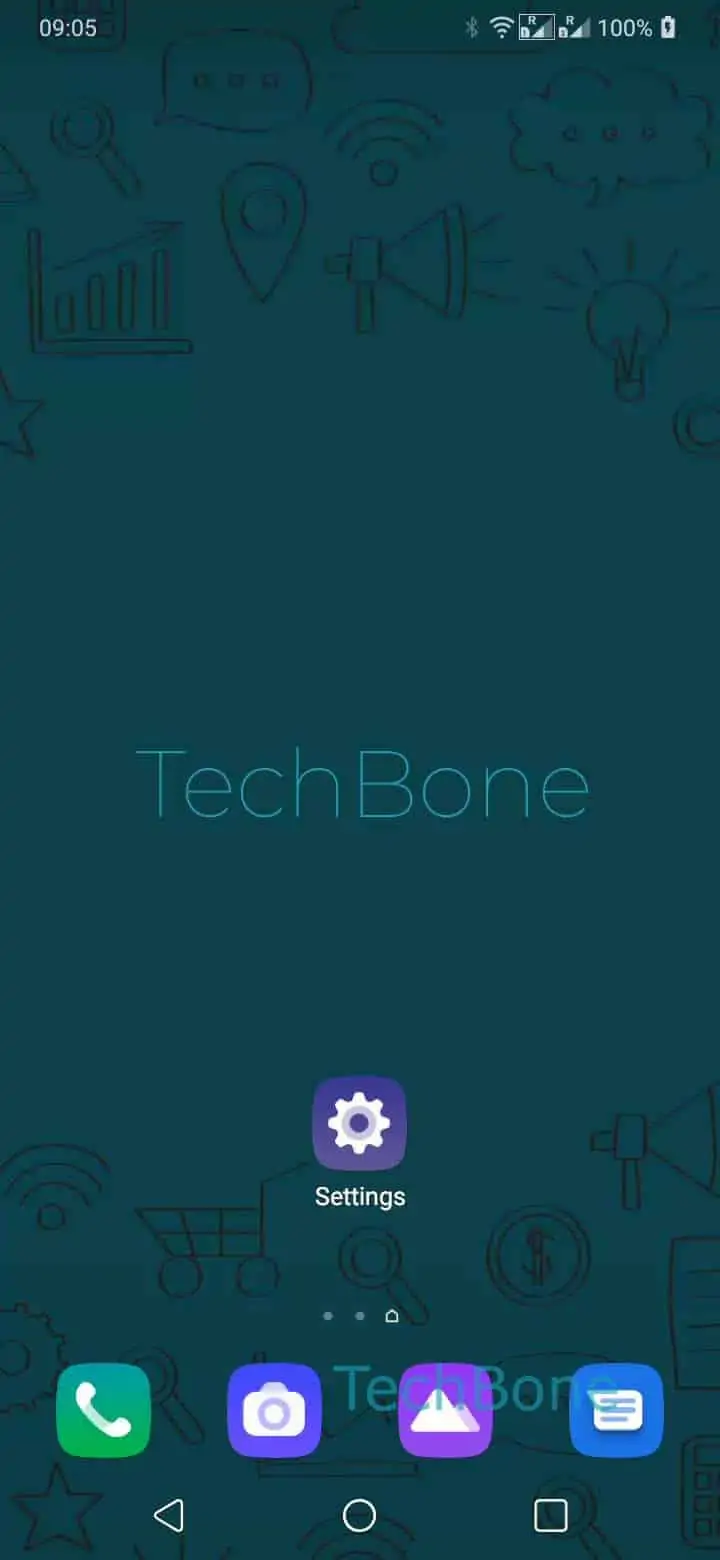
Step 1 of 4: Open the **Settings**

1

Open the Settings

Live simulator

Android 10 · Oxygenos 10
Enable or Disable USB Tethering – Oxygenos 10: step 1 – Open the Settings
Open the Settings
1 / 4

Scroll or use the buttons for the next step

Feedback

Was the guide correct?

Help others: confirm the path or report a problem.

95

Confirmations

Forum verified this path

OnePlus

Enable or Disable USB Tethering auf OnePlus

USB tethering shares your OnePlus phone's mobile data connection with a computer through the USB cable instead of Wi-Fi. The function sits inside the same menu as the mobile hotspot, so it can get switched off by accident when you toggle other sharing options.

When you connect the phone to a PC, OxygenOS sometimes shows a selection screen asking which network mode the USB connection should use. Choosing a mode other than tethering (like file transfer or charging only) stops the internet from being shared, even though the cable is connected correctly.

To enable or disable the function directly, open SettingsWi-Fi & networkHotspot & tethering ➔ enable or disable USB tethering.

Use USB tethering when Wi-Fi hotspot drains the battery too fast or when the receiving device has no wireless adapter. Keep in mind that tethered data still counts against your mobile data plan, and a low-quality or charge-only USB cable can prevent the connection from working at all.

Frequently asked questions

Check that the cable supports data transfer and not only charging, and confirm the toggle under SettingsWi-Fi & networkHotspot & tetheringUSB tethering is actually switched on after reconnecting the cable.

Compatible devices

Tap your device — opens its hub with matching guides.